
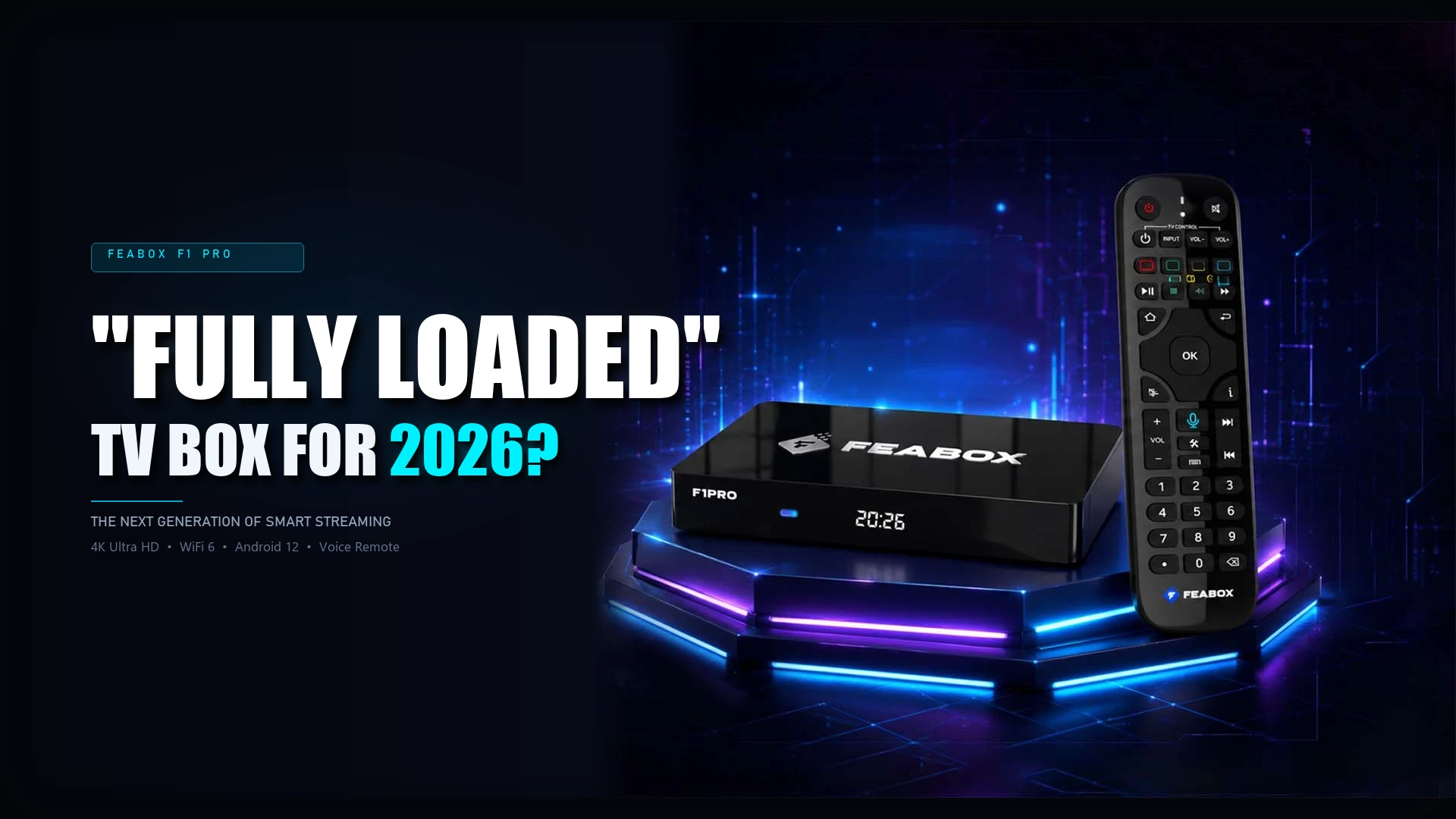

If you’re paying over $100 a month for cable or juggling multiple streaming subscriptions, there may be a simpler option: a fully loaded TV box. However, not all boxes offer the same hardware, performance, or streaming experience. For this reason, choosing the right one can make a noticeable difference in everyday use.
That’s why this fully loaded TV box comparison looks at popular options in 2026, including FeaBox. Instead, of focusing only on specifications, we’ll also compare interface smoothness, reliability, content flexibility, and overall value. As a result, you’ll have a clearer idea of what to look for before choosing a box.
What is a “Fully Loaded” TV Box?
Before we dig into the fully loaded TV box comparison, let’s clarify what these devices actually do. A fully loaded TV box is an Android-powered streaming device designed to access live TV channels, movies, and sports right out of the box. Unlike standard streaming sticks that require you to download and configure apps manually, these boxes come pre-configured with specialized apps and media players, cutting down on technical hassles.
Exploring your options should be simple and stress-free. The FeaBox homepage explains this well: the goal is to give you immediate access to entertainment without requiring technical hurdles or recurring subscriptions.
The Rising Cost of Cable vs. Alternative Streaming Hardware
Traditional television packages continue to eat into monthly household budgets. According to CableTV, the average cable bill in the US now hovers around $217 per month once you factor in fees, equipment rentals, and taxes. That’s over $2,600 per year just for TV. Meanwhile, a solid Android streaming box costs between $50 and $400 upfront, with no mandatory monthly subscriptions beyond the internet service you already pay for.
When you break down the math, switching to alternative streaming hardware pays for itself within a month or two. That’s why cord-cutting communities on Reddit and tech forums are buzzing about these devices. People want control over their content and their budgets.
“Fully Loaded” Content: TV, Movies & Channels
The term “fully loaded” refers to devices that come with specialized software interfaces designed to aggregate live TV, on-demand movies, and international channels in one place. Instead of hopping between apps or searching for add-ons, users get a unified guide that organizes programming by category, making it easy to find what they want quickly.

For families with international backgrounds, this is a game changer. Whether you’re looking for South Asian dramas, Latin American soccer, or European news, these boxes handle multicultural content smoothly. The FeaBox F1 Pro is built with this exact flexibility in mind, offering both local US channels and international programming without forcing you into rigid subscription tiers.
Side-by-Side Brand Comparison
Now let’s get into the actual fully loaded TV box comparison. Instead of breaking things down loosely by tier, here’s a direct side-by-side look at how FeaBox stacks up against the other major names cord-cutters keep asking about: SuperBox, vSeeBox, Colabox, Seekbox, and Digibox.
The specifications below compare the best-performing models currently available from each brand, which are also generally their latest models as of August 22, 2026.
| Spec | FeaBox F1 Max | SuperBox S7 Ultra | vSeeBox V6 Plus | Colabox L2 Plus | Seekbox 3 Pro | Digibox D6 Max |
| Number of Channels | 2,000+ | 2,000+ (core app); up to 10,000+ combined across Prime apps | 1,000+ to 2,000+ (varies by listing) | 3,500+ channels | Not publicly specified | 2,000–2,100+ channels |
| Processor | Quad-core ARM Cortex-A53 | Quad-core ARM Cortex-A53 | Quad-Core ARM Cortex-A55 | Quad-core 64-bit ARM Cortex-A55 | Quad-core (unspecified) | Quad-core ARM Cortex-A53 |
| GPU | Mali-G31 MP2 | Mali-G31 MP2 | — | Mali450 | — | Mali-G31 MP2 |
| OS | Android 12 | Android 12 | Android 14 | Android 14 | Android 11 | Android 12 |
| RAM | 4GB DDR4 | 4GB DDR4 | 4GB DDR4 | 4GB DDR | 4GB | 4GB |
| Storage | 64GB eMMC | 128GB eMMC | 64GB eMMC | 64GB eMMC | 64GB | 64GB |
| Video Decoding | H.265, 6K@60fps | H.265, 6K@60fps | 8K HDR output (?) | Up to 6K, HDR | 4K Ultra HD | 8K resolution decoding (?) |
| Wi-Fi | Dual-band Wi-Fi 6 | Dual-band Wi-Fi 6 | Wi-Fi 6 | Dual-band Wi-Fi 6 | Wi-Fi (gen unspecified) | Dual-band Wi-Fi 6 |
| Ethernet | 1000Mbps (Gigabit) | Gigabit LAN | Not confirmed on this tier | Gigabit Ethernet | Ethernet (unspecified speed) | Gigabit Ethernet |
| Bluetooth | 5.2 | 5.2 | Not listed | 5.0 | Bluetooth (unspecified) | 5.4 |
| Time Shift | 7-Day | 7-Day | Not confirmed on this tier | 7-Day | Not confirmed | 7-Day |
| Parental Control | Yes — PIN lock by channel | Yes — PIN lock by channel | Not confirmed on this tier | Not confirmed on this tier | Not confirmed | Not confirmed |
| Ports | HDMI, USB-C, USB 3.0, TF card, AV out, SPDIF, LAN | HDMI, USB-C, USB 3.0, TF card, AV out, SPDIF, LAN | HDMI, Gigabit LAN, USB | HDMI, 2x USB, Optical/SPDIF, AV out, TF card | HDMI 2.1, USB, WiFi, BT, Ethernet | HDMI, LAN, USB |
| Approx. Price | $329–$369 | ~$329–$449 | ~$389–$419 | ~$309 | Not clearly listed | Not clearly listed |
Across the board, hardware specs don’t vary much between these boxes. Most run the same chip class, RAM, and connectivity, so the difference in day-to-day performance is minor. FeaBox remains the cheapest option in this lineup at $329 to $369, undercutting every competitor here while still covering the core feature set most households actually use.
Where they actually diverge more is channel count: SuperBox leads with claims of up to 10,000+ channels when you count all its bundled apps, but in practice those extra “Prime” apps tend to be unofficial and less stable, so the more reliable figure is the 2,000+ channels available through its core app. Colabox follows with a claimed 3,500+ channels,while vSeeBox and Digibox hover around the 2,000-channel mark.
Which Fully Loaded TV Box Is Right?
The table above compares the key specs. However, numbers don’t tell the whole story. Next, we’ll look at user feedback and online discussions. In addition, we’ll see how these brands perform in everyday use.
SuperBox: Solid Performance, High Brand Premium
SuperBox is the most established name on this list, and for some buyers, that reputation alone is worth something. If you prefer a brand with years of experience and a larger user base, SuperBox offers that familiarity. Additionally, the S7 Ultra has 128GB of storage, giving it more space than many competing models.
Looking closely at component specifications reveals where your hard-earned money actually goes.
When you look at our feabox vs superbox comparison, both devices use similar quad-core architecture, 4GB of RAM, and Wi-Fi 6. However, SuperBox’s higher price doesn’t necessarily mean a noticeably faster daily streaming experience.
vSeeBox: The 8K marketing hype vs reality
vSeeBox’s 8K support looks like the standout spec on paper, but it’s worth questioning how much that actually matters in 2026. 8K content is still barely mainstream. There’s very little to actually watch in native 8K, and if 8K adoption had genuinely taken off, that would be a much bigger industry story than a single TV box’s spec sheet quietly mentioning it.
Listing “8K support” reads more like a marketing checkbox than a feature that changes the day-to-day experience for most households, since the overwhelming majority of people are still watching in 4K or lower. On top of that, vSeeBox isn’t budget-friendly either, priced around $389 to $419. That means you’re paying a premium for a spec that doesn’t translate into much real-world benefit right now.
FeaBox: The best bang for your buck
FeaBox delivers essentially the same experience as the premium options for noticeably less. At $329 to $369, it matches SuperBox’s flagship on the specs people actually rely on daily: the same chip class, the same RAM, the same 6K@60fps decoding, the same Wi-Fi 6 and Gigabit Ethernet. It also comes with built-in parental controls and 7-day time shift, features that aren’t guaranteed across every box in this comparison.
Smart cord-cutters look for reliable hardware balance instead of paying extra for empty marketing hype.
Because it delivers smooth 6K decoding, 7-day time shift playback, and Gigabit Ethernet at a much fairer price point, FeaBox has quickly become a top-rated vseebox alternative for families wanting premium stability without the $400 markup.
Seekbox and Digibox: Low price, High reliability risk
Seekbox and Digibox are harder to assess with confidence. Both are missing specs that matter for everyday use, things like parental controls or a confirmed time-shift duration, from their official listings. That kind of detail usually only surfaces in hands-on reviews rather than manufacturer spec sheets, which makes it difficult to judge their real-world performance without more independent testing to fill in the gaps.
Key Factors to Consider Before Buying
When evaluating options in a fully loaded TV box comparison, look beyond marketing hype and focus on these concrete factors. They make the difference between smooth streaming and constant frustration.
Processing Speed, RAM, and 4K Streaming Stability
For 4K content or live sports, you need at least a quad-core processor and 4GB of RAM. Otherwise, performance may suffer, especially when multiple people are streaming at once.
Check online reviews for real-world performance feedback. Users on Reddit frequently mention that cheaper boxes advertise 4K support but lag or overheat under load. Devices backed by experienced teams, like FeaBox, invest in proper thermal management and processor optimization to prevent these issues.
User Interface and Ease of Navigation for the Whole Family
A powerful box is useless if your parents or grandparents can’t figure out how to use it. Look for interfaces that organize content clearly, with large icons, voice command support, and simple remote controls. The best boxes feel intuitive from the first minute, not after hours of fiddling with settings.
FeaBox specifically designed its interface for all ages, which is a huge plus if you have a mixed household. Younger users appreciate the responsiveness and customization options, while older family members love the straightforward guide and voice search functionality.
Customer Support, Reliability, and Long-Term Value
One of the biggest pain points cord-cutters mention is lack of reliable customer support. Buying a streaming box from a fly-by-night brand means you’re on your own if something goes wrong. Look for companies that offer clear warranty coverage, responsive support channels, and regular software updates.
Since FeaBox is built by a team with proven industry experience, they understand the importance of standing behind their products. Users get access to real support and can trust that the device will receive updates and improvements over time. That long-term value is what separates quality brands from disposable gadgets in this fully loaded TV box comparison.
The Verdict: Which Is the Best Option?
After breaking down the fully loaded TV box comparison across premium, value, and budget tiers, here’s my take: if you want proven reliability and polished software, premium brands like vSeeBox and SuperBox are solid choices, but you’ll pay for the name. If you’re on a tight budget, skip the cheap knockoffs entirely, they’re not worth the headaches.
The sweet spot in 2026 is FeaBox. You get premium-level performance, veteran-backed reliability, and pricing that respects your budget. Whether you’re streaming local US channels, international content, or live sports, the hardware handles it smoothly without forcing you into expensive subscription tiers.
For US and Canadian families ready to cut the cord and take control of their entertainment, FeaBox delivers exactly what you need: a dependable Android TV box that just works, backed by a team that understands what cord-cutters actually want. That’s why it wins this fully loaded TV box comparison for real-world value in 2026.
Frequently Asked Questions
Yes, the hardware itself is entirely legal to buy and own. Legality depends on the specific apps and content sources you access through the device, so users are generally advised to use them responsibly and understand local streaming laws.
They aggregate live TV channels, movies, and international programming into a single user-friendly interface, allowing you to cancel expensive cable subscriptions and monthly pay-per-channel packages.
Specialized boxes often feature stronger processors, more RAM, better port selections (like Ethernet ports), and tailored software interfaces designed specifically for heavy media consumption and international content.
Yes, most Android TV boxes support VPN apps, which some users install for added privacy or to access region-specific content. Check your device’s compatibility and choose a reputable VPN service.
First, use a stable internet connection of 25 Mbps or higher. Then, connect via Ethernet when possible, close background apps, and use a box with enough RAM and processing power.
FeaBox launched in 2026. However, it is backed by a team with years of experience in the streaming TV box industry.. This deep experience ensures product reliability, smart pricing, and long-term customer support.
You can purchase FeaBox devices directly from the FeaBox Store, where you’ll find full specs, pricing, and support information for all models.
Ready to cut the cord and take control of your streaming experience? Explore the FeaBox streaming box lineup today and see how industry-backed reliability meets real value for US and Canadian families who want more flexibility without the cable bill.

[…] applications. Likewise, newer wireless technology may matter if your home network supports it. A fully loaded TV box comparison can also be useful, but only if you look at what each device actually provides rather than simply […]
[…] readers comparing several devices before buying, fully loaded TV box comparison can help put FeaBox alongside other options and give you a wider view of what is […]
[…] storage, connectivity, software, and everyday usability can all affect the viewing experience. Our fully loaded TV box comparison guide breaks down these key factors to help you understand what to look for before choosing a […]
[…] If you want to understand the wider factors to consider when evaluating a fully loaded TV box, our fully loaded TV box comparison provides a broader overview of the features and capabilities worth checking before making a […]
[…] For a broader look at the features that matter when choosing a fully loaded TV box, see our fully loaded TV box comparison, which covers hardware, connectivity, and entertainment features in more […]
[…] files on the device. For a closer look at how these features compare across different devices, a fully loaded TV box comparison can also help put the F1 Max’s hardware and storage into […]
[…] If you want a broader guide to the features that matter when choosing a fully loaded TV box, our fully loaded TV box comparison covers hardware, connectivity, and entertainment features in more […]
[…] readers comparing different options beyond these two models, a fully loaded tv box comparison can also help put their features, storage, connectivity, and entertainment functions into a broader […]