

Cutting the cord in 2026 means ditching those crazy cable bills and taking control of what you actually watch. Paying $150 a month for channels you never watch is frustrating. Fortunately, modern Android streaming TV boxes have evolved significantly. They make it easy to stream live TV, movies, and international content without signing a cable contract. All you need is stable WiFi and a reliable device that won’t buffer during a cliffhanger.
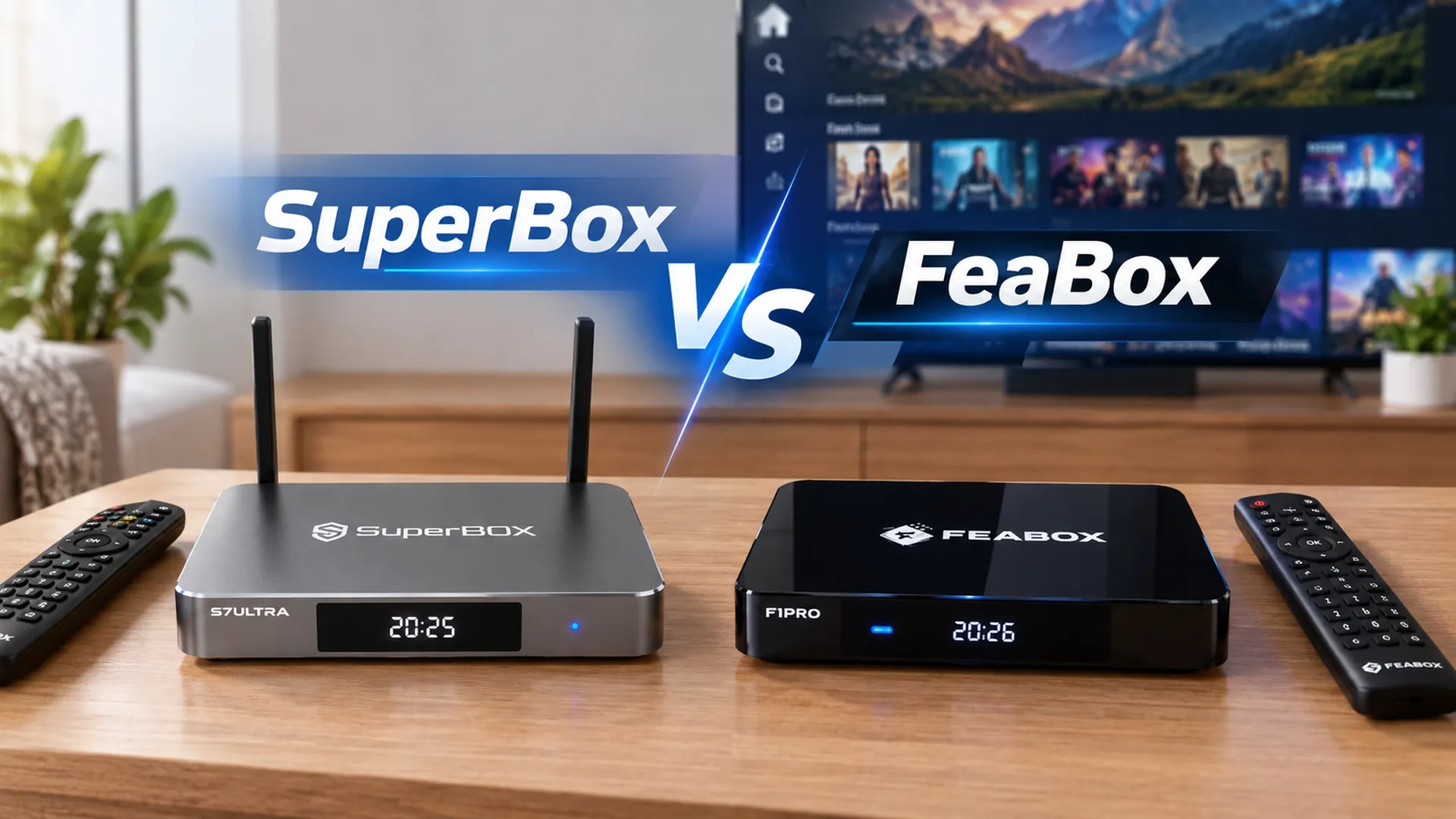
Two devices keep popping up in conversations around cord-cutting: SuperBox and FeaBox. Trying to choose between the Feabox vs SuperBox? It is a common dilemma for cord-cutters. Both devices promise access to massive content libraries without monthly subscription fees. However, differences in hardware performance, user experience, and long-term reliability can make or break your setup. This breakdown covers everything you need to know so you can finally tell your cable provider goodbye.
SuperBox: The established standard
SuperBox is one of the older names in the Android TV box space. It has been around for several years, earning a solid reputation among cord-cutters. It provides a straightforward option for streaming content without a complicated setup. Running on Android, the device grants access to a wide range of third-party streaming apps. This allows you to watch live television, movies, and shows from across the globe with ease.
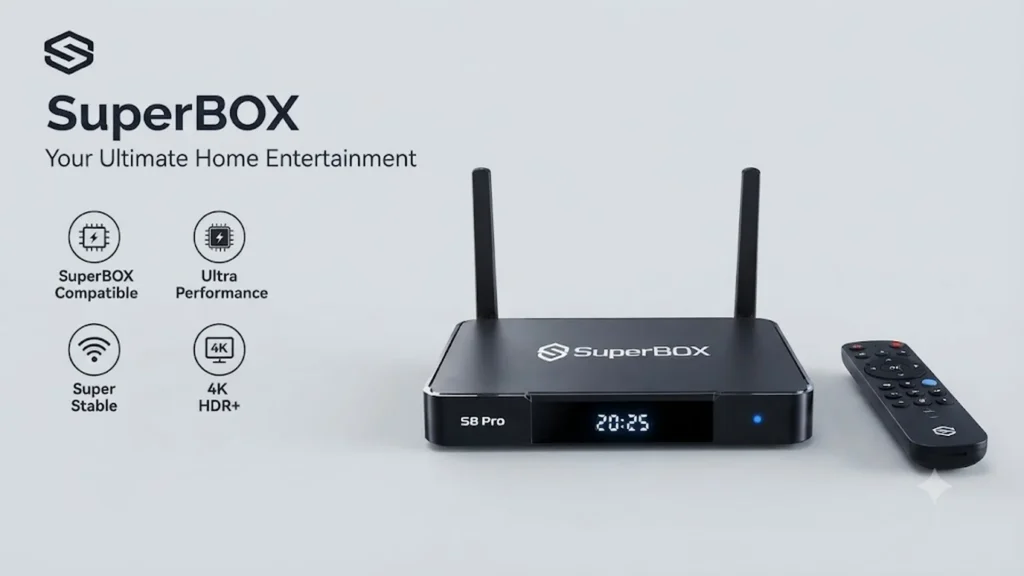
As older models aged and new competitors entered the market, users noticed performance issues. Complaints included slower app load times, clunky remotes, and inconsistent speeds. Pricing also sparked debate. Established brands sometimes charge more simply for brand recognition, even when their hardware lags behind modern standards. For many cord-cutters, that trade-off lost its appeal. Newer devices from competitive brands now offer superior specs and smoother interfaces at better price points.
Why people Chose SuperBox in the Past
SuperBox worked well for a lot of people in its early days. It gave access to international channels and on-demand content without needing a cable subscription. The setup process was simple, and it looked like a solid alternative to expensive satellite services. But the streaming world moves fast, and hardware that felt cutting-edge three years ago can start to show cracks when app developers push out updates that require more processing power and better RAM.
FeaBox: The Modern Upgrade
FeaBox launched in 2026, but it’s not some random startup trying to wing it. The team behind FeaBox includes industry veterans who spent years building and scaling major streaming TV box brands. Industry experience matters. Experienced brands learn from past mistakes and user feedback, designing hardware that runs smoothly for everyday cord-cutters. Comparing Feabox and SuperBox highlights this contrast. You are looking at a modern device built on years of real-world insights versus an older model that may have evolved too slowly.
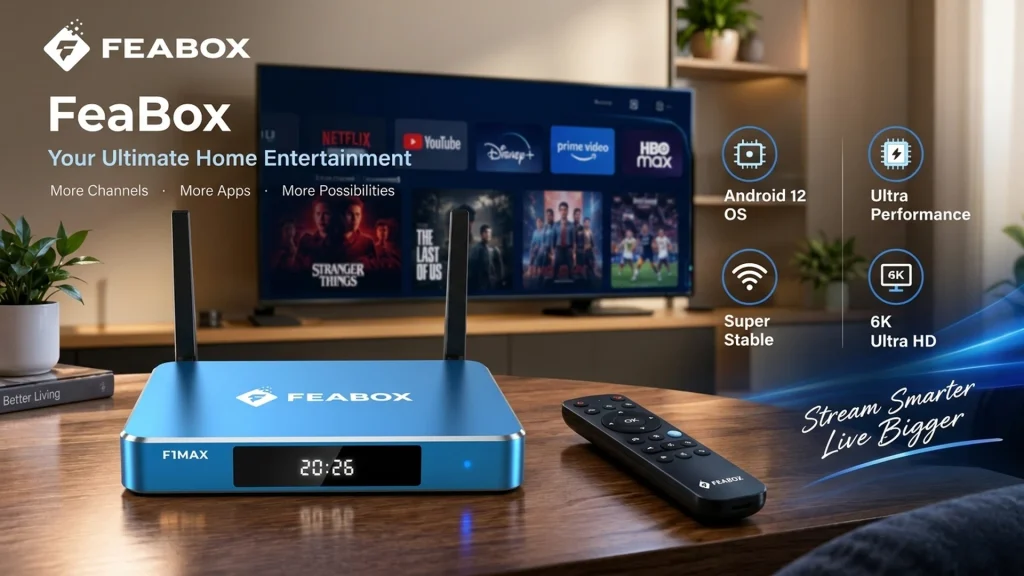
FeaBox devices are built around modern Android TV software and come equipped with better processors, more RAM, and cleaner interfaces. The goal is simple: deliver a reliable streaming experience without buffering or confusing menus. Users want local US channels, international programming, live sports, and on-demand movies. Because Feabox is built by an experienced team, customers get proven reliability. The device launches strong and stays dependable over time with consistent support and regular updates.
How FeaBox Fixes Common Streaming Complaints
One of the biggest pain points with older streaming boxes is sudden app dropouts or laggy interfaces during peak hours. Nothing kills the vibe faster than a frozen stream during a game-winning goal or a crucial dramatic scene. The FEABOX solves this with faster processors and robust RAM. This ensures smoother multitasking and eliminates frustrating freezes. The remote is also simpler and more responsive. Even less tech-savvy family members can navigate the system without a tutorial.
Hardware and Performance in FeaBox vs SuperBox
When you’re deciding between streaming devices, hardware specs matter a lot more than people think. A few extra gigabytes of RAM or a newer chipset can be the difference between a smooth experience and constant buffering. Let’s break down how FeaBox and SuperBox stack up in the areas that actually affect your day-to-day streaming.
Processing Speed and RAM
RAM is another critical factor because it determines how many tasks your device can handle without slowing down.
FEABOX includes upgraded processors and more RAM out of the box. This delivers faster app loading times and smoother transitions between content. According to research from streaming hardware reviewers at Digital Trends, modern Android TV boxes with at least 4GB of RAM tend to perform significantly better over long-term use compared to devices with only 2GB or less. The FeaBox F1 Pro takes that seriously, preventing frozen screens and sudden app crashes while you watch.
Video Quality and 4K Streaming Stability
Both SuperBox and FeaBox claim to support 4K streaming, but not all 4K is created equal. Older hardware can technically output 4K resolution. However, if the processor cannot handle high bitrate streams, problems occur. Even a slight dip in your WiFi connection leads to stuttering or sudden quality drops. This becomes especially frustrating during live sports or big streaming events when everyone in your neighborhood is also online.
FeaBox devices use newer chipsets designed to handle 4K content more reliably, even when network conditions aren’t perfect. The hardware also supports better video decoding, which means less buffering and smoother playback. Serious about cutting the cord? You still want high-quality live games and international programming without hiccups. Having hardware built to handle those demands makes all the difference.
Remote Control Design and Usability
Remote design can make or break the user experience, especially for less tech-savvy family members. Online forums frequently criticize SuperBox remotes for having cluttered, identical buttons and sluggish response times. Fumbling with a confusing layout just to pause a show or adjust the volume is frustrating.
FeaBox simplified the remote design based on feedback from years of user testing with previous streaming box brands. The buttons are clearly labeled, and the layout is intuitive. It also includes voice command support for easy searching without a virtual keyboard. Small refinements like these create a much smoother daily experience. They reflect the expertise of a team with multiple product cycles behind them.
Content Access and Interface Experience
Hardware specs matter, but at the end of the day, you’re buying a streaming box to watch content. The question is how easy and enjoyable that experience actually is. Let’s talk about content access, app performance, and user interface quality when comparing feabox vs superbox.
Live TV Channels and International Lineup
Many people look into Android TV boxes to access live channels worldwide without expensive cable packages. Both SuperBox and Feabox provide access to third-party streaming apps. These apps offer live coverage for sports, news, entertainment, and international programming. Because you are never locked into a specific service, you can freely choose apps that match your interests and budget.
For a broader look at what to consider when evaluating fully loaded Android TV boxes, see our Fully Loaded TV Box Comparison. It covers the key features, content access, hardware, and other factors that can affect the overall streaming experience.
However, the quality of your experience depends heavily on how well your device handles those apps. If the interface is slow or the apps crash frequently, you’ll spend more time troubleshooting than actually watching.
On-Demand Movies and TV Shows
Both devices also grant access to extensive on-demand movies and TV shows via streaming apps. It feels like having multiple services in one hub. You enjoy the freedom to pick what you want to watch. There is no need to pay for unwanted bundle packages. The key difference comes down to how fast and reliably those apps perform on each device.
SuperBox has been known to struggle with app updates over time, sometimes leading to compatibility issues or slower performance as apps get more feature-rich. FeaBox was built with this in mind, using hardware that can handle current and future app updates without slowing down. The team behind FeaBox has already seen how older devices fail to keep up with evolving software demands, so they designed the platform to stay relevant and responsive for years to come.
Navigating the user interface without Lag
A clunky, laggy interface is one of the most common complaints across streaming device forums on Reddit and tech communities. Users hate waiting three seconds for a menu to load or dealing with random stuttering when scrolling through content options. These problems usually come down to underpowered hardware trying to run software that’s too demanding for the specs.
The difference in the feabox vs superbox interface experience is noticeable. FeaBox prioritizes a clean, responsive UI that doesn’t make you wait around. The menus are simple enough for any family member to navigate, including older relatives. Features like voice commands and quick search make finding favorite shows easy. Parental controls also let you manage what younger viewers access without any complicated setup.
Price, Value & Long-Term Reliability
Streaming boxes are supposed to save you money in the long run by replacing high cable bills with a one-time device purchase and affordable streaming apps. But if you buy a cheap device that breaks down after a year or requires constant workarounds to function properly, you’re not really saving anything. Let’s talk about price, value, and what you can expect over time.
Upfront Costs vs Cable Bills
The average cable bill in the US runs somewhere between $100 and $200 per month depending on your package and location, according to data from the Federal Communications Commission. That adds up to well over a thousand dollars a year just to watch TV. Both SuperBox and FeaBox offer a one-time purchase that lets you cut that recurring expense completely. You pay for the device upfront, connect it to your WiFi, and start streaming through free and paid apps without any monthly subscription fees tied to the device itself.
SuperBox devices have commanded higher prices in recent years, partly because of strong brand recognition and partly because older models have retained their pricing even as newer, better-specced competitors entered the market. FeaBox offers strong value for money by delivering modern hardware and a refined user experience at a competitive price point. You’re not paying extra just for a brand name. You’re paying for a device designed by people who know exactly what cord-cutters need and what frustrates them most.
The Benefit of Veteran-Designed Hardware
It’s easy to find cheap Android TV boxes online, but there’s a big difference between a random no-name device and one built by a team with years of industry experience. FeaBox launched in 2026, but the people behind it spent years building and scaling major streaming TV box brands before that. They’ve seen what works, what breaks, and what users complain about most often. That knowledge directly influences the design, hardware choices, customer support, and long-term reliability of FeaBox devices.
When you’re comparing feabox vs superbox, think about it this way: one device comes from a brand that’s been coasting on older hardware designs, while the other comes from a team that learned from every mistake and built something better from the ground up. That difference shows up in everything from smoother app performance to better remote design to more responsive customer support when you actually need help. For cord-cutters who want a device that keeps working reliably year after year, that veteran expertise is worth a lot more than a slightly cheaper sticker price.
Which Streaming Box Should You Choose?
If you’re still on the fence between FeaBox and SuperBox, here’s the bottom line. SuperBox was a solid option a few years ago, and some people are still happy with their older models. But the streaming world has moved on, and newer devices with better hardware and smarter design are now available at competitive prices. FeaBox brings all the benefits of a team that’s already been through multiple product generations, learned what users actually need, and built a device that addresses those needs head-on.
You get faster processing speeds, more RAM, a cleaner interface, and a remote that doesn’t make you want to throw it across the room. You also get access to the same wide range of free and paid streaming apps, live TV channels, and on-demand content that made Android TV boxes popular in the first place. The difference is that everything works more smoothly, loads faster, and feels more polished. For anyone serious about cutting the cord and replacing their cable setup with a reliable streaming solution, the choice is pretty clear.
Whether you’re watching international channels from back home, catching live sports, or binge-watching the latest shows with your family, having a device you can count on makes all the difference. FeaBox delivers that reliability without the high price tag or the frustrating performance issues that come with older hardware. The FeaBox F1 Max and other models in the lineup are designed to work seamlessly for users of all ages, from tech enthusiasts to grandparents who just want to watch their favorite programs without dealing with complicated menus or frozen screens.
FeaBox vs SuperBox: Feature Comparison at a Glance
Before getting into the individual features, here is a quick comparison of the areas that matter most when choosing an Android streaming box.
| Feature | FeaBox | SuperBox |
|---|---|---|
| Brand generation | Newer streaming TV box brand | Established streaming TV box brand |
| Operating system | Android 12 | Depends on the specific model |
| Hardware | Quad-core ARM Cortex-A53 processor | Varies by model and generation |
| RAM | 4GB on F1 Pro and F1 Max | Depends on the specific model |
| Storage | 32GB on F1 Pro; 64GB on F1 Max | Depends on the specific model |
| Video support | Up to 6K@60fps decoding; 4K UHD output with HDR10+ | Depends on the specific model |
| Wi-Fi | Dual-band Wi-Fi 6 supported | Depends on the specific model |
| Ethernet | Gigabit Ethernet | Depends on the specific model |
| Live TV access | Through supported apps and built-in TV features | Through supported apps and model-specific services |
| On-demand content | Through supported apps and available services | Through supported apps and available services |
| User interface | Brand-new UI/UX with simple navigation | Varies by model and software version |
| Remote | Backlit Bluetooth remote with voice command | Depends on the specific model |
| 7-day playback / time-shift | Supported | Depends on the specific model |
| Recording | Built-in recording feature | Depends on the specific model |
| App compatibility | Open Android platform with access to Google Play Store apps | Depends on the specific model and software |
| Monthly device fee | No mandatory monthly fee from FeaBox | No mandatory monthly device fee for the device itself |
| Long-term performance | Built around the current FeaBox hardware platform | Varies depending on model, hardware, and software version |
The exact experience can vary depending on the model, internet connection, installed applications, and streaming service being used. Still, this overview helps explain why hardware generation is an important factor when comparing FeaBox vs SuperBox.
FeaBox F1 Pro vs SuperBox: The Matchup
If you are comparing an actual device rather than two brands, the FeaBox F1 Pro is a useful example. Instead of looking only at the brand name, consider the parts of the device that directly affect everyday streaming.
The first factor is processing performance. Streaming boxes need enough processing power to launch applications quickly, move through menus smoothly, and decode high-resolution video. This becomes particularly important when switching between live TV, movies, sports, and other applications.
RAM is another factor worth considering. More available memory can help a device handle multiple background processes and larger applications without becoming sluggish. This is one reason newer streaming hardware can feel noticeably smoother than an older device even when both support the same video resolution.
The FeaBox F1 Pro is designed around this newer-hardware approach. For viewers who regularly switch between applications or want a responsive interface, hardware performance can have a bigger impact on the daily experience than specifications such as maximum resolution alone.
FeaBox F1 Max: Extra Power & Storage
For users who want a higher-end option within the FeaBox lineup, the FeaBox F1 Max provides another configuration to consider.
The main reason to compare different FeaBox models is not simply to find the model with the largest specifications. Instead, think about how you actually use your streaming box.
Someone who mainly watches a few streaming applications may not need the same hardware configuration as a household that frequently switches between live TV, on-demand content, sports, and multiple applications.
The F1 Max is positioned for users who want additional performance within the FeaBox lineup. If you are replacing an older streaming box, moving to a newer hardware platform can also help reduce the feeling of sluggishness that develops as applications become more demanding.
Does a Better Streaming Box Eliminate Buffering?
One common misconception when comparing FeaBox vs SuperBox is that the streaming device itself completely determines whether a video buffers.
It does not. Buffering can be caused by several factors, including:
- Internet speed
- Wi-Fi signal strength
- Network congestion
- Distance between the router and streaming box
- Streaming server performance
- Video bitrate
- The application being used
- Device hardware and video decoding performance
A faster streaming box can reduce problems caused by insufficient processing power, but it cannot fix an unstable internet connection.
For the best experience, place the streaming device somewhere with a strong Wi-Fi signal. If your router supports both 2.4 GHz and 5 GHz networks, choosing the appropriate network for your location can also help. A wired Ethernet connection can be another option when consistent network performance is important.
This is especially relevant for live sports and other high-bitrate content, where interruptions are much more noticeable than during casual on-demand viewing.
Setup: How Easy Is It to Get Started?
Another practical difference between streaming boxes is how much effort is required before you can actually start watching.
A typical Android streaming box setup involves:
- Connect the box to your TV using HDMI.
- Connect the included power adapter.
- Turn on the TV and select the correct HDMI input.
- Connect the device to your Wi-Fi network.
- Sign in or configure the applications you want to use.
- Update applications or system software when prompted.
- Start streaming.
The basic process is similar for both FeaBox and SuperBox. The bigger difference comes from the interface and how easily users can find the applications and settings they need.
For FeaBox users, the setup process is explained step by step in the official FeaBox setup guide, including how to connect the device, configure the network, and get the system ready for streaming.
This matters more than it might seem. A streaming box may have powerful hardware, but if the interface is confusing, older family members or less technical users may struggle to use it. FeaBox focuses on keeping the navigation straightforward, with a simplified remote and voice search support designed to make everyday operation easier.
Which Matters More: Hardware or the Channel Lineup?
When shopping for a streaming box, it is easy to focus entirely on the number of channels advertised. However, the actual viewing experience depends on more than a channel count. The hardware determines how smoothly the device runs. The applications determine how content is accessed. Your internet connection determines whether that content can be delivered consistently.
That means a useful comparison should consider all three:
Hardware → Software → Internet connection
A large content library is only useful if the applications are easy to navigate and the device can run them reliably. For this reason, when comparing FeaBox vs SuperBox, it makes sense to look beyond the headline channel numbers and consider the complete user experience.
Software Updates and Long-Term Compatibility
Streaming applications change constantly. Developers add new features, update their interfaces, improve security, and sometimes increase their hardware requirements. This means the useful life of a streaming box is not determined only by its launch date. Hardware needs to remain capable of handling newer software.
Older devices can eventually feel slower as applications become more demanding. Menus may take longer to load, applications may require more memory, and older hardware can have difficulty handling newer software efficiently. A newer device starts with an advantage because its hardware is designed around more recent software requirements.
For buyers planning to use their streaming box for several years, it is therefore worth considering not only what the device can do today, but also how much hardware headroom it has for future applications and updates.
FeaBox vs SuperBox for Different Types of Viewers
There is no single streaming setup that works identically for every household.
- For Families: Families often benefit from a simple interface and an easy-to-use remote. If multiple people use the same device, quick navigation and voice search can reduce the learning curve.
- For Sports Fan: Live sports place greater demands on both the network and streaming hardware. A stable internet connection is essential, while capable hardware can help with smooth video decoding and fast application performance.
- For International Viewers: People who watch programming from different countries may use several applications rather than relying on a single service. Fast application loading and easy navigation become more important when switching between different content sources.
- For Older Users: Older viewers may prefer large, clearly organized menus and a remote with fewer confusing buttons. A simpler interface can make the transition from traditional cable or satellite TV easier.
- For Tech-Savvy Users: Users who regularly install applications, switch between services, or use several streaming platforms may benefit more from additional processing power and RAM.
What to Check Before Buying an Android TV Box
Before choosing between FeaBox and SuperBox, check these factors instead of focusing on only one specification:
- Hardware configuration: Look at the processor, RAM, storage, and supported video formats.
- Software: Check the Android version, application compatibility, and how the manufacturer handles updates.
- Connectivity: Consider Wi-Fi capability, Ethernet availability, Bluetooth, and the ports included on the device.
- Remote control: A remote that is easy to understand can make a bigger difference than expected, especially when the device is used by the entire household.
- Content sources: Make sure the applications and streaming services you actually use are supported.
- Internet connection: Even a powerful streaming box needs a stable internet connection to deliver consistent playback.
- Customer support: If you are purchasing a device for long-term use, available support and warranty information are worth checking before placing an order.
Looking at all seven factors gives you a much clearer picture than comparing two brand names alone.
Final Thoughts
The FeaBox vs SuperBox comparison is ultimately about more than brand recognition. Streaming technology changes quickly, and the model that makes sense for one household may not be the right fit for another.
SuperBox has been in the market for several years and offers a range of established streaming box models. FeaBox is a newer brand launched in 2026, with a product lineup built around newer hardware and a simplified user experience.
If you are considering a new streaming box, compare the specific models, hardware specifications, software compatibility, content applications, connectivity, and support available with each option.
For users interested in newer hardware and a straightforward interface, models such as the FeaBox F1 Pro and FeaBox F1 Max provide options within the newer FeaBox lineup. The most important thing is to match the device to your actual viewing habits, internet connection, and the applications you plan to use.
That way, instead of choosing based only on a brand name or a headline specification, you can select a streaming setup that makes sense for how you actually watch TV.
FAQ
Yes. FeaBox launched in 2026, while SuperBox has operated in the streaming TV box market for several years. This means the two brands come from different generations of the streaming hardware market.
FeaBox itself does not require a monthly device subscription. However, individual third-party streaming applications may have their own subscription requirements. Whether a service is free or paid depends on the application and content provider.
Both brands offer models that support 4K output. However, 4K resolution alone does not guarantee smooth playback. Processing power, video decoding, application performance, and internet stability all affect the actual viewing experience.
FeaBox works with supported streaming applications that offer international programming. The available channels depend on the application and service you use, not the hardware alone.
If your TV has a compatible HDMI input, an Android streaming box can generally be connected as an external streaming device. You will also need a suitable power connection and an internet connection.
Ease of use depends on the specific model and the user’s familiarity with streaming interfaces. FeaBox emphasizes a simplified interface, clearly organized navigation, and voice search to make everyday operation easier.
No. A streaming box does not increase your internet speed. Better hardware can improve application performance and video decoding, but your internet service and home network still determine the available connection speed.
There is no fixed lifespan for every streaming box. Actual longevity depends on hardware quality, software support, usage, heat, and application requirements. Choosing hardware with enough performance headroom can help the device remain usable as software becomes more demanding.
Start with the specific models rather than comparing the brands as a whole. Look at processor performance, RAM, storage, software compatibility, 4K support, remote design, connectivity, available applications, warranty, and price. Your internet connection and the streaming services you use should also be part of the decision.

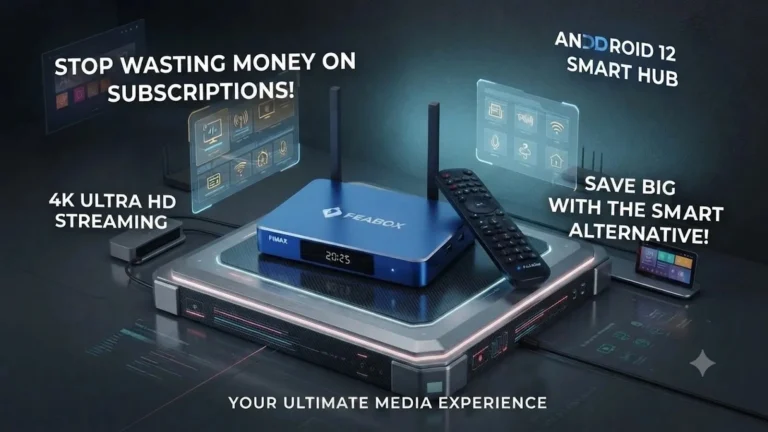
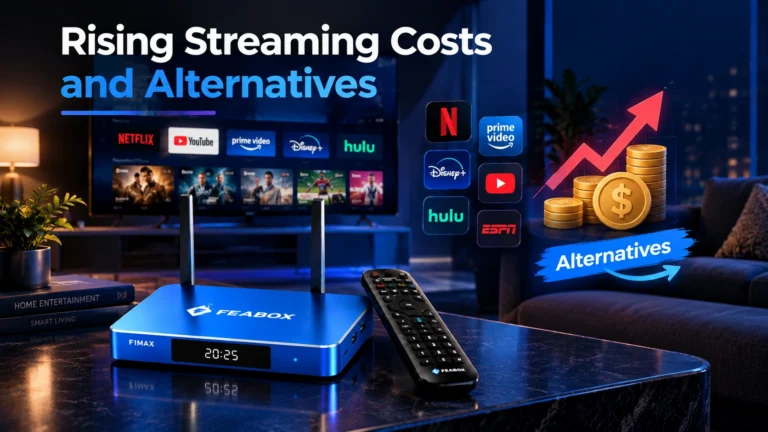
[…] where your hard-earned money actually goes.When you look at the head-to-head comparison in our feabox vs superbox breakdown, both devices run on similar quad-core architecture, 4GB of RAM, and Wi-Fi 6, proving […]
[…] to explore more streaming device comparisons? Check out our detailed guides on FeaBox vs SuperBox, FeaBox vs VSeeBox, FeaBox vs SeekBox, and FeaBox vs […]