
You bought a 4K TV expecting sharper movies and shows, but are you actually getting the picture quality you paid for? Some streaming services limit 4K playback to specific plans, while your Internet connection and streaming device can also affect video quality.
Before paying extra for another subscription or upgrading your equipment, it helps to understand which 4K streaming services fit your viewing habits and what you really need to enjoy Ultra HD content.
What Are 4K Streaming Services?
4K streaming services deliver compatible movies and TV shows at a resolution of 3840 × 2160 pixels, offering four times as many pixels as Full HD 1080p. This higher resolution provides sharper details, especially on larger TVs. Some platforms also support HDR (High Dynamic Range), which can enhance contrast and color when your TV and content are compatible.
However, picture quality depends on more than resolution alone. Your subscription, Internet connection, and streaming device all affect your viewing experience. Choosing the best IPTV provider can also be an important part of building a home entertainment setup, particularly if you want access to live TV channels alongside on-demand content.
Best 4K Streaming Services in 2027
Choosing the right 4K streaming service depends on the movies and shows you enjoy, your budget, and the video quality you expect. While many platforms offer 4K Ultra HD content, availability can vary by subscription plan, title, region, and compatible device.
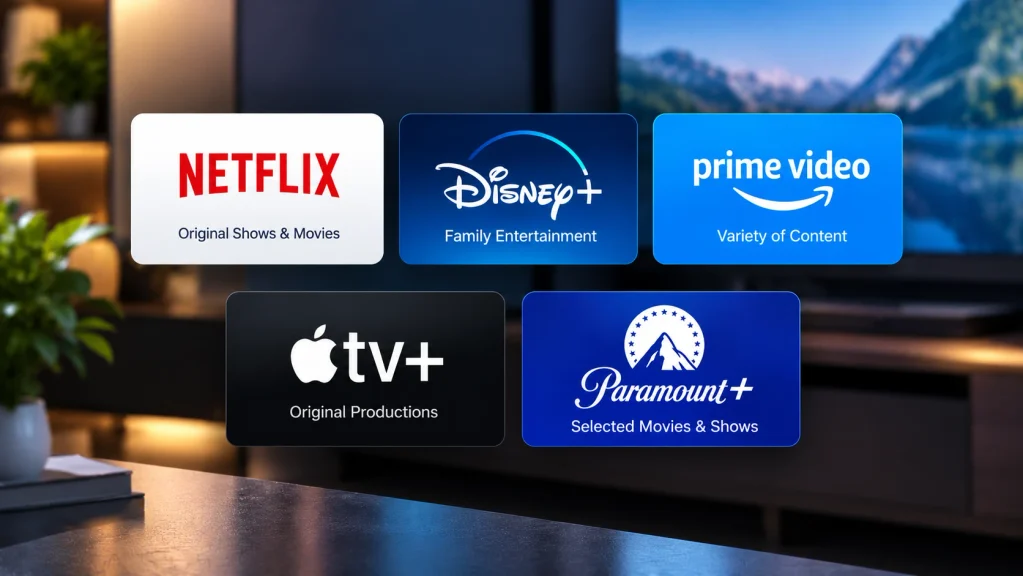
To help you compare your options, we’ve rounded up five popular 4K streaming services in . Each offers a different mix of original productions, family entertainment, and on-demand content, so you can find the one that best fits your viewing habits.
1. Netflix — Best for Original Shows and Movies
Netflix offers a wide selection of original series, films, and documentaries, with selected titles available in 4K Ultra HD and HDR on eligible plans.
It’s a good choice if you regularly watch Netflix originals and want access to compatible high-resolution content. However, check the current plan requirements before paying extra for 4K.
Official website: Netflix
2. Disney+ — Best for Family Entertainment
Disney+ is worth considering for households that enjoy Disney, Pixar, Marvel, and Star Wars content. Selected titles support 4K UHD and HDR on compatible devices and eligible plans.
If your family frequently watches movies together, Disney+ may offer good value. Just remember that the available video quality and subscription options can vary by region.
Official website: Disney+
3. Amazon Prime Video — Best for a Variety of Content
Prime Video combines movies, TV shows, and original productions, with selected titles available in 4K UHD.
One thing to check is whether a title is included with your subscription or requires a separate rental or purchase. Don’t assume every movie in the catalog offers the same resolution.
Official website: Prime Video
4. Apple TV+ — Best for Original Productions
Apple TV+ focuses on original series and films, with selected productions available in 4K HDR or Dolby Vision on supported devices.
It may suit viewers who prefer a curated collection of original content. Before subscribing, compare its available titles with the shows and movies you actually want to watch.
Official website: Apple TV+
5. Paramount+ — Best for Selected Movies and Shows
Paramount+ offers selected titles in 4K UHD and supported HDR formats on compatible devices and eligible plans.
If its movies and original programming match your interests, it’s worth comparing with other services. Check the current plan details and title availability before subscribing.
Official website: Paramount+
4K Streaming Services Compared
| Service | Best for | What to consider |
|---|---|---|
| Netflix | Original series and movies | 4K plan requirements |
| Disney+ | Family movies and franchises | Regional plan availability |
| Prime Video | Movies and TV shows | Included vs. paid titles |
| Apple TV+ | Original productions | Size of its content catalog |
| Paramount+ | Selected movies and shows | Supported plans and devices |
The best choice isn’t necessarily the service with the most 4K content. It’s the one that offers the programs you want to watch at a price that makes sense for your household.
What Do You Need to Watch 4K Streaming Content?
Even with the right subscription, a few things need to work together for 4K playback.
A Compatible 4K TV
Your TV must support native 4K resolution to display the full detail. If your screen is limited to 1080p, a 4K streaming box won’t turn it into a native 4K display.
HDR is another consideration. Check whether your TV supports formats such as HDR10 or Dolby Vision if you want to take advantage of them.
A Stable Internet Connection
Internet speed can make a noticeable difference to streaming quality. Netflix recommends at least 15 Mbps for 4K streaming, while Disney+ recommends 25 Mbps for 4K UHD.
These are recommended speeds rather than guarantees. Wi-Fi interference, network congestion, and other devices using your connection can still cause buffering.
For more information, check the Netflix streaming quality guide.
A Compatible Streaming Device
Your TV’s built-in apps may already support 4K streaming, so you might not need an additional device. If the interface feels slow or certain apps are unavailable, an external streaming device could be a practical alternative.
A compatible streaming box can provide access to supported apps and a separate streaming interface without replacing your TV. However, the actual experience depends on the device’s hardware, software, and app compatibility.
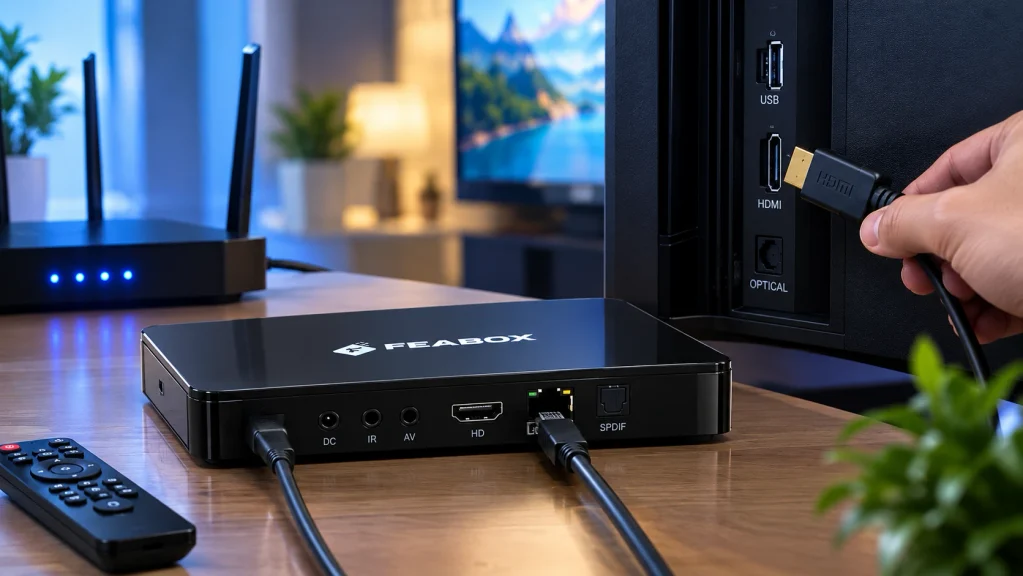
Before buying, check the supported apps, video formats, network connectivity, and compatibility with your TV. Remember that 4K output alone does not guarantee 4K playback in every streaming app.
Can a Streaming Box Improve Your 4K Experience?
Imagine your TV still has a good screen, but its built-in software feels outdated. Replacing the entire television just to improve app access could be an unnecessary expense.
A streaming box provides another option by connecting to your existing TV and offering a separate streaming environment. Whether it helps depends on the device, your TV, and the apps you use.
Where FeaBox Fits
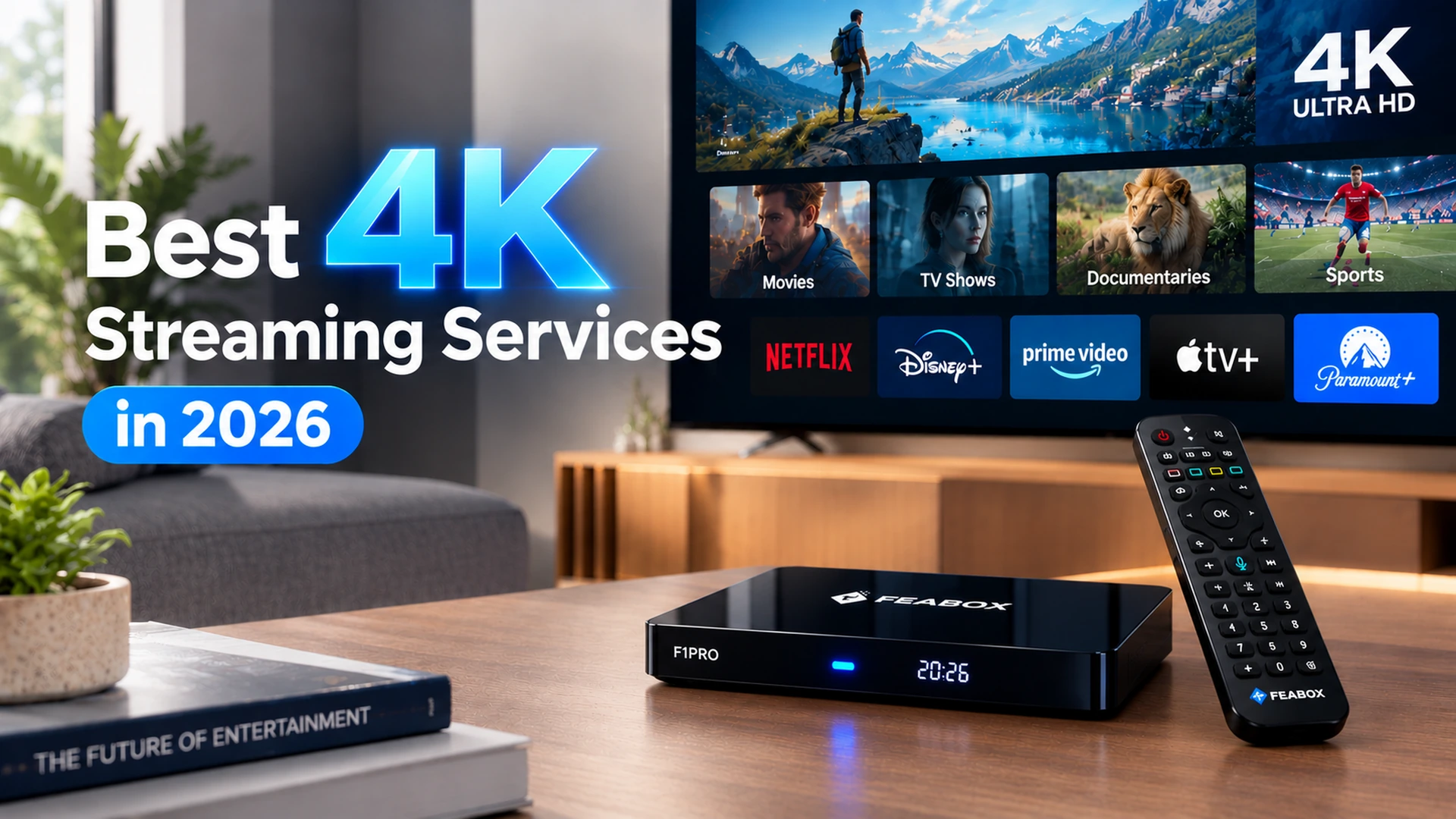
FeaBox F1 Pro and F1 Max are options for viewers looking for an Android-based streaming box with 4K output.
- FeaBox F1 Pro features: Offers 32GB of internal storage, which may be enough if you mainly install a selection of streaming apps.
- FeaBox F1 Max features: Offers 64GB of internal storage, giving you more room for supported apps and other stored content.
Both are worth comparing if you want to update your streaming setup without replacing your TV. However, advertised 4K output doesn’t guarantee that every app will play in 4K. Check app compatibility and service requirements before making a decision.
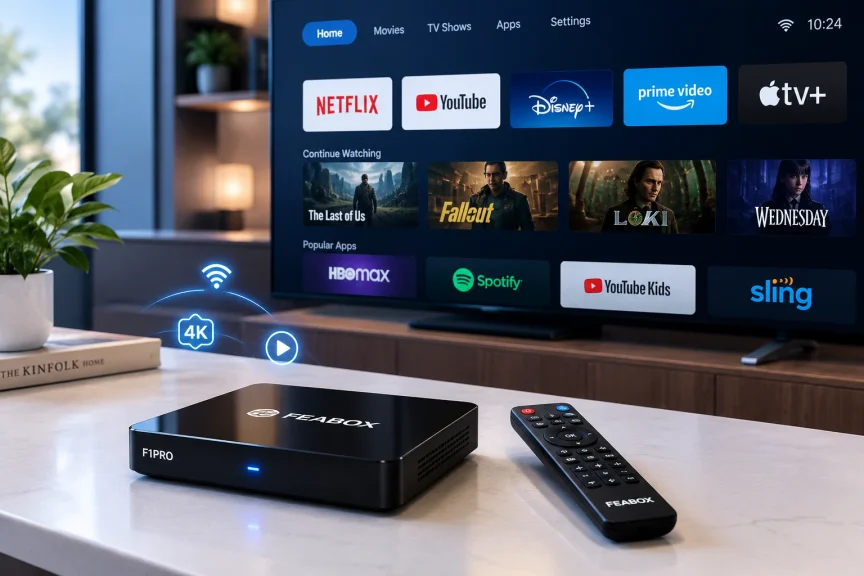
Also, remember that a streaming device doesn’t automatically include subscriptions to paid services such as Netflix or Disney+.
How to Choose the Right 4K Streaming Service
Before subscribing to a 4K streaming service, consider what you watch most often, whether your current plan already includes 4K, and whether your TV, streaming device, and Internet connection can support it. A higher-resolution plan isn’t always worth the extra cost if your favorite titles aren’t available in 4K or your current setup can’t take full advantage of it. Comparing content libraries, subscription prices, and device compatibility can help you find a service that fits your viewing habits without paying for features you rarely use.
Your choice also depends on the type of content you enjoy. If you’re a sports fan looking for live games, event coverage, and compatible streaming options, our guide to the best streaming services for sports can help you compare your options. Meanwhile, if you want to watch movies and shows while traveling, check out our guide to streaming apps for travel to learn how to stay entertained away from home.
Frequently Asked Questions
It depends on your viewing habits. Netflix and Apple TV+ focus heavily on original productions, Disney+ is popular for family entertainment, and Prime Video offers a mix of included and separately paid content.
Generally, yes, for a single stream. However, multiple users, Wi-Fi problems, and network congestion can affect performance.
Only if the TV supports native 4K resolution. A streaming box can add compatible apps and features, but it cannot upgrade a 1080p screen to native 4K.
Some services require a higher-priced plan for 4K playback. Others include 4K on eligible subscriptions. Check current plan details before paying extra.
Final Thoughts
Choosing a 4K streaming service isn’t just about finding the sharpest picture. It’s about getting the content you enjoy, avoiding unnecessary subscription costs, and making sure your TV and streaming equipment can deliver the quality you expect.
Start by checking your current subscriptions and devices. If your TV still works well but its built-in streaming experience feels limited, an external streaming box may be a practical alternative to replacing the whole television.