
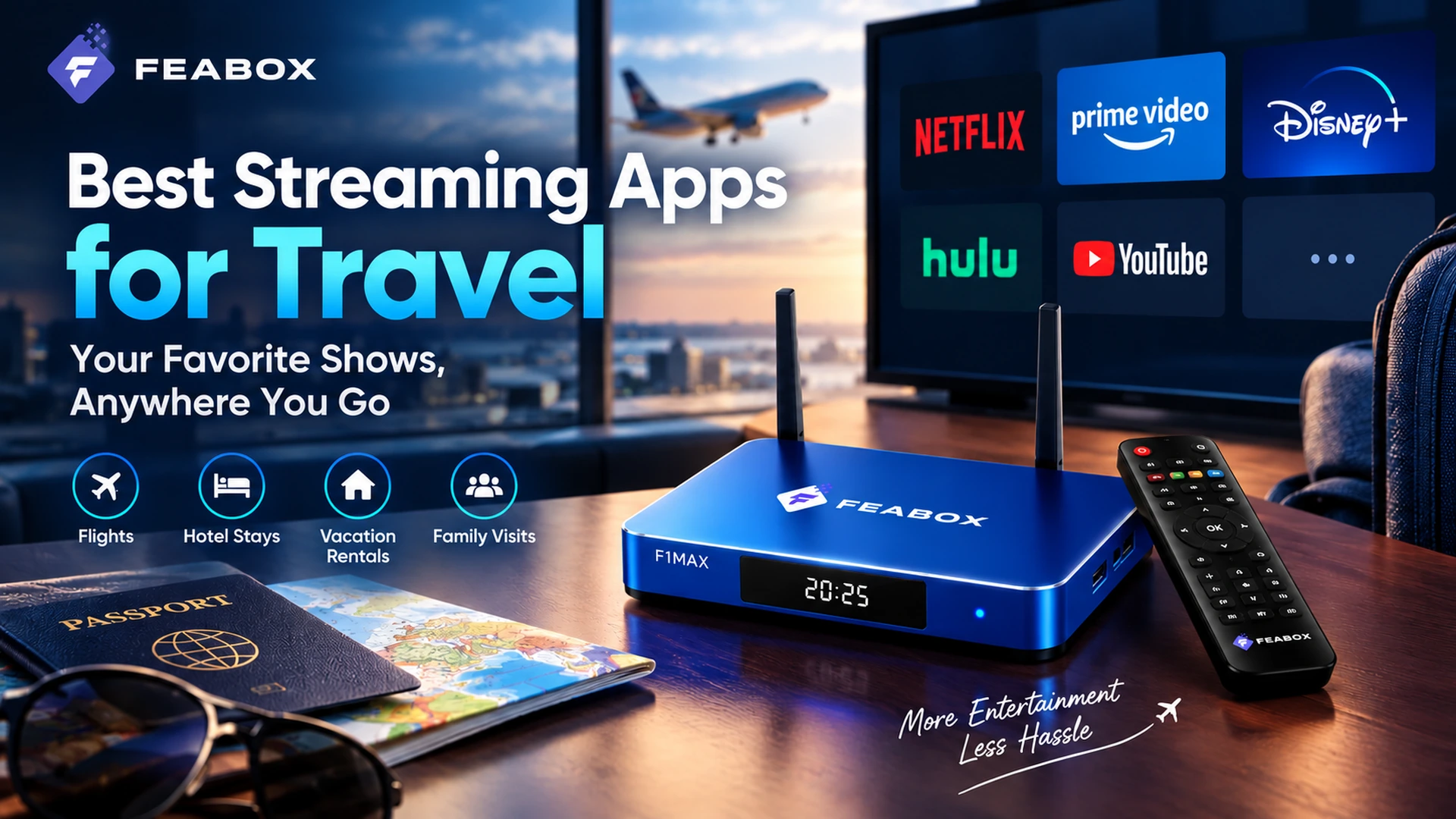

Traveling is a chance to relax, but figuring out how to watch your favorite shows away from home can be surprisingly frustrating. Hotel TVs may not have the apps you use, Wi-Fi connections can be unreliable, and watching a full movie on your phone isn’t always ideal.
The right streaming apps for travel can make entertainment easier, whether you’re flying across the country, staying in a vacation rental, or visiting family. From downloading shows before departure to bringing a compatible FeaBox streaming device for a larger-screen experience, a little planning can help you spend less time troubleshooting and more time enjoying your trip.
Common Streaming Problems When Traveling
You’ve checked into your hotel after a long day, and all you want to do is relax with a movie or catch up on your favorite show. You turn on the TV, look through the available apps, and realize the service you normally use isn’t there.
The right streaming apps for travel can make entertainment easier, whether you’re flying across the country, staying in a vacation rental, or visiting family. From downloading shows before departure to exploring the FeaBox: The best TV box for a larger-screen streaming setup, a little planning can help you spend less time troubleshooting and more time enjoying your trip.
Or perhaps the app is available, but the hotel Wi-Fi requires a sign-in process that your streaming device can’t easily complete. Sometimes the problem is simpler: the TV interface is unfamiliar, the connection is unreliable, or your preferred streaming service isn’t available in the country you’re visiting.
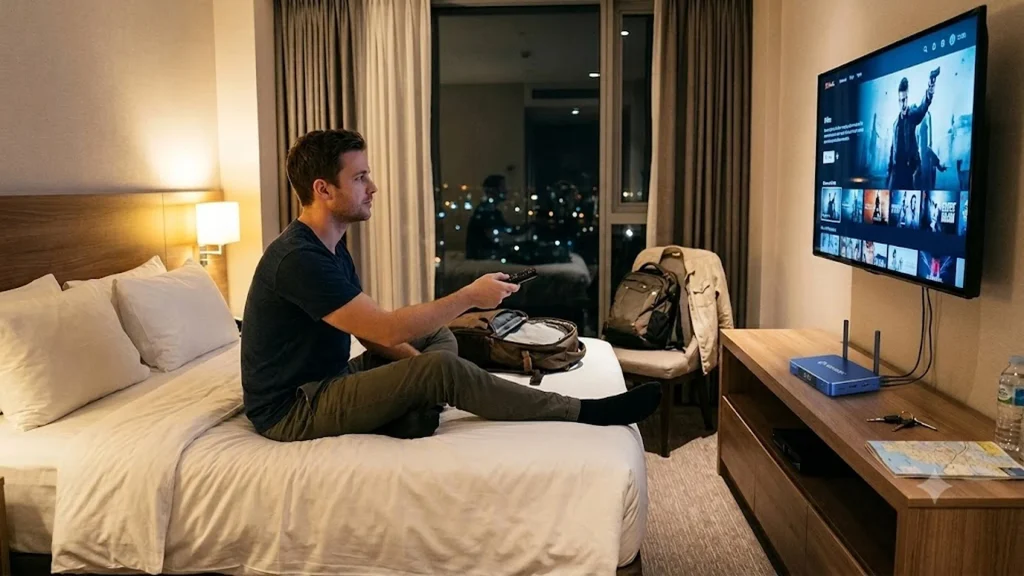
These situations can make entertainment away from home more complicated than it needs to be.
The good news is that you have options. You can prepare your phone or tablet for offline viewing, use the apps available on the TV, or consider bringing a compatible streaming device if you want more control over your viewing setup.
Which Streaming Apps Are Useful When Traveling?
The best streaming apps for travel depend on what you watch and where you’re going. Before choosing your setup, consider these popular options. Choosing the right streaming apps for travel also means checking offline viewing options, device compatibility, and regional availability before departure.
Netflix for Downloading Movies and Shows
Netflix lets users download selected titles on supported mobile devices, subject to the applicable plan and download restrictions. This can be particularly useful for flights, long journeys, or destinations with unreliable internet.
If you plan to watch on a hotel TV through a separate streaming device, remember that offline downloads on your phone don’t automatically transfer to that device. You’ll need a supported playback method for the larger screen.
Check Netflix’s official download guide before your trip.
Prime Video for On-the-Go Entertainment
Prime Video offers downloads for eligible titles on compatible devices. Travelers can prepare selected movies and shows in advance rather than depending entirely on a hotel internet connection.
However, availability can change when traveling internationally, and downloading content to a mobile device is different from streaming directly on a television.
Review the service’s current travel and download requirements before departure.
Disney+ for Family Trips
Disney+ can be a convenient option for families who want familiar movies and shows during a vacation. Eligible titles can be downloaded on supported mobile devices, subject to subscription and content restrictions.
If you plan to watch Disney+ on a TV with FeaBox or another streaming device, verify that the app is supported on your particular device and that your subscription permits the intended use.
Hulu for Eligible U.S. Subscribers
Hulu may be useful for eligible U.S. subscribers who want to catch up on selected shows and movies. Its offline download feature has plan, device, and title restrictions, so check the current requirements before relying on it during a trip.
For any streaming service, the key is to confirm what works on your intended device instead of assuming that every app offers the same features everywhere.
Why Consider Bringing a FeaBox Streaming Box on Your Trip?
When comparing streaming devices for travelers, consider whether your preferred services work on your device and support the viewing experience you want away from home.
A phone is convenient for watching on a plane, but it isn’t always the most comfortable way to watch a full movie after checking into a hotel. If you prefer a larger screen, a portable streaming device may be worth considering.
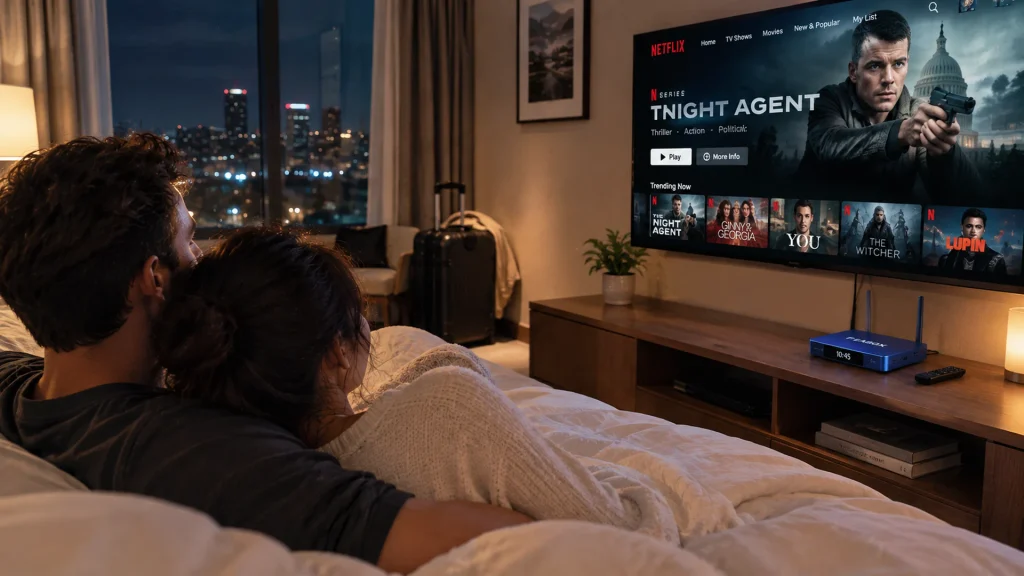
FeaBox is an option for travelers who want to bring a familiar streaming setup with them. FeaBox is an option for travelers who want to bring a familiar streaming setup with them. The FeaBox F1 Max streaming box is one model to explore if you want to use a compatible streaming setup at home and while traveling. Rather than relying exclusively on the apps preinstalled on a hotel television, you can investigate whether a compatible FeaBox model supports the apps you use and can connect to the TV and network available at your destination.
Here are a few reasons this setup may appeal to frequent travelers.
Use a Familiar Streaming Setup
When you move between hotels, vacation rentals, and family homes, the available TV interfaces can vary considerably.
Bringing your own streaming device may give you a more familiar interface, provided the TV has an accessible HDMI input and the device can connect to the available network.
Before packing a FeaBox, check the model’s specifications, required power supply, supported apps, and connection requirements. Hotel televisions sometimes restrict HDMI access, so compatibility is not guaranteed.
2. Watch on a Larger Screen
If you prefer watching movies or shows on a TV instead of a phone, an external streaming box can be useful when the necessary connections are available.
A compatible FeaBox model may let you access supported streaming apps on a larger screen. The exact experience depends on the model, app availability, network quality, and the streaming service’s own requirements.
This is particularly worth considering if you already use FeaBox at home and want to understand whether your setup can also work during trips.
3. Keep Your Home and Travel Setups More Flexible
A streaming device doesn’t have to be used only in one room. Depending on the model and destination, a portable setup may also be useful at a vacation rental or a relative’s home.
For frequent travelers, the practical question is whether bringing the device saves enough setup time and provides enough viewing flexibility to justify carrying it.
FeaBox is worth evaluating if you want a device that can serve your home entertainment needs as well as compatible TV setups away from home.
4. Prepare for the Internet Requirements
A streaming box generally needs an internet connection for online streaming. Hotel Wi-Fi may use a browser-based sign-in page, impose device limits, or restrict certain connections.
Before relying on FeaBox while traveling, check whether the destination’s network supports your device. You may need a different connection method, such as a compatible personal hotspot, depending on your data plan and the device’s network capabilities.
A streaming box also doesn’t eliminate regional restrictions or provide automatic access to paid subscriptions. Always confirm the apps and content you can legally access at your destination.
How to Prepare FeaBox Before You Travel
If you decide to bring a FeaBox, a few checks before leaving home can help prevent problems.
Confirm app compatibility. Check the exact model and the official information for the streaming services you plan to use. App availability can differ by device, operating system, certification, and region.
Test the device at home. Open your usual apps, verify that your accounts work, and make sure the remote control, HDMI connection, and power supply are ready.
Pack the necessary accessories. Bring the appropriate power adapter, HDMI cable if needed, remote, and any other accessories required by your model. Check the electrical requirements for your destination.
Plan for hotel Wi-Fi. Find out whether the accommodation offers standard Wi-Fi, a captive sign-in portal, or a device registration process. Keep your phone or tablet available as a backup.
Download content separately. If your streaming service supports offline downloads, prepare eligible titles on your phone or tablet before departure. Don’t assume a streaming box can play downloads made in a mobile app.
Check international availability. Streaming catalogs and service access may vary by country. Your FeaBox device won’t automatically remove those restrictions.
Is FeaBox the Right Streaming Device for Travel?
FeaBox may be worth considering if you already use the brand at home, prefer watching on a TV, and are comfortable bringing a device and its accessories.
It may be less practical if you travel with very limited luggage, mainly watch on a phone, or stay in places where HDMI access and reliable internet are uncertain.
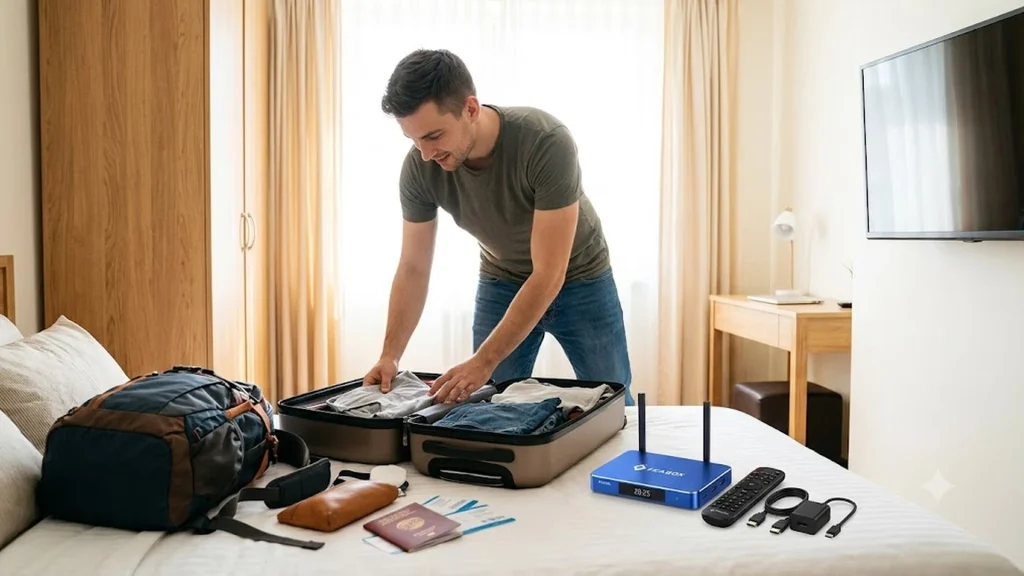
Before making a decision, explore these portable streaming device considerations alongside your device’s connectivity, portability, and app compatibility.
- App compatibility: Are the services you use supported on the specific model?
- Connectivity: Can you connect to the Wi-Fi or hotspot available at your destination?
- Portability: Is the device and its power supply convenient to carry?
- Setup: Can you connect it to the TV without needing special access or assistance?
- Subscriptions and restrictions: Will your accounts and content be available where you’re traveling?
For a broader look at the differences between built-in TV software and an external streaming device, read our guide to Android TV box vs. Smart TV.
Explore FeaBox for Your Streaming Setup
Traveling doesn’t have to mean giving up your favorite entertainment, but it helps to plan around the apps, devices, and internet access you’ll have available.
Mobile apps with offline downloads are often the easiest choice for flights and days without reliable internet. If you prefer watching on a larger screen at a hotel or vacation rental, a compatible streaming box may offer another option.
If you want to explore a device for your home entertainment setup, learn more about the FeaBox F1 Pro features and check whether the model meets your streaming and connectivity needs. Check app compatibility and connection requirements before deciding whether a particular model fits your travel plans.
Frequently Asked Questions
Netflix, Prime Video, Disney+, and Hulu are popular options for travelers, depending on their location, subscription, and device compatibility. Apps that support offline downloads can be especially useful when traveling without reliable internet access.
Yes, you may be able to use a streaming box in a hotel room if the TV has an accessible HDMI port and the device can connect to the available internet network. Some hotels restrict external devices or require additional Wi-Fi sign-in steps.
Yes, you can bring a compatible FeaBox device on a trip. Before leaving, check its power requirements, supported streaming apps, HDMI connectivity, and network compatibility to make sure it suits your destination.
Some streaming apps allow you to download selected movies and shows to supported phones or tablets for offline viewing. However, a streaming box generally requires an internet connection for online streaming, and mobile downloads usually cannot be transferred directly to the box.
You may be able to watch Netflix on a hotel TV using a compatible FeaBox model if the Netflix app is supported, your account is eligible, and the device can connect to the internet. Hotel TV restrictions and regional availability may affect your experience.
A streaming box can provide a more comfortable viewing experience on a larger TV when compatible connections and internet access are available. A phone or tablet is usually more convenient for flights, offline viewing, and situations where carrying extra accessories is impractical.
Final Thoughts
Finding the right streaming apps for travel can make it easier to enjoy your favorite movies and shows wherever your trip takes you. Downloading content in advance is a practical solution for offline viewing, while a compatible streaming device can help you enjoy a larger screen when staying in hotels or vacation rentals.
If you prefer a familiar entertainment setup beyond your home, FeaBox may be worth considering. Check the device specifications, app compatibility, and internet requirements before packing. With a little preparation, you can spend less time troubleshooting and more time enjoying your trip.
[…] you also want to watch your favorite shows and entertainment while away from home, read our guide to streaming apps for travel for practical tips on app compatibility, internet access, and preparing your streaming setup before […]
[…] options. Meanwhile, if you want to watch movies and shows while traveling, check out our guide to streaming apps for travel to learn how to stay entertained away from […]