
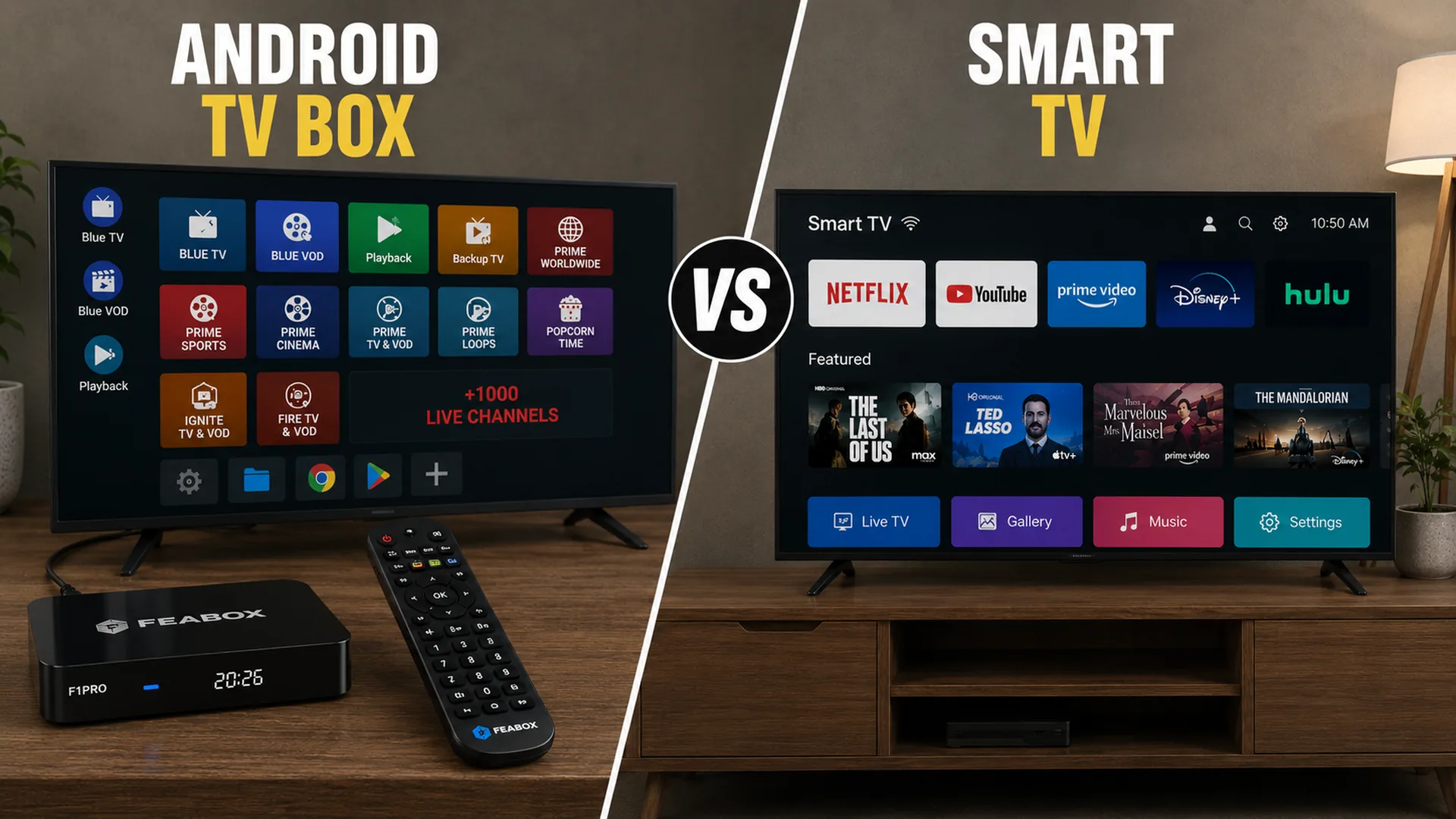

Before spending money on a new television, take a closer look at what actually needs upgrading. A better screen and a better streaming experience are not always the same purchase. Comparing an Android TV Box vs Smart TV can help you decide whether you should replace your television completely or keep your current screen and invest in a separate streaming device instead.
Buy a Smart TV if the Display Is the Problem
A Smart TV makes the most sense when your current television itself needs replacing. A new screen can improve picture quality, resolution, size, brightness, and the overall viewing experience while also giving you built-in access to smart features.
You should lean toward a Smart TV if:
- Your current screen is damaged or unreliable
- You want a larger or higher-quality display
- Your TV is too old for your current needs
- You want everything built into one device
- You are already planning to buy a new television
Buy an Android TV Box if Your TV Still Works Well
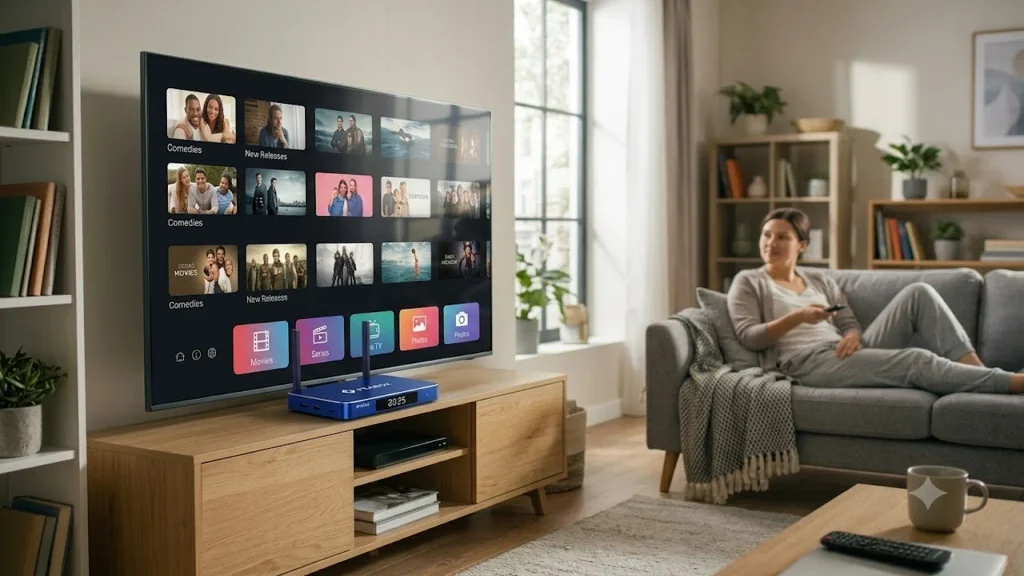
An Android TV box can be the more practical purchase when the screen is not the problem. If your existing television still provides a good picture and has a compatible HDMI connection, you may only need to upgrade the streaming side of your setup. This is where digital boxes for televisions can provide an alternative to replacing the entire television.
What You Are Actually Buying
A Smart TV combines the display and smart platform into one product.
A TV box TV smart separates those two components. The television remains the screen, while the external box handles the streaming interface, apps, and other supported entertainment features.
| What you need | Better option |
|---|---|
| A completely new display | Smart TV |
| Better streaming on an existing TV | Android TV Box |
| An all-in-one device | Smart TV |
| Separate streaming hardware | Android TV Box |
| A setup that may be easier to upgrade later | Android TV Box |
Android TV Box or a Smart TV comparison based on what the buyer actually needs to replace
Android TV Box or a Smart TV Which Costs Less
Cost is one of the biggest factors in a buying decision, but the cheaper option depends on what you already own.
If you already have a good television, buying an external streaming device can cost less than purchasing another screen. You are upgrading one part of the entertainment setup instead of replacing everything.
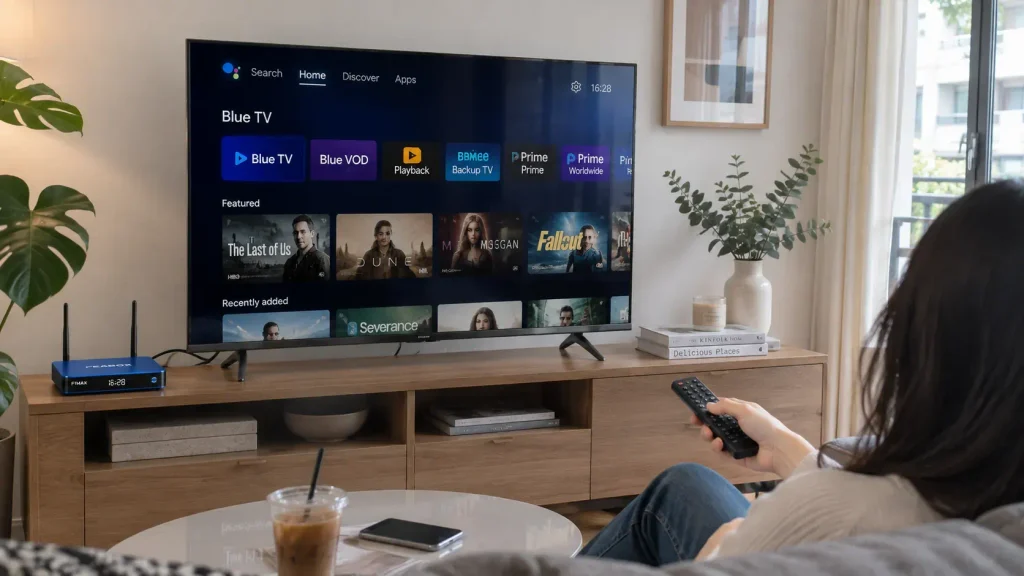
However, if your current television needs replacing anyway, the calculation changes. A Smart TV may be the more straightforward purchase because you need to pay for a new display regardless of which streaming option you choose.
Consider the Total Setup Cost
Do not compare only the price of an Android TV box with the price of a Smart TV.
Instead, ask:
- Do I already own a TV I want to keep?
- Do I need a better screen?
- Am I replacing the TV for picture quality or software?
- Will I need another device later?
- How long do I expect to keep this setup?
For buyers with a perfectly usable television, an Android TV box may offer better value because the existing screen continues to be part of the setup.
Which Option Is Better for Convenience
Convenience usually favors the Smart TV. Everything is integrated into one device. You connect the television to power and the internet, sign in to supported apps, and start watching. There is no separate box to place near the television and no additional HDMI device to manage.
Why an Android TV Box Requires One More Step
An Android TV box needs to be connected to your television before you can use it. The typical setup involves connecting the box through HDMI, connecting it to the internet, and selecting the correct input on the TV. For most users, this is still straightforward.
The trade-off is simple:
Smart TV: fewer devices and fewer connections.
Android TV box: one additional device in exchange for more separation between the screen and streaming hardware.
Which Gives You More Streaming Flexibility
Streaming flexibility depends on the specific device, software platform, region, and supported services. A Smart TV uses the operating system built into the television. The available apps and features can depend on the TV manufacturer and platform. An Android TV box provides a separate platform that can operate independently from the TV’s built-in software. This means buyers who are unhappy with their current Smart TV interface may not need to replace the entire screen.
Why Separate Hardware Can Matter
When the streaming platform is separate from the television, you can potentially change the streaming device without changing the display. This is one of the main reasons an Android TV Box or a Smart TV can be a different buying decision from simply choosing between two similar products.
The external device can give you another way to use the screen you already own.
Which Is Better for Long Term Upgrades
Long-term flexibility is one of the strongest arguments for buying a separate streaming device.
With a Smart TV, the display and smart hardware are integrated into one product. If the screen still works but the software eventually no longer meets your needs, upgrading only the internal streaming hardware may not be practical.
An Android TV box separates those components.
Keep the Screen and Change the Streaming Device
With an external box, you may be able to keep the same television while changing the device responsible for your streaming experience. This can be useful for buyers who expect to keep a good-quality screen for many years.
The FeaBox products are designed for users who want to upgrade a compatible TV with a separate Android TV device rather than replace the display itself. For users interested in learning more about a dedicated Android TV box, you can read our FeaBox F1 Max review here for a closer look at its features, performance, and real-world use. Before buying, however, check that the device fits your actual requirements.
Consider:
- HDMI compatibility
- Supported resolution
- Apps and services you use
- Processing performance
- Memory and storage
- Wi-Fi connectivity
- Software compatibility
Android TV Box or a Smart TV for an Older Television
An older TV does not automatically need to be replaced. If the display still looks good and the television has a compatible connection, an external device may provide a way to change the streaming experience without buying another screen. This can make an Android TV box particularly useful for buyers who are satisfied with their current picture quality.
When an Old TV Should Be Replaced Instead
An Android TV box cannot fix problems with the television hardware.
You should consider replacing the TV if it has serious issues such as:
- A damaged panel
- Persistent display problems
- Unreliable power
- Hardware failure
- Picture quality that no longer meets your needs
In these cases, adding a streaming device solves the wrong problem.
Quick Buying Comparison
The easiest way to answer Android TV Box or a Smart TV is to match the product with your situation.
| Your situation | What to consider buying |
|---|---|
| You need a new TV anyway | Smart TV |
| Your current TV still has a good picture | Android TV Box |
| You want the simplest setup | Smart TV |
| You want fewer devices | Smart TV |
| Your TV software feels outdated | Android TV Box |
| You want separate streaming hardware | Android TV Box |
| You want to keep your existing display | Android TV Box |
| You may want to upgrade the streaming device later | Android TV Box |
Android TV Box vs Smart TV quick buying guide for different user situations
How to Choose the Right Android TV Box
Not every Android TV box is the right choice for every television setup. Once you decide to keep your existing TV, the next step is choosing a device that matches how you actually watch content.
The Offcial FeaBox website provides product information for buyers comparing different external TV box options.
Check These Before Buying
Focus on compatibility and real-world use rather than specifications alone.
Check:
- Whether your TV has a compatible HDMI input
- The resolution you want to use
- Your internet connection
- The apps and streaming services you need
- Available storage
- Memory and performance
- Wireless connectivity
- Software support
A device with more specifications is not automatically the better purchase if those specifications do not improve your actual viewing experience.
Android TV Box or a Smart TV Which Should You Buy
The best choice depends on what you are trying to buy. Choose a Smart TV when you need a new screen and want an integrated entertainment setup. Choose an Android TV box when your existing television still works well and you mainly want to change or upgrade the streaming experience.
The biggest mistake is paying for a new display when the display is not the problem. For many buyers, the decision becomes much easier after asking one question: Do you need a new television, or do you simply need a better way to use the television you already have? If you need a new screen, buy the Smart TV. If your current screen is still good, an Android TV box may be the more practical investment.
FAQ
Buy a Smart TV if you need a new display and want everything integrated into one device. Buy an Android TV box if your current television still works well and you mainly want to upgrade the streaming experience.
It can be cheaper if you already own a compatible television. Instead of paying for another display, you only add the external streaming device.
Yes. If the Smart TV has a compatible HDMI input, you can connect an Android TV box and use it as a separate streaming device.
It can be worth buying if the television still has a good display and a compatible HDMI connection. The box can provide a separate streaming platform without requiring you to replace the entire screen.
A Smart TV is generally simpler because everything is built into one device. An Android TV box requires an additional device and HDMI connection but can provide greater flexibility.
Yes. A compatible Android TV box can add a separate streaming and app platform to an older television, allowing the TV to continue working primarily as the display.
No. An Android TV box does not include the display. It needs to connect to a compatible television or monitor.
A Smart TV is convenient, but an Android TV box may offer more upgrade flexibility because the streaming hardware can potentially be changed separately from the display.
Final Thought
There is no universal winner between an Android TV box and a Smart TV because they solve different buying situations. The smarter purchase is the one that replaces only what you actually need to replace. If your screen is outdated, invest in a new Smart TV. If your screen still works well but your entertainment experience needs an upgrade, a separate Android TV box may give you more value for your money.

[…] Android TV box vs Smart TV can help you choose the right setup for your IPTV needs. This Smart TV vs Android TV Box comparison can […]
[…] whether an external Android device makes more sense than upgrading your television itself, our Android TV Box vs Smart TV guide explains the main differences. And if you’re completely new to Android TV boxes, our […]
[…] deciding between upgrading your existing TV and adding an external device, see our comparison of Android TV Box vs Smart TV to understand the key […]
[…] you are deciding whether an external box makes more sense than your existing Smart TV, our Android TV Box vs Smart TV comparision can help you compare the two […]