

Finding the best streaming service for sports sounds simple—until you discover that your favorite teams are spread across multiple platforms. One service carries the football game you want to watch, another has basketball, and a different subscription may be needed for international soccer. Before long, watching sports at home can become surprisingly expensive.
The good news is that you don’t necessarily need every streaming subscription available. The smarter approach is to identify the sports you watch most, compare the services that carry them, and choose a TV setup that makes accessing your favorite content easier. Here’s how to find the right combination for your household.
Why Is Finding the Best Sports Streaming Service So Difficult?
Sports fans don’t always have the luxury of choosing one platform and watching everything there. Broadcasting rights are divided among networks and streaming providers, and coverage varies by league, event, and location.
For example, NFL fans may need to consider local network broadcasts alongside services such as Prime Video, Peacock, or ESPN. NBA viewers have a different mix of options, including ABC/ESPN, NBC/Peacock, Prime Video, and NBA League Pass. Local availability, national broadcasts, and blackout restrictions can all affect where a particular game is available.
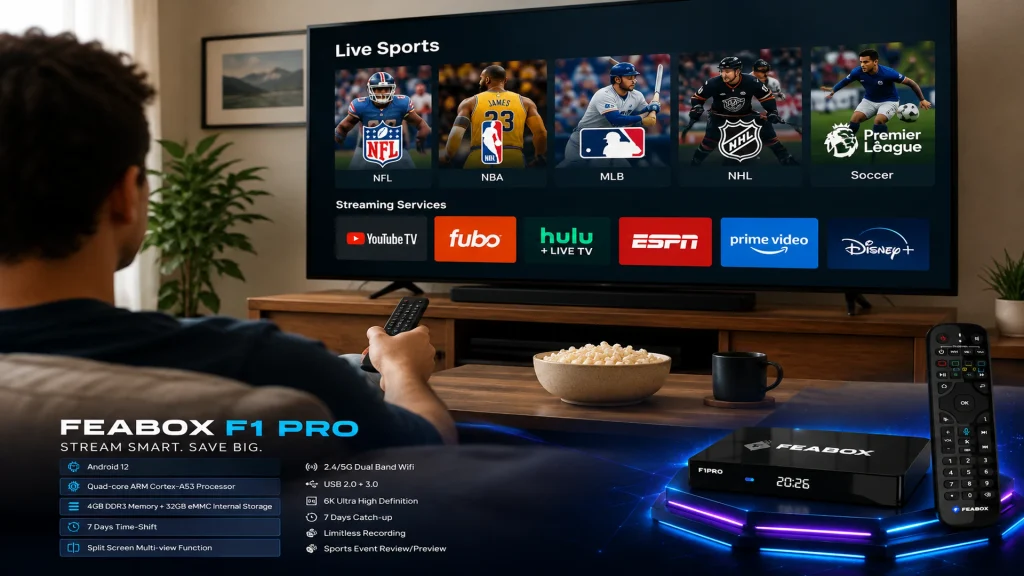
That creates three common frustrations:
- Too many subscriptions: Following multiple leagues can mean paying for more than one service.
- Missing games: Your usual platform may not carry every matchup, especially local or nationally exclusive events.
- Confusing TV setups: Switching between apps, inputs, and subscriptions can make game night more complicated than it should be.
The solution isn’t automatically to buy the most expensive package. It’s to work out which services actually match your viewing habits.
Best Streaming Services for Sports in 2026
There is no single best streaming service for every sports fan. Some platforms are better for live television and a broad selection of channels, while others make more sense for a particular league or competition.
YouTube TV: A Broad Live TV Option
YouTube TV is worth considering if you want a traditional live-TV experience without a cable subscription. Its channel lineup can include major sports broadcasters and local networks, depending on your area and plan.
It’s a practical option for households that watch several sports and want news and entertainment channels alongside live games.
Best for: Fans who want a broad live-TV package.
What to consider: Check the current channel lineup in your ZIP code, the subscription price, and whether your preferred regional sports networks are included.
Fubo: For Households That Watch a Lot of Sports
Fubo is another option for viewers who want a live-TV package with a strong sports focus. Depending on the available plan and location, it may provide access to sports networks covering professional leagues, college competitions, and other live events.
It can be particularly appealing if sports account for a large share of your TV time.
Best for: Sports-focused households that want a broad channel selection.
What to consider: Compare the full monthly cost, included networks, regional coverage, and any additional fees before subscribing.
Hulu + Live TV: Sports and Entertainment Together
Not everyone in the household wants to watch sports all day. Hulu + Live TV combines live television with an on-demand entertainment library and access to Disney+ and ESPN content through its current package structure.
That combination may be useful when one person wants to watch a game while someone else prefers movies, series, or family programming.
Best for: Households looking for sports and general entertainment in one package.
What to consider: Review the current bundle, sports channels, simultaneous-streaming limits, and regional restrictions.
ESPN: For Fans Who Want ESPN Coverage
ESPN’s streaming options are worth comparing if your viewing habits center on events and competitions carried by ESPN networks and its streaming service.
The right subscription depends on the content you want. ESPN’s available plans differ in the programming they include, so don’t assume every plan provides access to every ESPN channel or event.
Best for: Viewers whose favorite sports and competitions are covered by ESPN.
What to consider: Confirm the specific plan requirements and whether an event is exclusive to another broadcaster.
Prime Video: For Selected Exclusive Games
Prime Video is an important option for sports fans because certain events are available exclusively through the platform. NFL coverage is one example, and the service also carries selected sports programming beyond football.
However, Prime Video is not a replacement for every sports broadcaster. Its value depends on whether the games you care about are included.
Best for: Fans who want access to selected exclusive live sports and other Prime Video content.
What to consider: Check the current event schedule and membership requirements before signing up specifically for a game.
League-Specific Services: When You Follow One Sport
Sometimes a dedicated sports subscription makes more sense than a large live-TV package.
For example, NBA League Pass offers access to eligible NBA games, subject to national and local broadcast restrictions. Similar league-specific services may suit fans who primarily follow one competition.
These services can be a sensible choice when you know exactly what you want to watch.
Best for: Fans who closely follow a particular league or sport.
What to consider: Review blackout rules, live versus replay access, and which games remain exclusive to other broadcasters.
How to Choose the Right Sports Streaming Service
Before paying for another subscription, answer a few practical questions.
| What to compare | Why it matters |
|---|---|
| Your favorite leagues | Determines which service carries the events you want. |
| Local and national broadcasts | Some games are available through local stations, while others require specific subscriptions. |
| Total monthly cost | Multiple smaller subscriptions can add up to more than one broad package. |
| Streaming quality | Your internet connection, device capabilities, and service plan all affect playback. |
| Supported devices | Check that the service works on your TV or streaming device. |
| Blackout restrictions | A subscription may not include every local or nationally televised game. |
A useful starting point is to list the teams and competitions you watch regularly. Then check their official viewing guides and compare the total cost of the services required.
If you only watch a few major games each month, a full live-TV package might be unnecessary. If you follow several leagues throughout the year, a broader package could be more convenient.
Can You Watch Sports Without Spending Too Much?
Yes, although the best approach depends on your viewing habits and the broadcasting rights involved.
Start with these options:
Check free, legal broadcasts. Some games are available through local broadcast networks, promotional access, or official streaming options. Availability depends on the event and your location.
Avoid overlapping subscriptions. If two services provide much of the same programming you watch, reconsider whether you need both all year.
Subscribe around your viewing schedule. If you follow a seasonal sport, evaluate whether you need its dedicated service throughout the entire year.
Compare bundles carefully. A bundle can be worthwhile when you genuinely use the included services, but paying for extra content you never watch doesn’t automatically save money.
Make your existing TV easier to use. If your TV works well but its built-in software feels slow or lacks the apps you need, you may not need to replace the entire screen. A compatible streaming device can be an alternative.
The important distinction is that a streaming device can help you access supported apps, but it does not eliminate subscription fees or bypass a service’s broadcasting restrictions.
Why Your Streaming Device Matters for Sports
Choosing the right streaming service is only part of the equation. You also need a device that can run the relevant apps and deliver a viewing experience that suits your setup.
If you regularly switch between a live-TV app, a league-specific service, and other streaming platforms, device compatibility and everyday responsiveness become important. A supported app, reliable internet connection, and suitable display settings can make the difference between a straightforward game-night routine and constant troubleshooting.
This is also where a streaming box can be useful. Instead of replacing a television that still works, you can connect a compatible device and use its supported streaming environment to access services available for that device.
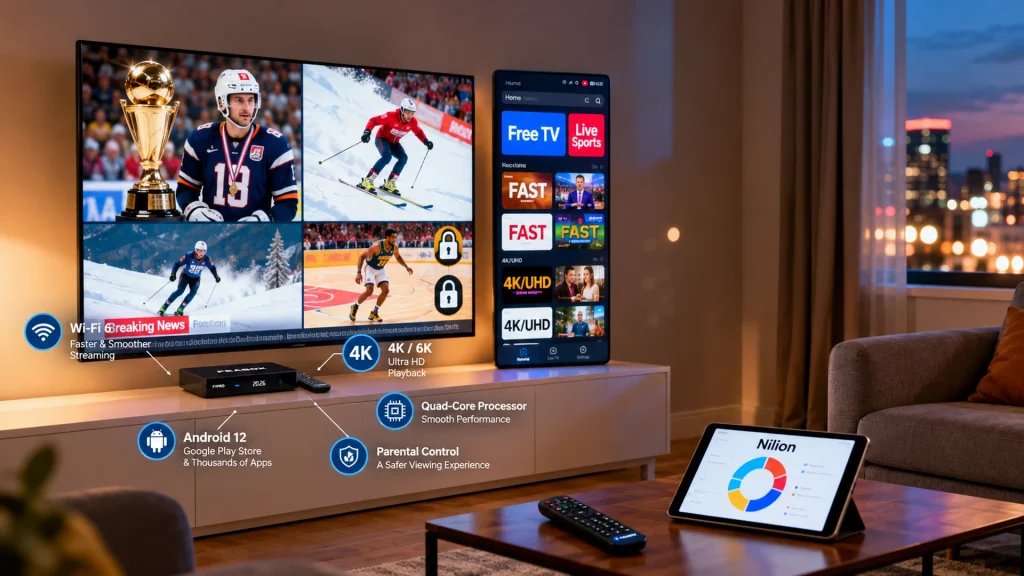
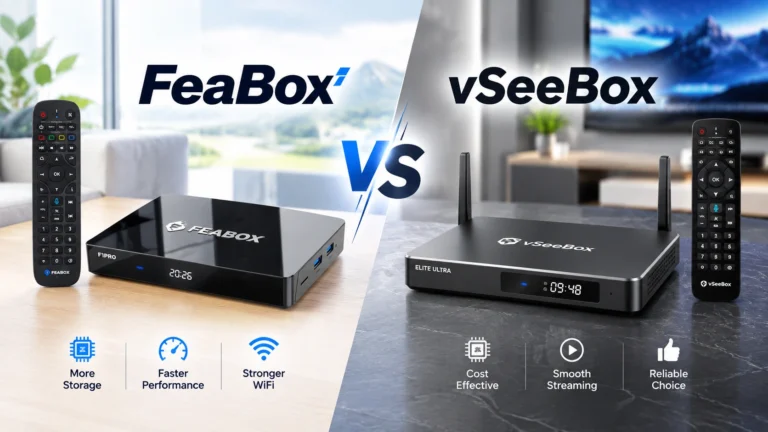
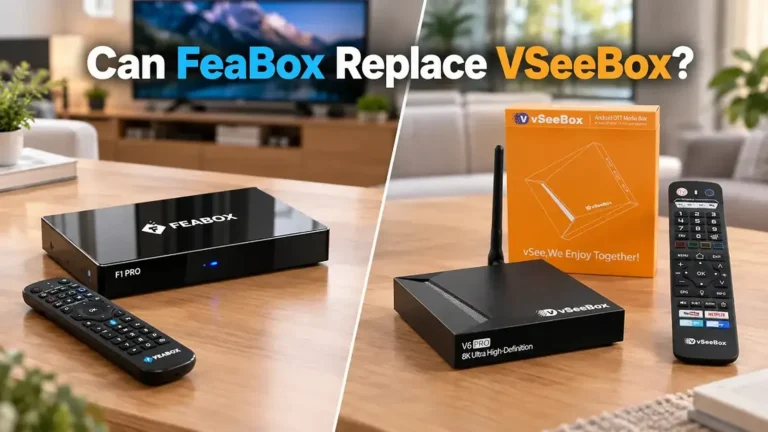
For viewers comparing Android TV box options, FeaBox streaming box options are worth exploring alongside app compatibility, connectivity, and everyday performance. Two models to compare are the FeaBox F1 Max and FeaBox F1 Pro..
FeaBox F1 Max: Consider It for Your Home Streaming Setup
If you want a dedicated device for your main television, the FeaBox F1 Max specs are worth reviewing alongside supported apps, connectivity, and overall compatibility with your setup.
Before choosing a model for sports, check that the streaming services you use support the device and that its output capabilities match your television. If 4K matters to you, confirm that the service, content, TV, connection, and device all support the resolution you want.
FeaBox F1 Pro: Another Option to Compare
The buy FeaBox F1 Pro option is worth considering if you’re looking for a dedicated streaming box for your existing TV. Before choosing, compare its specifications, supported apps, and connectivity with your viewing needs.
Compare the F1 Pro with the F1 Max based on the specifications that matter to you, including memory, storage, video output, app compatibility, and connectivity. The best choice is the one that meets your actual needs, rather than simply the model with the longest feature list.
Neither model should be treated as a substitute for a sports subscription. Instead, think of FeaBox as the hardware component of your setup: you still choose your streaming services, sign in to your accounts, and follow each provider’s access rules.
Don’t Forget About 4K Sports Streaming
If picture quality matters to you, check the resolution available for the specific event you’re watching. Not every live sports broadcast is available in 4K, even when your television supports it.
Your device, TV, internet connection, and subscription must all be compatible with the relevant streaming format. Some services also reserve higher-resolution streams for selected events or plans.
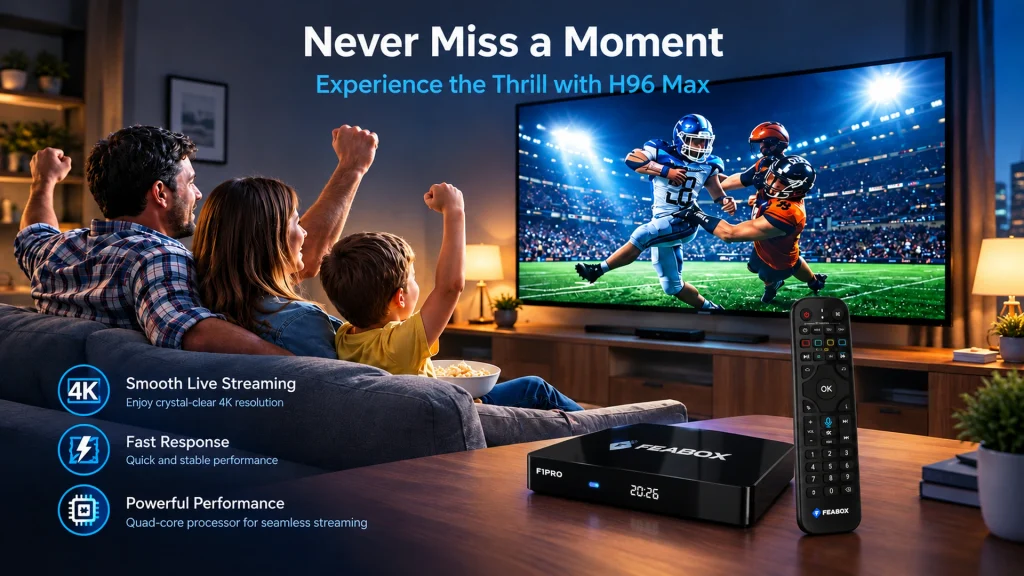
For more detail on what to look for, read our related guide to 4K streaming services. It can help you understand how resolution, service availability, and hardware fit together before you spend money upgrading your setup.
A More Convenient Way to Watch Sports While Traveling
Sports fans don’t always watch games from the living room. You might want to catch a match while traveling, use a hotel television, or keep up with a game away from home.
Before you leave, check whether your streaming service supports your destination, whether the app works on your available device, and whether location-based restrictions affect access. Downloadable content and live sports availability are not the same thing, so don’t assume that a service offering offline downloads will let you watch every live game while away.
If you also want to watch your favorite shows and entertainment while away from home, read our guide to streaming apps for travel for practical tips on app compatibility, internet access, and preparing your streaming setup before departure.
Frequently Asked Questions
It depends on the sports you watch. YouTube TV and Fubo are worth comparing for broad live-TV coverage, Hulu + Live TV combines sports with entertainment, and services such as ESPN and NBA League Pass may be better suited to particular viewing preferences. Always verify the current channel lineup and event availability.
Yes. Many broadcasters and streaming providers offer live sports through internet-based subscriptions, while some games are available through free local broadcasts. The services you need depend on the leagues, teams, and events you want to follow.
Not necessarily. Broadcasting rights are divided among providers, so one subscription may not cover every league or game. Check the official viewing options for your favorite competitions before choosing a plan.
No. A FeaBox streaming box is a hardware device, not a guarantee of free access to every sports channel or event. You may need separate subscriptions, and availability depends on the apps, providers, and broadcasting rights involved.
Potentially, if your television has a compatible connection and the device supports the apps you need. Check the TV’s available ports, device requirements, and streaming-service compatibility before purchasing.
No. A compatible HD setup can be sufficient for many broadcasts. A 4K-capable device is worth considering if you have a 4K television and regularly watch content offered in that resolution. The actual stream quality depends on the event and service, too.
Focus on the leagues you actually watch, compare legal viewing options, avoid overlapping subscriptions, and evaluate seasonal plans or bundles. Also account for blackout restrictions so you don’t pay for a service that cannot show the games you expect.
Final Thoughts
The best streaming service for sports isn’t necessarily the one with the most channels or the biggest advertising campaign. It’s the service—or combination of services—that gives you access to the games you care about at a price that makes sense.
Start with your favorite sports, verify where their games are broadcast, and compare the full cost before committing to a plan. Then make sure your TV and streaming device can run the apps you need.
If your television still works but you want a more flexible way to access supported streaming apps, consider comparing the FeaBox F1 Max and F1 Pro as part of your setup. Choose the model that fits your device requirements, confirm service compatibility, and build your sports streaming experience around what you actually watch—not subscriptions you rarely use.

[…] fan looking for live games, event coverage, and compatible streaming options, our guide to the best streaming services for sports can help you compare your options. Meanwhile, if you want to watch movies and shows while […]