

Streaming is getting harder to budget for. With subscription prices changing and more services competing for your monthly entertainment budget, it can be difficult to tell whether you are actually saving money compared with traditional TV.
If you are dealing with rising streaming costs and alternatives, comparing subscriptions, free streaming, live TV services, and streaming devices can help you see where your money is going and which setup makes the most sense for the way you watch TV.
Why Are Streaming Costs Getting More Expensive?
Streaming was supposed to make TV simpler. Instead, many households now find themselves paying for several services just to keep up with the shows, movies, sports, and other content they actually watch.
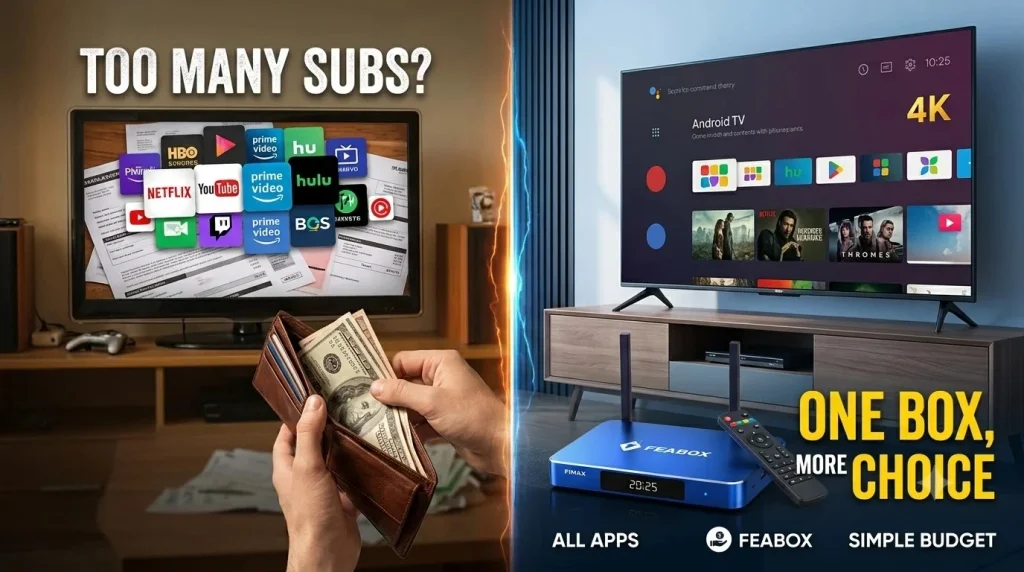
The problem is rarely one expensive subscription. It is the combination of several smaller ones. You might subscribe to one service for original shows, another for movies, and another because someone in the family watches a particular type of content. Some services also have different pricing tiers, with cheaper ad-supported plans and more expensive options for additional features.
Over time, that monthly total can become surprisingly difficult to justify. If you’re trying to reduce your TV costs, the first step is not necessarily buying a new device. It is figuring out where the money is actually going.
Why Are Streaming Costs Adding Up?
The easiest way to understand the problem is to look at your entire TV setup rather than one subscription at a time.
You may have several on-demand services, a live TV package, premium sports access, and perhaps another subscription that you only use for one or two shows. Individually, each charge might seem reasonable. Together, they can create a monthly entertainment bill that looks a lot less attractive.
Here’s how the main options compare:
| TV Setup | What You Pay For | Main Advantage | Main Drawback |
|---|---|---|---|
| Several streaming subscriptions | Multiple individual services | Large selection | Monthly costs add up |
| Traditional cable | Large channel package | Familiar live TV experience | Often includes channels you rarely watch |
| Free streaming | Ad-supported content | Little or no subscription cost | More limited selection |
| Live TV streaming service | Live channels online | Cable-like experience | Can still be expensive |
| Streaming box + selected apps | Device plus chosen services | More flexibility | Still requires compatible services |
The important point is that buying a streaming device does not automatically eliminate subscription costs. The potential savings come from choosing a setup that matches what you actually watch.
For a closer look at how streaming prices can affect your monthly entertainment budget, see our guide to streaming services prices.
Streaming Subscriptions vs. Other TV Options
Before buying anything, compare the alternatives rather than assuming there is one universal solution. The right choice depends on how often you watch TV, which content matters to you, and whether your current hardware is still doing its job.
Option 1: Keep Multiple Streaming Subscriptions
Keeping several subscriptions can be the simplest approach if you regularly use them.
You do not need additional hardware if your existing TV already supports the apps you use. The downside is that the monthly cost can gradually increase as you add services, upgrade plans, or forget about subscriptions you no longer use.
A useful first step is to look at your last few months of viewing and ask:
- Which services did you actually use?
- Which ones were used only once or twice?
- Are you paying for multiple services with overlapping content?
- Could one service be paused until you need it again?
For some households, simply removing unused subscriptions makes more sense than buying a new device.
Option 2: Switch to Free or Ad-Supported Streaming
Free and ad-supported streaming can reduce recurring costs without requiring you to stop watching TV altogether.
The tradeoff is straightforward: you generally have less control over what is available, and advertisements are part of the experience. Content libraries can also change, so something available today may not necessarily remain available indefinitely.
This approach can work particularly well for viewers who are happy with a mixture of free movies, shows, news, or other ad-supported content instead of maintaining several premium subscriptions.
Option 3: Use a Live TV Streaming Service
Live TV streaming services provide an alternative to traditional cable. They can be useful if you mainly want live channels but would rather receive them over the internet than through a traditional cable setup.
However, streaming does not automatically mean cheap.
If you choose a relatively expensive live TV package and then add several on-demand subscriptions on top, your total monthly bill can still become substantial. This is why it is worth comparing the complete monthly cost rather than looking only at the advertised price of one service.
Option 4: Use a Streaming Device With the Services You Actually Need
A separate streaming device takes a different approach. Instead of replacing your television, you can connect a streaming box to an existing TV and use it as the interface for compatible apps and services.
This can be useful when your television works perfectly well but its built-in software is outdated, slow, or inconvenient. You keep the screen you already own while changing the hardware responsible for the streaming experience.
The key distinction is that the streaming box itself does not replace paid content subscriptions. It gives you another way to access compatible streaming services and organize your viewing setup.
Which Option Makes Sense for Different Viewers?
There is no single answer because households use TV differently. Someone who watches two services a few times a week has very different needs from a household that watches live TV every night and uses several apps.
| If You… | You May Want to Consider… | Why |
|---|---|---|
| Watch only one or two services | Keeping selected subscriptions | No need to add hardware unnecessarily |
| Rarely watch premium content | Free/ad-supported services | Can reduce recurring costs |
| Want traditional live channels | Live TV streaming | More similar to cable |
| Have an older TV that still works | Streaming box | Upgrade the streaming side without replacing the screen |
| Have a slow Smart TV | External streaming device | Separates the streaming experience from the TV’s built-in software |
| Use several compatible apps | Streaming device + selected services | Provides another way to access them from one TV setup |
| Want everything included for one low price | Compare carefully | “All-in-one” options may still have recurring fees |
This is why the cheapest-looking option on paper is not always the most practical one for every household. Your existing TV, internet connection, subscriptions, and viewing habits all affect the final cost.
What About an Android TV Box?
An Android TV Box can be worth considering when the television itself is not the part causing the problem.
Imagine your TV still has a good screen and works normally, but its built-in apps feel outdated. Replacing the entire television would solve the software problem, but it would also mean paying for a new screen you may not actually need.
A separate Android TV Box gives you another option. You keep the television and connect an external device through HDMI. The box then provides its own operating environment for compatible apps and services.
For someone comparing rising streaming costs and alternatives, that distinction matters. You’re not necessarily buying a box to make subscriptions disappear. You’re considering whether you can improve the way you access your content without replacing an otherwise usable TV.
Where FeaBox Fits Into the Comparison
FeaBox fits into the external streaming-device category.
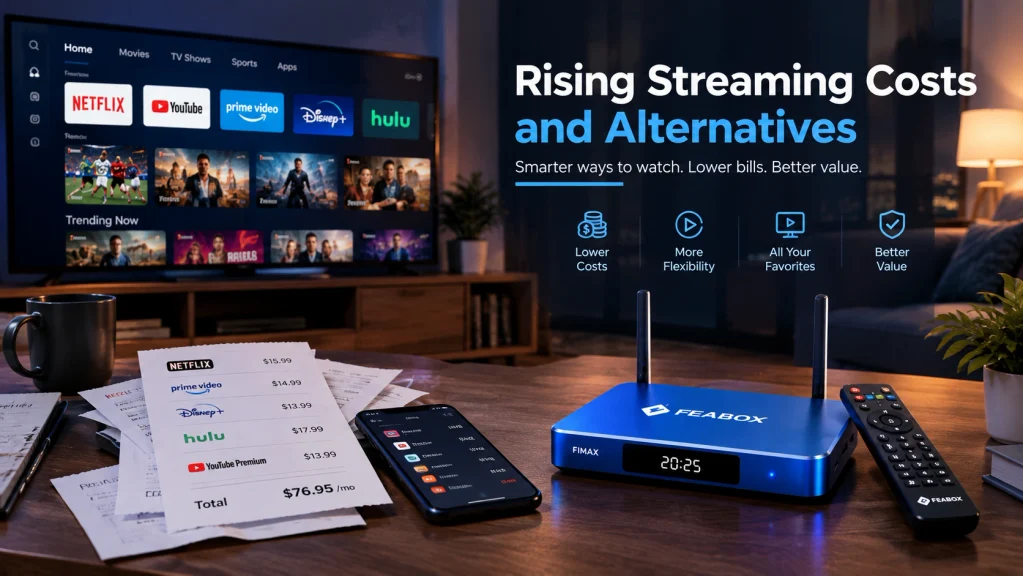
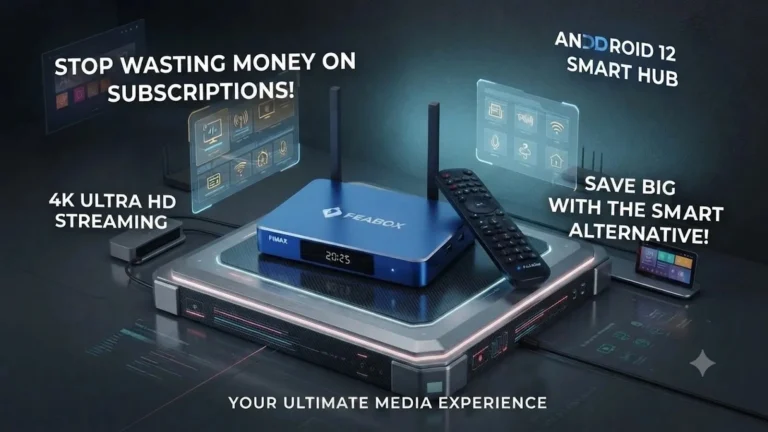
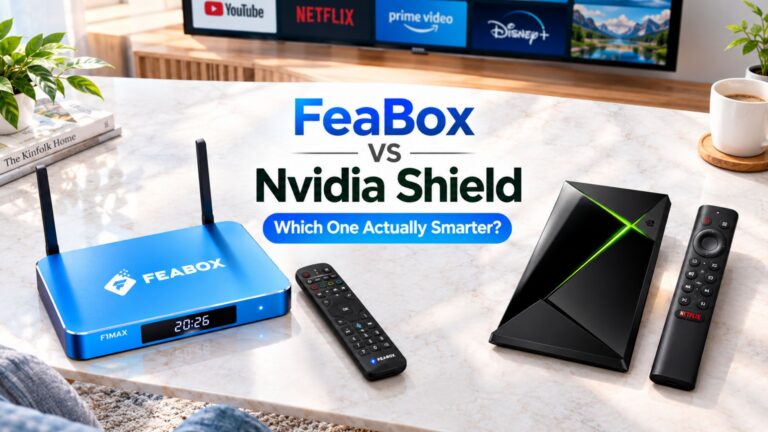
For viewers whose main problem is an aging Smart TV rather than the television screen itself, a FeaBox device can be one option to consider alongside other streaming hardware. The official FeaBox lineup currently includes the F1 Pro and F1 Max, both built around Android 12 with 4GB RAM and Wi-Fi 6; the main hardware difference between the two is storage, with 32GB on the F1 Pro and 64GB on the F1 Max.
The important thing is to start with the problem.
If your issue is simply that you are paying for too many services, buying a streaming box will not solve that by itself. You still need to review which subscriptions you actually use.
If your problem is that your TV works well but its built-in streaming experience no longer meets your needs, an external device becomes more relevant. In that situation, a device such as the FeaBox F1 Pro or FeaBox F1 Max can be evaluated based on the hardware, storage, connectivity, and features you actually need.
That distinction can prevent you from spending money on hardware when the real issue is your subscription lineup.
Can a Streaming Box Actually Lower Your TV Costs?
Potentially, but indirectly.
The hardware does not magically turn paid services into free services. Instead, it can give you more flexibility in how you use an existing TV.
For example, suppose you have an older television that still has a perfectly good display. You could replace the TV and pay for an entirely new television to get newer software and streaming capabilities. Or you could keep the TV and add a streaming box, assuming the television has a compatible HDMI connection.
The second approach may make more financial sense when the television itself does not need replacing. But the calculation depends on what you already own, what apps you need, the price of the device, and how long you expect to keep the setup.
What Should You Compare Before Buying?
If you’re considering an external streaming device as part of a lower-cost TV setup, don’t focus only on the price of the box. Look at the complete setup and how it fits your current viewing habits.
App Compatibility
First, check whether the device supports the streaming apps and services you actually use. A low-cost device is not particularly useful if it cannot run the apps you need.
You should also check whether specific services have platform, region, subscription, or device requirements. App availability can change over time, so it is worth checking the service’s current compatibility information before buying.
Performance
A faster device can make everyday navigation, app switching, and playback feel more responsive.
This matters especially if you’re replacing an older or slower Smart TV interface. However, hardware performance is only one part of the streaming experience. Your internet connection, router, network traffic, and the service itself can also affect playback.
Storage
Storage can matter if the device supports installing multiple apps or storing additional content.
You probably do not need the highest storage capacity simply because it is available. Choose according to how you intend to use the device. FeaBox’s F1 Pro offers 32GB, while the F1 Max offers 64GB, giving users a straightforward choice based mainly on how much storage they expect to need.
Resolution Support
If your television supports 4K, check whether the streaming device and relevant services can take advantage of it.
Buying hardware that supports a high resolution does not automatically make every piece of content available at that resolution. Your TV, content source, subscription, and internet connection can all affect what you actually see.
Connectivity
Streaming depends on more than the box itself. Check whether the device supports the type of Wi-Fi or wired connection that makes sense for your home network.
For example, both current FeaBox F1 models list dual-band Wi-Fi 6 and Ethernet connectivity. That gives you the option of using wireless networking or a wired connection depending on your setup.
Long-Term Use
Think beyond the first month.
A device that works with your current setup but becomes difficult to use as your needs change may not be a good long-term fit. Consider the apps you use now, the storage you might need later, and whether the manufacturer provides clear support information.
Rising Streaming Costs: A Simple Way to Compare Your Options
Before changing your setup, calculate what you are actually spending.
Write down:
Monthly streaming subscriptions + live TV services + other recurring TV costs = your current monthly entertainment cost
Then compare that number with the alternatives available to you.
| Setup | Upfront Cost | Recurring Cost | Requires Existing TV? |
|---|---|---|---|
| Multiple streaming apps | Low | Medium to high | Usually |
| Free streaming | Low | Low | Usually |
| Live TV streaming | Low | Medium to high | Usually |
| New Smart TV | High | Depends on services | No |
| Streaming box | Medium | Depends on services | Yes |
The important number is not simply the price of the device.
It is the total cost of the setup over time.
A $50–$100 hardware purchase does not automatically save money if you continue paying for the same collection of subscriptions afterward. On the other hand, keeping an existing TV instead of replacing it can avoid a much larger upfront expense.
If you are specifically comparing lower-cost on-demand services, pay attention to the restrictions attached to cheaper plans as well. Lower pricing can sometimes come with advertising, content limitations, device restrictions, or other conditions, so the monthly price alone does not tell the whole story.
What About FeaBox F1 Pro vs. F1 Max?
If you decide an external streaming box makes sense, the next question is how much hardware you actually need.
The FeaBox F1 Pro and F1 Max share the same core platform, including Android 12, a quad-core ARM Cortex-A53 processor, 4GB RAM, Wi-Fi 6 support, and high-resolution video playback. The main difference is internal storage: 32GB on the F1 Pro versus 64GB on the F1 Max.
That means you do not necessarily need to pay for additional storage simply because it is available. If your viewing setup is relatively simple and you mainly need the core streaming experience, 32GB may be sufficient. If you expect to install more apps or want additional storage space, 64GB gives you more room.
The choice should therefore come after you understand your usage rather than before it.
So, What Is the Best Alternative to Rising Streaming Costs?
The answer depends on what is actually driving your bill.
If you have too many subscriptions, start by reducing or rotating the ones you rarely use. If you mainly watch free content, explore ad-supported services. If you need live channels, compare live TV streaming packages with your current cable bill.
And if your TV still works but its built-in streaming experience is holding you back, compare the cost of a new television with the cost of adding an external streaming device.
That last option is where an Android TV Box can make sense. A device such as FeaBox is not a replacement for every streaming service or a guaranteed way to eliminate monthly bills. It is another piece of hardware you can consider when you want to keep an existing TV and change the way you access compatible streaming content.
FAQ
No. A streaming box is hardware. You may still need separate subscriptions for paid streaming services, and individual apps can have their own pricing and requirements.
If the TV has a compatible HDMI input, an external streaming device can add a different streaming interface and access to compatible apps without replacing the television itself.
Not necessarily. Several streaming subscriptions or a live TV streaming package can add up. The actual cost depends on the services you choose and how often you use them.
Not necessarily. Start by identifying which services you actually use and which ones are costing money without fitting your viewing habits. Rotating subscriptions can also be an option if you only need certain services for specific shows or seasons.
It can be when your existing TV still works well and your main problem is its streaming functionality. The actual savings depend on the cost of the device and what you would otherwise spend on a replacement TV.
FeaBox’s official FAQ states that the device itself does not require a mandatory monthly subscription fee. However, individual third-party apps installed on the device may have their own subscription costs.
Final Thought
Rising streaming costs don’t necessarily mean you need to return to cable or replace your television.
The better starting point is to look at what you’re actually paying for and what is causing the frustration. Sometimes the answer is canceling subscriptions you rarely use. Sometimes it is switching to free or ad-supported content. And sometimes the TV itself is perfectly fine, but its built-in streaming experience has become the weak point.
In that situation, comparing an external streaming device such as FeaBox with the cost of replacing the entire TV can give you another option to consider.
The goal is not to buy more technology just because it exists. It is to build a TV setup that fits what you actually watch, what you are willing to spend, and how long you expect your current equipment to last.

[…] If you’re trying to understand why streaming has become more expensive overall and what alternatives are available, see our guide to rising streaming costs and alternatives. […]
[…] understand the bigger picture, explore rising streaming costs and alternatives. Reviewing the broader market can help you identify practical ways to manage your entertainment […]