
How to choose an Android TV box based on your TV, streaming habits, performance needs, app compatibility, and budget. Buying an Android TV box can be harder than it looks. One model has more RAM, another has more storage, and almost every product page highlights 4K support or impressive hardware numbers.
But do you actually need all of those features? The right choice depends less on which box has the biggest specifications and more on how you use your TV. Here is what to consider before buying one.
Start With Your TV
Before comparing Android TV boxes, take a look at the television you already have. If your TV still has a good picture but its built-in software feels slow, limited, or outdated, an external streaming device may be enough to improve your setup without replacing the screen. If you’re comparing different digital boxes for televisions, our guide can help you understand the main options before choosing a device.
If your Smart TV already supports the apps you use and performs well, however, adding another device may not be necessary. The first question is simple: what problem are you trying to solve?
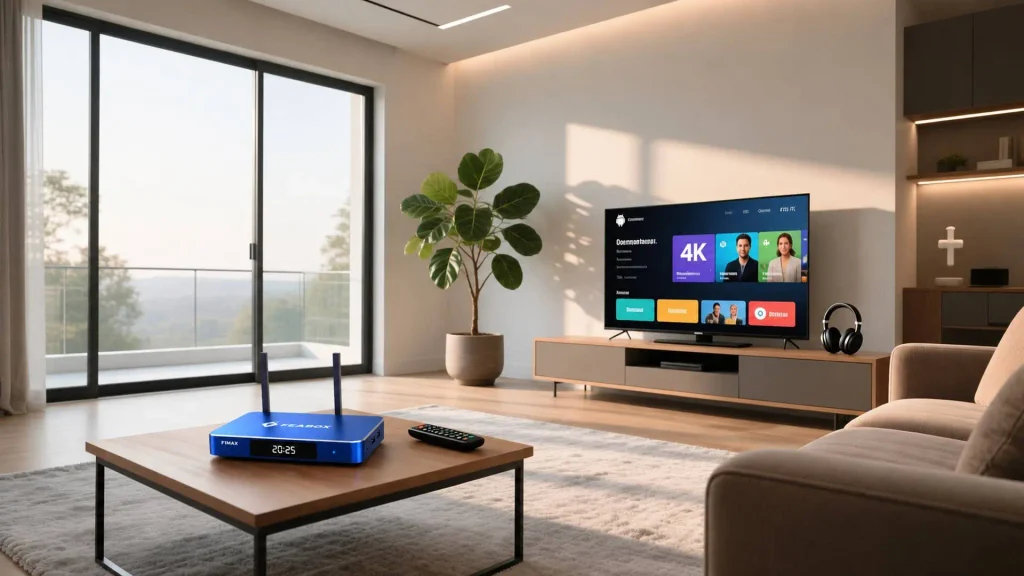
If you are deciding whether an external box makes more sense than your existing Smart TV, our Android TV Box vs Smart TV comparision can help you compare the two setups.
Check App Compatibility
Once you know you want an external device, check the apps before looking at specifications. A fast Android TV box is not much use if it does not support the streaming services you actually watch.
Make a list of the apps you use most often and check whether they are supported on the device you are considering. Availability can also vary by country and service. It is also worth checking the device’s certification. Google explains that Play Protect-certified Android devices have passed compatibility testing and are eligible to include licensed Google apps such as the Google Play Store. Non-certified devices may have issues with apps, updates, or security. For a buying decision, app compatibility should come before the specification sheet.
Choose the Right Performance
RAM and processor performance can affect how responsive your smart tv smart box feels. If you only open one streaming app at a time, you may not need a high-end configuration. But if you regularly switch between apps, browse content, or use several entertainment apps, additional performance can make more sense.
Instead of asking which box has the most RAM, think about your habits.
For basic streaming: prioritize reliable performance and app compatibility.
For heavier everyday use: look for a stronger hardware configuration that can comfortably handle your apps.
For long-term use: consider whether the device gives you enough performance headroom for how your viewing habits may change.
The goal is not to buy the biggest number. It is to avoid paying for performance you will never use.
How Much Storage Do You Need?
Storage becomes more important as you install more apps. If you only use a few streaming services, basic storage may be enough. If your TV setup includes many entertainment apps, games, or other downloads, additional storage gives you more room.
Think about what you expect to install rather than choosing a storage size simply because it sounds impressive.
| Your usage | What to prioritize |
|---|---|
| A few streaming apps | Enough storage for essential apps |
| Several streaming services | More storage for flexibility |
| Many apps and downloads | Higher storage capacity |
Storage is particularly worth considering if you plan to keep the same box for several years.
Do You Need 4K?
If you own a 4K television, it makes sense to choose a box that supports 4K output. But buying a 4K-capable device does not automatically make every video 4K. Your TV, streaming service, subscription, available content, and internet connection can all affect the final resolution.
If you have an older 1080p TV, you may not need to pay extra for specifications that your screen cannot use. So match the device to the TV you actually own.
Look at Connectivity
Streaming depends on more than the box itself. Your home internet connection, router, Wi-Fi environment, and the position of the device can all affect how reliably content plays Check what type of Wi-Fi the device supports and whether wired networking is available if that matters for your setup. You should also check the physical ports before buying.
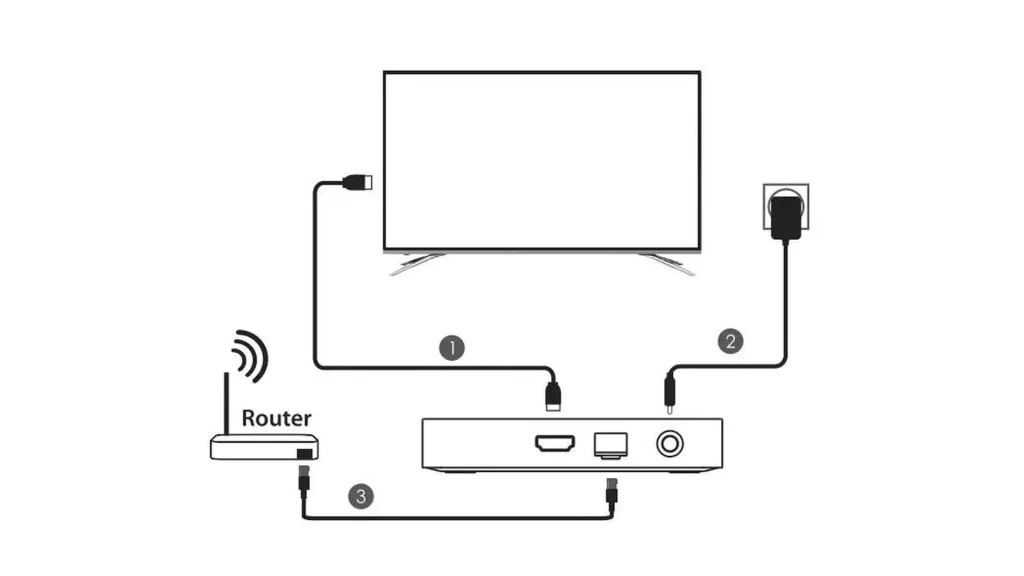
At minimum, make sure the box can connect to your TV through a compatible HDMI connection. Other ports may be useful if you plan to connect external storage, accessories, or other equipment.
Consider the Software Experience
Hardware specifications are only part of the buying decision. You will interact with the software every time you turn on the box, so the interface, app support, updates, and overall usability matter too.
Look for a device with:
- A clear and easy-to-use interface
- Support for the apps you need
- Reliable software support
- Appropriate Google Play access and certification where required
- Clear information from the manufacturer
A box with impressive hardware can still be frustrating if the software experience does not meet your expectations.
Android TV Box vs Cable Box
If you currently use a cable box, you may be wondering whether an Android TV box is actually a better option. The two devices are designed around different ways of watching TV.
A cable box is generally tied to a television provider and its channel packages. An Android TV box focuses on internet-connected apps and services. That means neither is automatically better.
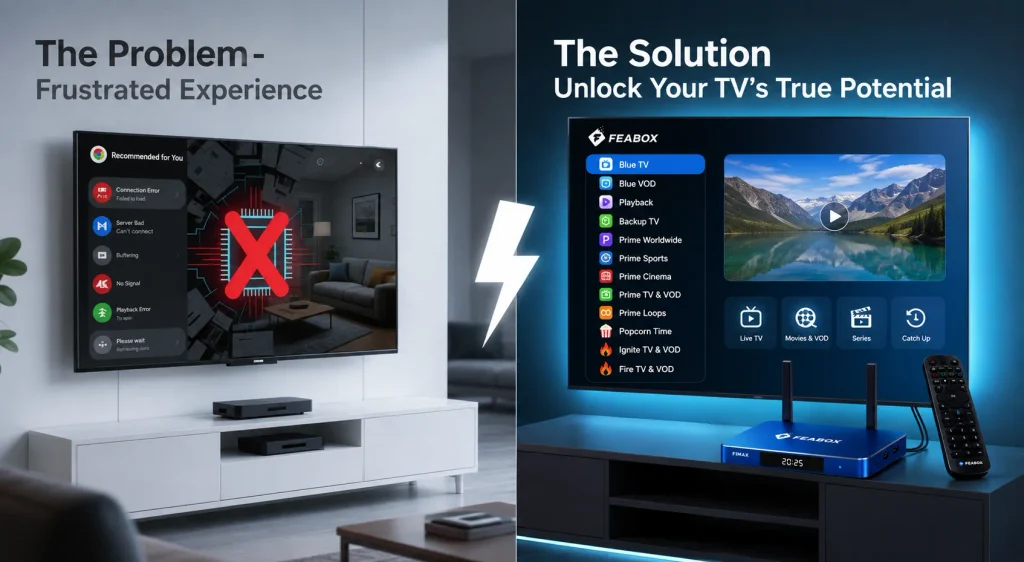
If your household relies heavily on traditional cable channels, a cable box may still make sense. If you want to build your setup around streaming apps and internet-based entertainment, an Android TV box may offer more flexibility.
TV box smart TV box isn’t a direct replacement for every cable channel or paid television service. What you can watch depends on the legitimate services and apps available to you.
Think About Your Streaming Habits
The best Android TV box for one household may be unnecessary for another. Someone who watches a couple of streaming services every night has different requirements from someone who installs many apps, switches between services frequently, or wants to use a 4K television. If IPTV is an important part of your setup, you can also see our guide on which is the best streaming device for TV for IPTV.
Before buying, ask yourself:
- How many apps do I use?
- Do I watch mostly on-demand content or live TV?
- Do I have a 4K TV?
- Do I need lots of storage?
- How important is fast app switching?
- Is my current TV still worth keeping?
- Do I want to replace part of my cable setup?
These answers will help you narrow down what actually matters.
How Much Should You Spend?
Price should come after your requirements. A more expensive Android TV box may offer better hardware, more storage, or additional features, but those upgrades are only valuable if you will use them.
For basic streaming, you may not need premium hardware. For heavier app use, 4K viewing, or a larger entertainment setup, spending more on suitable hardware can make sense.
Instead of asking:
“What is the most expensive Android TV box I can buy?”
ask:
“Which features am I actually paying for?”
That approach makes it easier to find a box that offers good value for your specific setup.
Is FeaBox F1 Max Worth Considering?
Once you know what matters to you, you can evaluate individual models using the same criteria. FeaBox F1 Max is one option to consider if you want a separate Android TV box for your existing television.
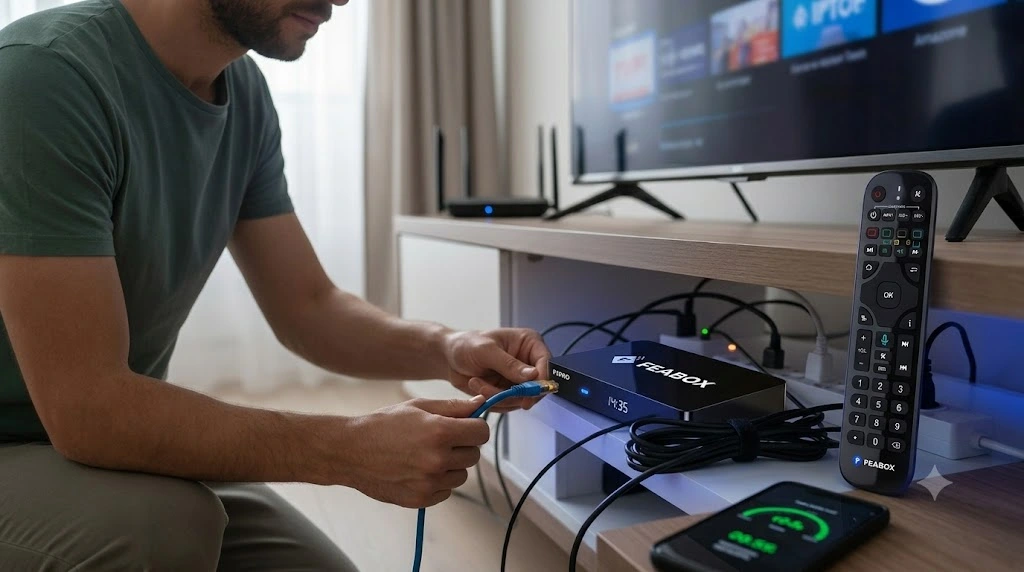
Rather than choosing it simply because of a specification number, compare the F1 Max with your own requirements:
- Does it support the apps you use?
- Is the hardware suitable for your viewing habits?
- Does it provide enough storage?
- Does it support your TV’s resolution?
- Does the connectivity fit your home network?
- Does the software experience work for you?
For example, if you regularly use several entertainment apps, the F1 Max’s hardware configuration is more meaningful when considered in terms of everyday app use and responsiveness.
You can check the FeaBox F1 Max to see its specifications and decide whether it fits your setup. Designed to handle high-quality streaming and multiple apps seamlessly, many users consider this model to be the best TV box on the market. You can visit their official website to review all the specifications and decide whether it perfectly fits your setup.
A Simple Android TV Box Buying Checklist
You do not need to memorize every specification before buying.
Just make sure you have checked the things that can actually affect your experience.
| Before buying | Check this |
|---|---|
| TV compatibility | HDMI and supported resolution |
| Apps | Services you actually use |
| Performance | RAM and overall hardware |
| Storage | Enough space for your apps |
| Video | 4K support if needed |
| Internet | Wi-Fi and connectivity |
| Software | Interface, updates, and certification |
| Budget | Features you will actually use |
If a device meets these requirements, you are already much closer to making a sensible buying decision.
Final Thoughts
Choosing an Android TV box does not have to mean finding the model with the biggest RAM, most storage, or longest list of features. Start with your TV and your viewing habits.
Then check app compatibility, performance, storage, video support, connectivity, software, and price. Those are the things that determine whether a box will actually work well for you.
If your current TV still has a good screen but its built-in streaming experience is holding you back, an external box such as the FeaBox F1 Max may be worth considering. The best choice is not the box with the most impressive specification sheet. It is the one that solves the problem you actually have.
FAQ
It can be if your TV still works well but its built-in software is limited, outdated, or missing apps you want. If your Smart TV already does everything you need, you may not need an additional device.
It depends on how you use it. Basic streaming does not necessarily require a large amount of RAM, while people who regularly switch between apps may benefit from a higher-memory configuration.
If you have a 4K TV and want to take advantage of supported 4K content, choosing a 4K-capable box makes sense. If your TV is 1080p, 4K support may be less important.
Not automatically. An Android TV box provides access to supported internet-based apps and services, while a cable box is generally tied to a television provider. Whether you can reduce or replace your cable service depends on what you watch and which legitimate services are available to you.
Check TV compatibility, app support, RAM, storage, video resolution, connectivity, software support, certification, and price. Most importantly, make sure the device matches how you actually watch TV.