
Finding the right streaming services for seniors shouldn’t feel like decoding a spaceship manual. If you’re tired of juggling five remotes, paying for channels you never watch, or dealing with a TV interface that moves at a snail’s pace, you’re definitely not alone. The streaming world has exploded with options over the past few years, and while that’s great for variety, it can also be overwhelming when all you want is a straightforward way to watch the news, catch your favorite shows, and maybe stream a few movies from time to time.
Let’s be real: not everyone wants to spend their evenings troubleshooting tech. The good news is that with the right approach, cutting the cord and simplifying your TV setup is totally doable, even if you’re not particularly tech-savvy. This guide breaks down exactly what to look for, how to avoid common pitfalls, and which solutions actually deliver on their promise of simplicity.
Why Streaming Can Feel Complicated
Modern TV setups have gotten messy. Between smart TVs, dongles, subscriptions, and apps that seem to update every other day, it’s easy to feel lost. Cable used to be straightforward: you paid one bill and got all your channels in one place. Now, you’re expected to manage multiple apps, remember different passwords, and figure out which service has which show.
Common frustrations with modern TV setups
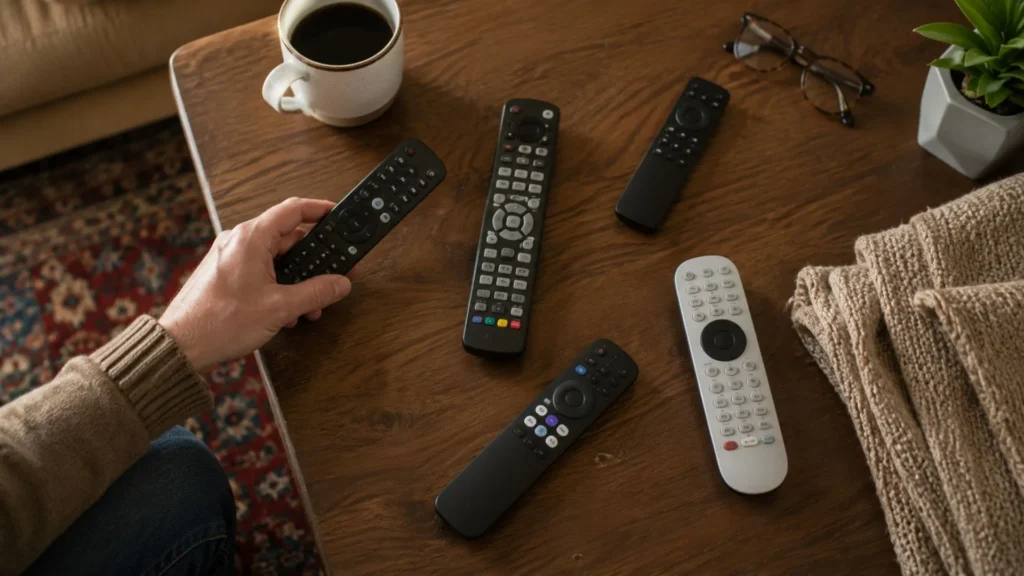
One of the biggest complaints people have is the sheer number of remotes and devices cluttering their coffee table. You’ve got the TV remote, the cable box remote, maybe a soundbar remote, and then another remote for your streaming stick. It’s a lot to keep track of, and if you accidentally press the wrong button, good luck getting back to where you were.
Another huge frustration is buffering and lag. Nothing ruins movie night faster than constant spinning wheels or apps that crash halfway through your show. Many smart TVs come with built-in streaming apps, which sounds convenient until those apps start running slower and slower as the TV ages. According to Consumer Reports, older smart TVs often struggle to keep up with app updates, leading to frustrating performance issues.
Finding the right balance between cost and content
Cable bills have been creeping up for years. The average cable bill in the US now hovers around $217 per month according to FierceVideo, which is frankly ridiculous when you consider how much of that content you actually watch. Streaming services for seniors should save money, not create a new complicated billing maze.
The challenge is finding services that offer the content you actually care about without paying for five different subscriptions. Many people end up spending almost as much on streaming as they did on cable, which defeats the purpose. If you’re looking to truly understand how to lower cable bill for seniors, you need a strategy that combines the right services with reliable hardware.
What to Look for in a Streaming Setup
Not all streaming setups are created equal. Before diving into specific services or devices, it helps to know what features actually make a difference in your day-to-day experience.
User-friendly interfaces and remote controls
The interface matters more than most people realize. A cluttered home screen with tiny icons and confusing menus can turn a simple task into a 20-minute ordeal. Look for systems that let you customize your home screen, pin your favorite apps front and center, and navigate with large, clear icons.

Remote controls should be simple, with well-labeled buttons that are easy to see and press. Voice command features can be a game-changer if you’re not a fan of scrolling through endless menus. Being able to just say “open YouTube” or “find the news” is way easier than hunting through apps.
Reliability and speed (avoiding buffering)
Speed and reliability are non-negotiable when it comes to streaming services for seniors. A device that freezes, crashes, or takes forever to load content will make you want to throw the remote across the room. According to PCMag, processor power and RAM make a huge difference in how smoothly apps run, especially when switching between content or using multiple apps.
Look for devices with solid specs that can handle modern streaming apps without lagging. Cheaper options might save you a few bucks upfront, but they often slow down quickly or struggle to keep up with app updates.
Accessing local and international channels
If you want to watch news from your home country, local channels, or international shows, not every device or service makes this easy. Many mainstream platforms focus heavily on Hollywood content and miss out on diverse programming that matters to people with international roots or specific cultural interests.
The best streaming services for seniors should offer flexibility to access a wide range of content sources. Whether you’re looking for Asian dramas, European news channels, or Latin American shows, having a device that supports diverse apps and content libraries is key.
Hardware vs. Software: Building Your Setup
Here’s something a lot of people don’t realize: the device you use to stream matters just as much as the apps themselves. You can have the best subscription services in the world, but if your hardware is slow or frustrating to use, you’re not going to enjoy the experience.
Why a dedicated streaming box can be better than a smart TV app
Smart TVs sound great in theory, but in practice, their built-in apps often become sluggish over time. TV manufacturers don’t always prioritize updating the software, so you end up with outdated apps that crash or don’t support the latest features. A dedicated streaming box, on the other hand, gets regular updates and is specifically designed to handle streaming performance.
Plus, if your streaming box ever becomes outdated, you can easily swap it out for a new one without having to replace your entire TV. That’s a lot more cost-effective and practical in the long run.
Understanding Android-based streaming devices
Android-based streaming boxes have become increasingly popular because they offer flexibility and customization. Unlike closed ecosystems, an Android TV box lets you install a wide variety of apps beyond just the mainstream services. This means you can access niche content, international channels, and specialized apps that might not be available on other platforms.
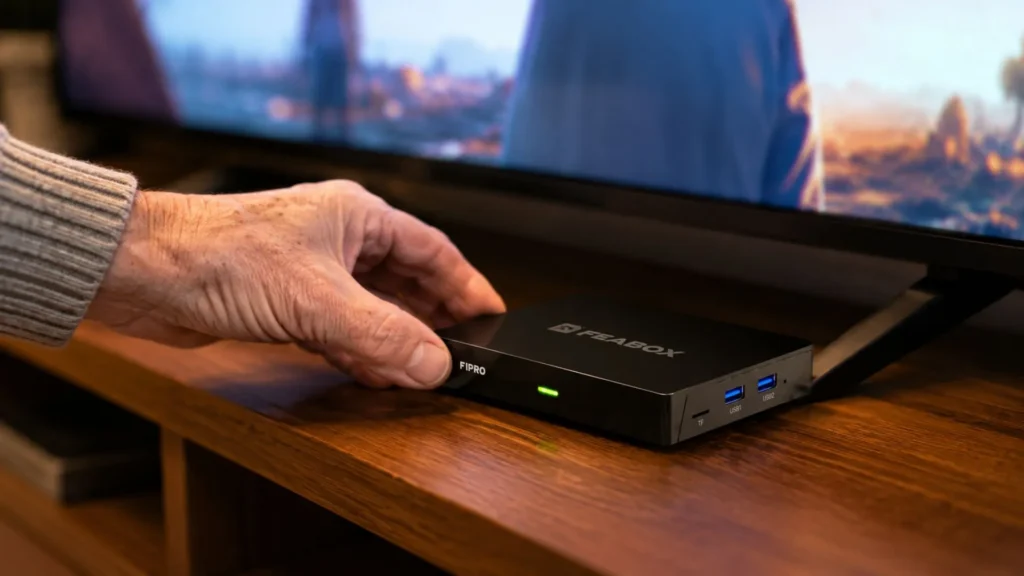
Android TV boxes are also great for people who want control over their viewing experience. You can organize your home screen however you like, install apps that suit your specific interests, and even use voice commands to make navigation easier. When shopping around for the right option, it’s worth exploring what makes a great FeaBox TV box stand out from the competition.
How to choose the right box for your needs
When selecting a streaming device, focus on three main factors: performance, ease of use, and content flexibility. You want a box that boots up quickly, doesn’t lag when switching apps, and has a remote that’s intuitive to use. Look for features like voice control, customizable home screens, and parental controls if you have grandkids who share the TV.
Content flexibility is huge. The best streaming services for seniors aren’t just about Netflix and Hulu. You want a device that supports a wide range of apps so you can access free content, international channels, and premium subscriptions all in one place. That’s where newer brands like FeaBox really shine. Although FeaBox just launched in 2026, it’s backed by a team with years of experience building trusted streaming TV box brands, so you’re getting a product designed by people who genuinely understand what users need.
Top Streaming Services for Every Interest
Once you have reliable hardware, the next step is choosing the right streaming services for seniors based on what you actually watch. Here’s a breakdown of some solid options across different categories.
Best for movies and classic TV
If you love classic movies and timeless TV shows, platforms like Tubi, Pluto TV, and Peacock offer a ton of free content. These services are ad-supported, so you’ll see commercials, but the trade-off is zero subscription cost. For premium options, services like HBO Max and Paramount+ have deep libraries of older films and series alongside new releases.
Best for news and international content
Staying connected to news from around the world is important for a lot of people, especially those who want to keep up with their home countries. Apps that aggregate international channels are perfect for this. Many Android TV boxes support a variety of news and international streaming apps that aren’t available on mainstream devices.
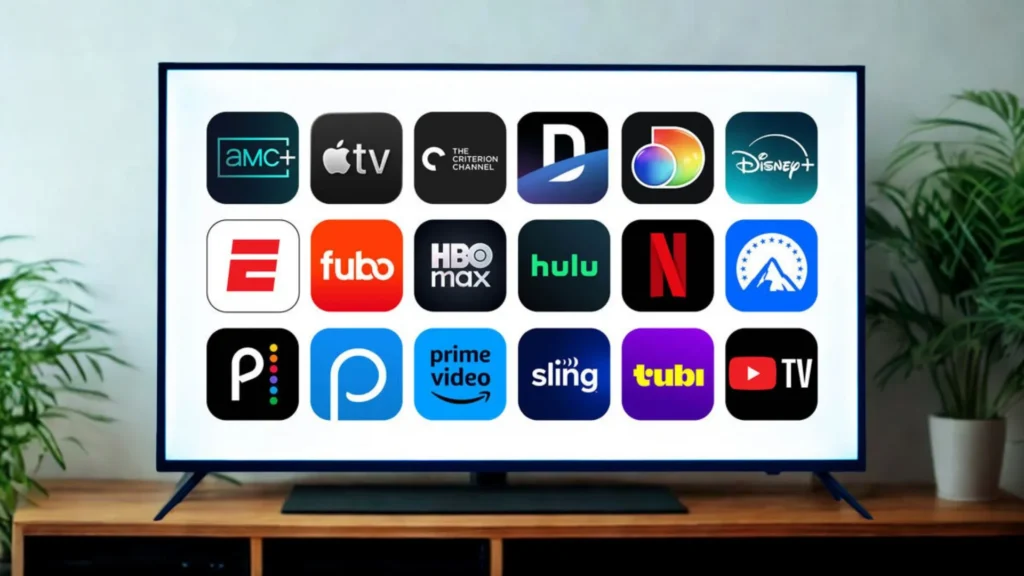
For US-based news, services like YouTube TV, Sling TV, and FuboTV offer live news channels. If you’re after international content, look for devices that let you install region-specific apps or access global streaming services without restrictions.
Budget-friendly options to replace cable
Cutting the cord doesn’t mean giving up all your favorite channels. Services like Sling TV start at around $40 per month and offer customizable channel packages. Philo is another affordable option at about $25 per month with a solid lineup of entertainment and lifestyle channels.
Free apps like Pluto TV, Tubi, and Xumo also provide live TV channels without any subscription fees. Combining a few free services with one or two paid subscriptions can give you all the content you need at a fraction of the cost of cable. For more tips on reducing costs, check out how to access cheap cable tv for low income households.
How to Cut the Cord Without the Headache
Switching from cable to streaming can feel daunting, but with a clear plan, it’s way easier than you think. Here’s a simple roadmap to make the transition smooth.
Step-by-step transition plan
First, take stock of what you actually watch. Write down your must-have channels and shows. This helps you figure out which streaming services you really need. Next, choose a reliable streaming device. Don’t just rely on your smart TV’s built-in apps. Get a dedicated box that’s fast and user-friendly.
Once you have your device, start by installing one or two free apps to get comfortable with the interface. Then gradually add paid services as needed. You don’t have to do everything at once. Take your time learning how each app works and customize your home screen so your favorites are easy to find. If you’re curious about reducing costs even further, exploring how can i lower my cable bill strategies can offer additional savings.
Managing subscriptions and saving money
One common mistake people make is signing up for too many services at once. Start with one or two and see if they meet your needs before adding more. Many services offer free trials, so take advantage of those to test things out without committing.

Set calendar reminders for when trials end so you don’t accidentally get charged for something you forgot about. Also, consider rotating subscriptions. If you finish watching everything you wanted on one service, cancel it and try another for a few months. This keeps costs down and prevents subscription fatigue.
Why FeaBox Is Worth Considering
When it comes to finding streaming services for seniors that actually work, hardware quality makes all the difference. FeaBox offers a reliable Android TV box designed to simplify your viewing experience. It connects to any TV with an HDMI port, runs smoothly without lag, and supports a wide range of streaming apps—both free and paid.
What sets FeaBox apart is the team behind it. Although the brand is new, launched in 2026, it’s built by industry veterans who spent years developing and scaling major streaming TV box brands. They understand what users need: fast performance, easy navigation, and access to diverse content. The F1 Pro and F1 Max both deliver on these fronts, offering features like voice control, parental controls, time shift, and a simple remote that anyone can use.
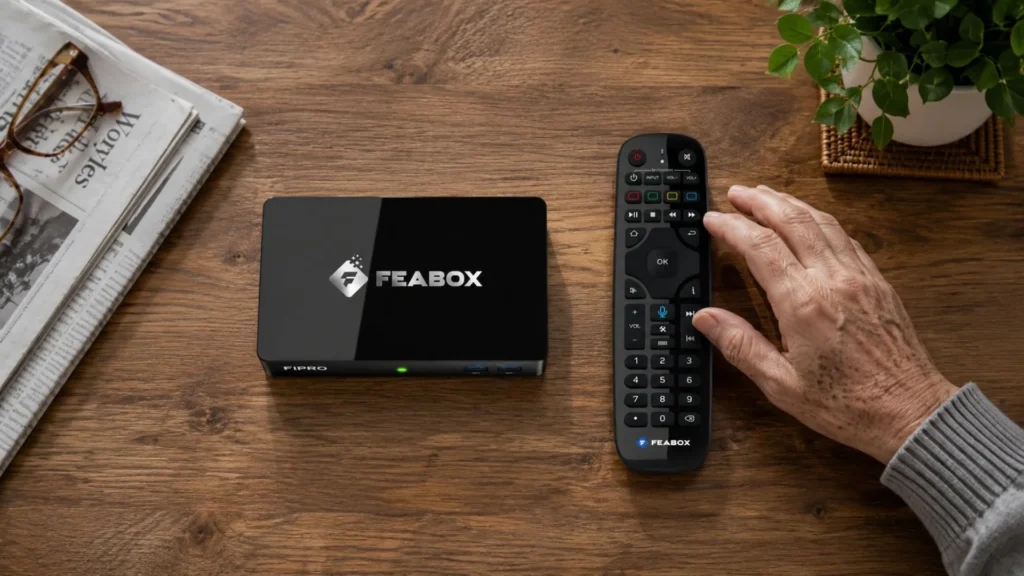
You only need WiFi to get started, and the setup process is straightforward. No confusing menus, no tech headaches, just plug it in, connect to your network, and start streaming. Whether you want to watch international channels, catch up on local news, or enjoy free movies, FeaBox gives you the flexibility to build a TV experience that works for you.
Conclusion: Making TV Enjoyable Again
Streaming services for seniors shouldn’t feel like rocket science. With the right combination of reliable hardware and carefully chosen apps, you can enjoy a simple, affordable TV experience that beats cable hands down. Focus on devices that prioritize speed, ease of use, and content flexibility, and don’t be afraid to start small and build from there.
The key is choosing a streaming box that grows with you, supports a wide range of apps, and doesn’t slow down over time. FeaBox checks all those boxes and more, giving you a hassle-free way to cut the cord and take control of your TV experience.
Frequently Asked Questions
Devices with simple, customizable home screens and voice control are generally best for ease of use. Android-based boxes like Roku, FeaBox, Firestick often offer more flexibility for organizing favorite apps and accessing a wide range of content. Look for options that prioritize large icons, intuitive remotes, and fast performance to avoid frustration.
No, you don’t need a smart TV to access streaming services for seniors. Any TV with an HDMI port can become a smart TV by plugging in a streaming box or stick. In fact, a dedicated streaming device often performs better than built-in smart TV apps, which can become slow and outdated over time.
Many streaming boxes support apps that aggregate international content, making it easy to watch news and shows from around the world. Android-based devices are particularly good for this because they allow easy installation of various streaming apps and APKs that aren’t always available on mainstream platforms. Look for devices that support diverse app ecosystems like Firestick or FeaBox to access global content.
Yes, in most cases, streaming services for seniors are significantly cheaper than cable. You can save money by paying only for the specific services you use rather than a large cable bundle filled with channels you never watch. By combining free apps with one or two paid subscriptions, many people cut their monthly TV costs in half or more. For additional strategies, consider exploring options like least expensive cable provider alternatives.
Most modern streaming boxes are easy to set up. In most cases, you just connect the HDMI cable, plug in the power, and connect to Wi-Fi, much like setting up a smartphone or laptop.
The real challenge comes afterward. With many streaming devices, you still need to download apps from the app store, sign in to multiple accounts, pair the remote, remember passwords, and manage updates. For older users, that process can quickly become frustrating, and many give up after just a few days.
FeaBox is different. Everything is centralized and ready to use out of the box, so you don’t have to spend time installing apps, juggling logins, or managing multiple accounts. It delivers a much simpler experience, especially for users who just want to turn on the TV and start watching.