
Let’s be real — your cable and internet bill probably makes you wince every single month. You’re not imagining it. According to a National Cable & Telecommunications Association (NCTA) report, the average American household pays over $217 monthly for cable and internet combined, and that number keeps climbing. If you’re tired of throwing away thousands of dollars yearly on bloated packages filled with channels you never watch, you’re in the right place.
Learning how to save on cable and internet isn’t just about calling your provider and begging for a discount anymore. It’s about building a smarter, more personalized entertainment setup that actually fits your life — and your budget. The good news? It’s easier than you think, especially with the right hardware backing you up.
Why You Are Overpaying for Cable
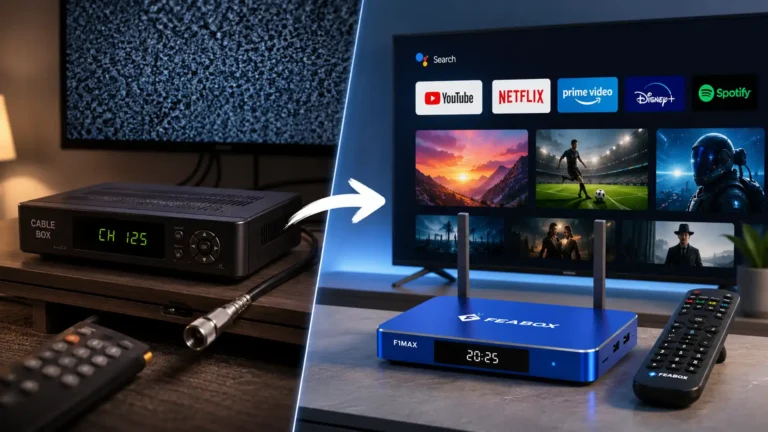
Cable companies love complexity. Hidden fees, equipment rentals, broadcast surcharges, regional sports fees — the list goes on. Most people don’t even realize they’re paying $10 to $20 monthly just to rent a cable box. Multiply that over a year, and you’ve dropped $240 on a device that isn’t even yours.
Then there’s the content problem. You’re paying for 200+ channels, but studies show most households regularly watch fewer than 20. You’re subsidizing content you’ll never consume, and the cable companies know it. Their bundle model was designed decades ago when there were no alternatives. Now? The streaming world has completely changed the game, and if you want to know how to save on cable and internet, it starts with recognizing you don’t need their outdated packages anymore.
Step 1: Audit Your Current Bills
Before you make any moves, pull up your last few cable and internet bills. Yes, all of them. This might sting a little, but you need to see exactly where your money is going.
Identify Hidden Fees and Unused Channels
Look for line items like “broadcast TV fee,” “regional sports fee,” “HD technology fee,” and “DVR service.” These can add $30 or more to your bill every month. Next, think honestly about what you actually watch. Do you need that premium sports package? Are you paying extra for movie channels you haven’t clicked on in months?
Most cable subscribers discover they’re paying for at least two or three add-ons they forgot they even had. Canceling those alone can trim $20 to $50 off your monthly bill. But if you really want to figure out how to save on cable and internet long-term, you’ll need to think bigger than just trimming the fat — you’ll need to consider whether you need cable at all.
Check Your Internet Speed Requirements
Here’s where people get tricked. ISPs love to upsell you on gigabit internet plans, claiming you need crazy-fast speeds to stream. In reality, Netflix recommends just 25 Mbps for 4K streaming, according to their official help page. Unless you’ve got a massive household with multiple people gaming and streaming simultaneously, you probably don’t need the top-tier plan.
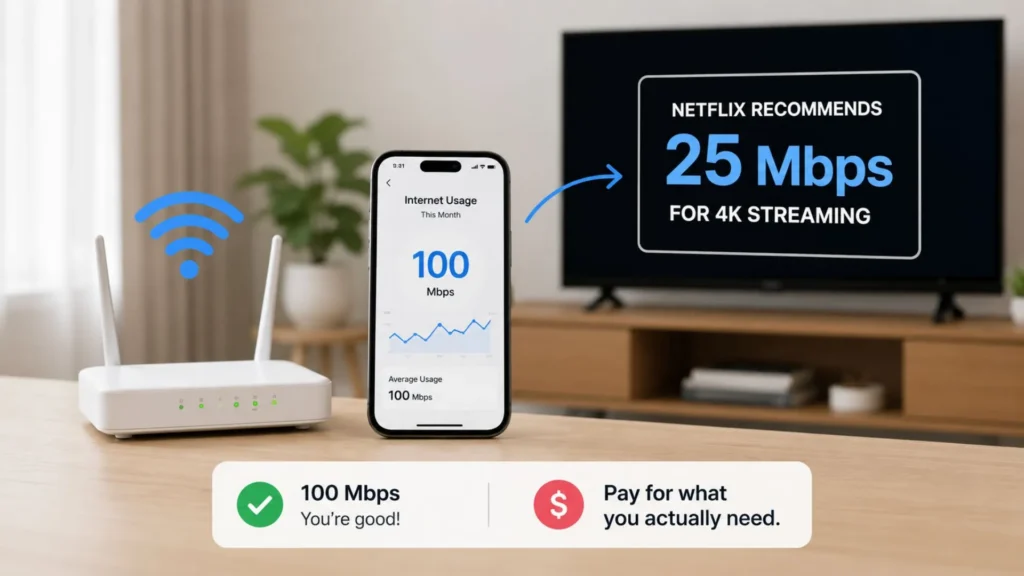
Check your current usage. Most routers have built-in tools, or your ISP’s app can show you your average monthly consumption. If you’re paying for 500 Mbps but only using 100, you’re leaving money on the table. Downgrading your internet speed is one of the simplest ways to immediately answer the question of how to save on cable and internet without sacrificing your viewing experience.
Step 2: Negotiate or Switch Providers
Now that you know what you’re actually using, it’s time to have a conversation with your provider — or find a new one.
How to Talk to Your Current ISP
Call your ISP and tell them you’re considering canceling. Be polite but firm. Mention competitor offers by name. Companies like Verizon, Spectrum, and Xfinity often have retention departments specifically trained to keep you from leaving, and they have discounts they won’t advertise publicly.

Ask about internet-only plans. Bundling cable with internet used to save money, but that’s no longer always true. Many users on Reddit’s r/cordcutters community report saving $40 to $80 monthly by dropping cable entirely and negotiating a standalone internet rate. If your provider won’t budge, don’t be afraid to walk. Loyalty doesn’t pay in this industry.
Comparing Alternative Internet Providers
Depending on where you live, you might have options beyond the big-name cable ISPs. Fiber providers like AT&T Fiber and Google Fiber often offer better speeds for less money. Fixed wireless providers are expanding into suburban and rural areas. Even 5G home internet from T-Mobile and Verizon can be solid alternatives in the right locations.
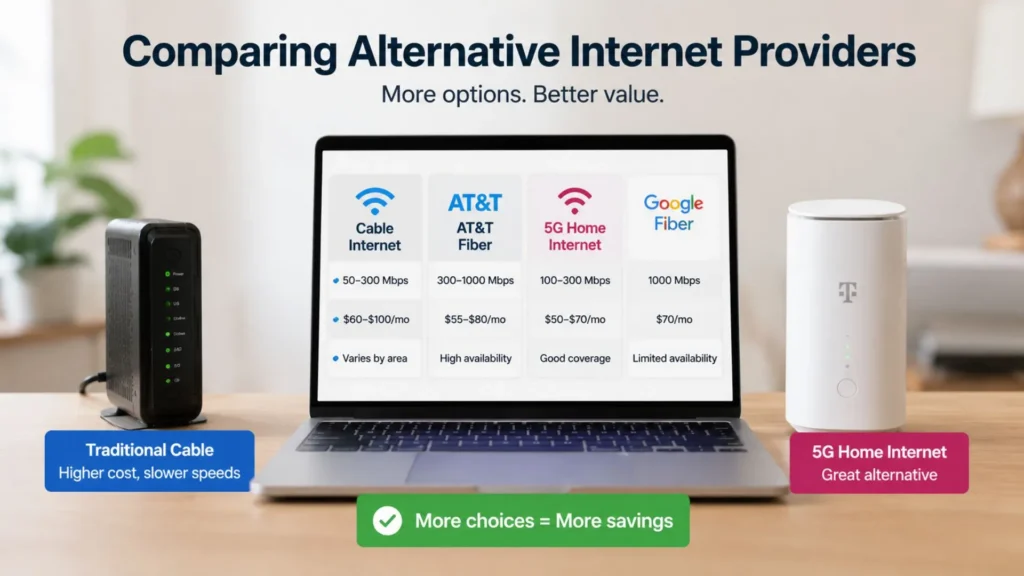
Do your homework. Check availability, read reviews, and compare not just the promotional price but what you’ll pay after year one. Understanding these alternatives is a huge part of mastering how to save on cable and internet, because the more options you have, the more leverage you hold.
Step 3: Choose the Right Streaming Hardware
Here’s where most guides completely miss the mark. They’ll tell you to cut the cable and subscribe to Netflix, Hulu, and YouTube TV, then call it a day. But they skip over the most important part: the device you use to access all that content matters just as much as the services themselves.
Why Smart Android TV Boxes Outperform Built-in Apps
Smart TVs come with apps built in, sure. But those interfaces are clunky, slow, and often outdated within a year or two. Worse, they fragment your experience. You’re constantly switching between inputs, dealing with laggy menus, and missing out on newer apps that your TV manufacturer never bothered to support.
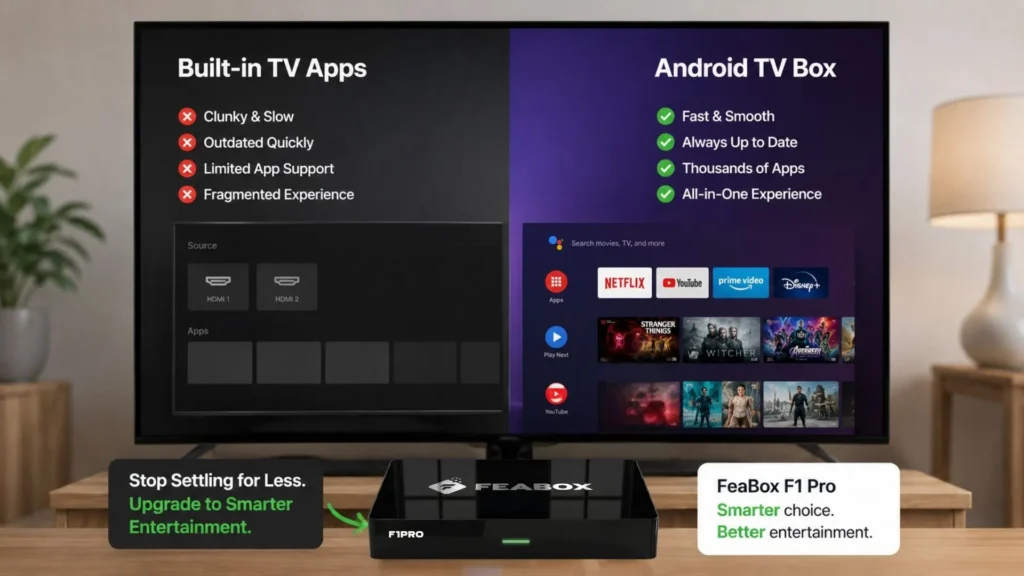
An Android TV box solves all of that. It centralizes everything in one fast, intuitive interface. You get access to the Google Play Store, which means thousands of free and paid apps at your fingertips. It’s future-proof in a way your TV’s built-in software just isn’t. Whether you want to stream live TV, catch up on international news, or browse through your favorite on-demand shows, it all happens in one place without the hassle of juggling remotes or menus.
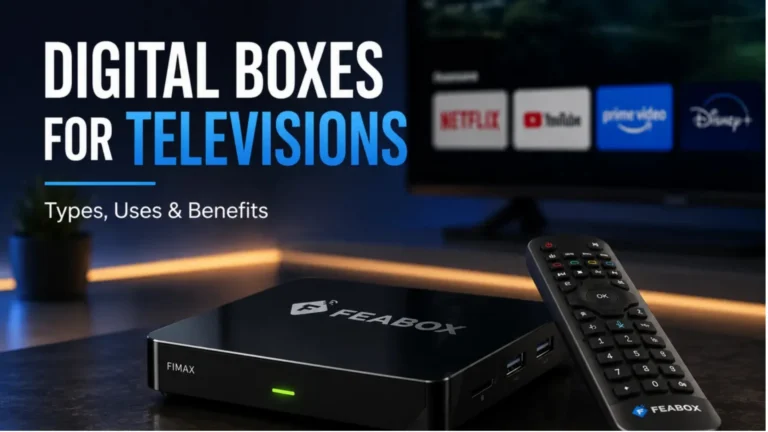
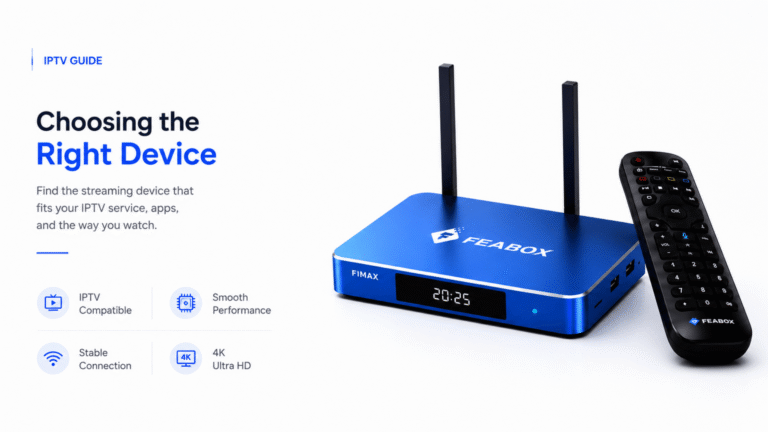
If you’re serious about figuring out how to save on cable and internet while still enjoying premium entertainment, investing in quality hardware is non-negotiable. A reliable Android TV box like the FeaBox F1 Pro gives you that flexibility. Although FeaBox just launched in 2026, it’s built by a team with years of experience in the streaming TV box industry — people who understand what real users need. You’re getting proven reliability and thoughtful design at a price that makes sense, which is exactly what you need when you’re trying to save money long-term.
Consolidating International and Local Content
One of the biggest pain points for cord-cutters is losing access to international channels. Cable packages used to be the only way to get news, sports, and shows from other countries. Not anymore. With the right Android TV box, you can access apps that aggregate international content from dozens of regions — all without paying for expensive specialty cable tiers.
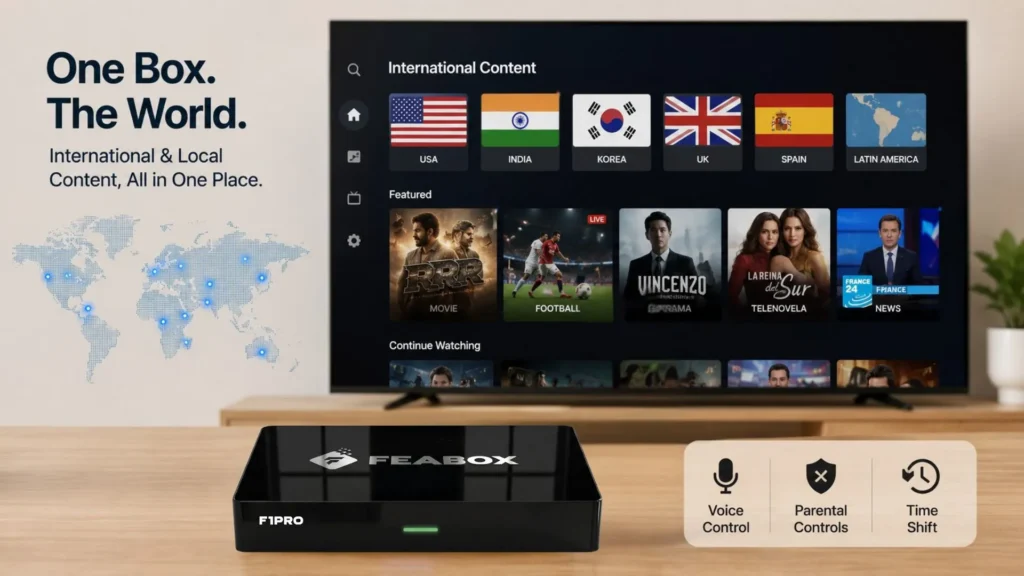
Whether you’re looking for Bollywood films, European football, Korean dramas, or Latin American telenovelas, there are free and paid apps available that cover it all. The key is having a device powerful enough to handle multiple apps smoothly and a user interface simple enough that anyone in the family can navigate it, from kids to grandparents. That’s where the FeaBox F1 Max shines — it’s designed for real households, with features like parental controls, voice command, and time shift, making it incredibly easy to use no matter your tech comfort level.
Step 4: Curating Your Streaming Library
Once you’ve got your hardware sorted, it’s time to decide which streaming services actually deserve your money. This is where people make the biggest mistake: they cancel cable and then sign up for six different streaming services, ending up right back where they started — or worse.
Free vs. Paid Streaming Services
Start with free options. Services like Pluto TV, Tubi, Plex, and Xumo offer thousands of hours of content at zero cost. Yes, there are ads, but if you’re trying to learn how to save on cable and internet, tolerating a few commercials is a small trade-off for eliminating a $100+ cable bill.
Then layer in one or two paid services based on what you actually watch. If you love sports, maybe YouTube TV or Sling. If you’re into prestige dramas, perhaps HBO Max or Apple TV+. The goal isn’t to replace cable with ten subscriptions — it’s to build a custom lineup that fits your household’s viewing habits without the bloat.
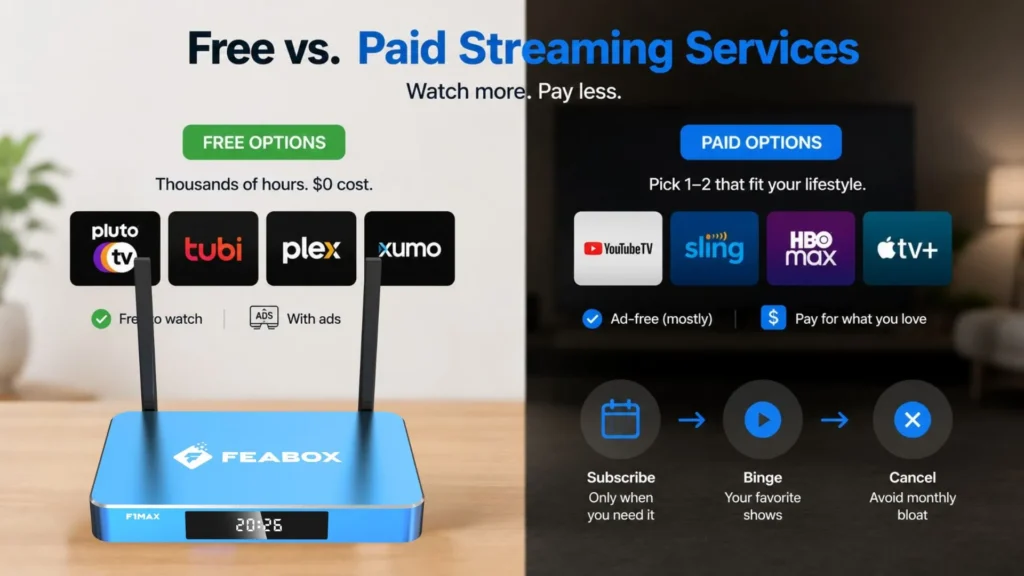
Rotate subscriptions seasonally. Binge a show on one service, cancel it, then pick up another. There’s no rule that says you have to keep everything active all year. This kind of flexibility is one of the best cord cutting options available today, and it only works if you’re not locked into a cable contract anymore.
Finding International Content Without Expensive Packages
For families who want international programming, cable used to be the only game in town. Providers would charge $30, $40, even $50 monthly for add-on international packages with limited channels. Now, apps tailored to specific regions and languages are available directly through the Google Play Store, many of them free or far cheaper than traditional cable add-ons.
Pair those apps with a device like FeaBox, and you’ve essentially built your own custom international TV package for a fraction of the cost. You’re not renting equipment from your cable company. You’re not locked into contracts. You’re not subsidizing channels you’ll never watch. It’s entertainment on your terms, which is exactly how it should be.
Step 5: Long-Term Savings and Flexibility
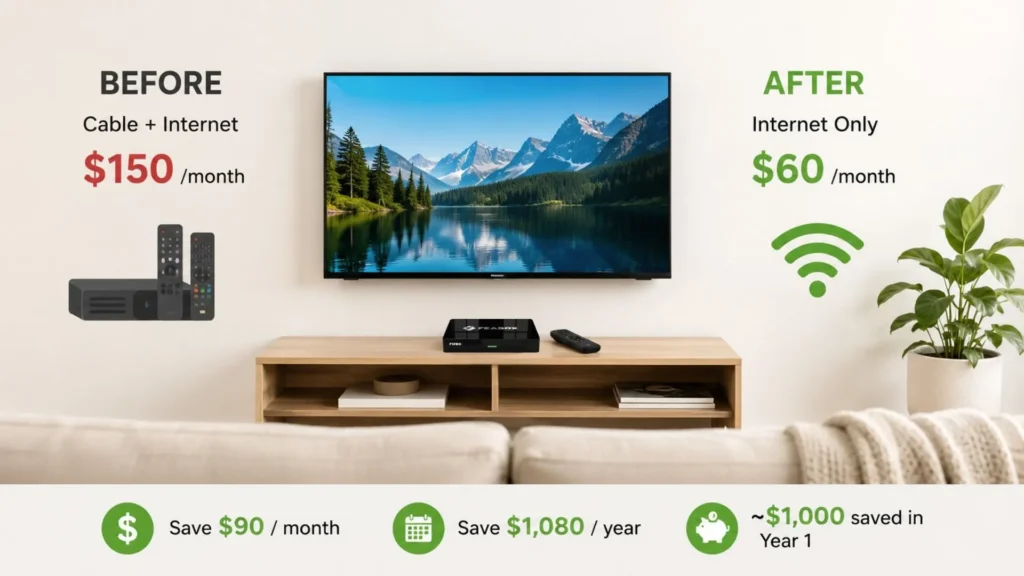
Once you’ve implemented these changes, the savings start stacking up fast. Let’s do the math. If you were paying $150 for cable and internet and you drop it to $60 for internet-only, that’s $90 monthly or $1,080 yearly. Add in a one-time investment of around $100 for a quality Android TV box, and you’re still saving close to $1,000 in year one alone.
But it’s not just about the money. You gain flexibility. Want to travel? Bring your streaming box with you. Moving to a new place? No installation appointments, no technician fees, no waiting around. Just plug it in via HDMI, connect to Wi-Fi, and you’re set. That kind of freedom is priceless, especially in a world where we move more often and value convenience over legacy systems.
Learning how to save on cable and internet is really about taking control of your entertainment budget and your time. You’re no longer at the mercy of annual price hikes, hidden fees, or customer service reps who don’t care. You’re in charge, and that feels pretty damn good.
Common Mistakes to Avoid
Don’t go overboard with subscriptions. It’s tempting to sign up for everything, but that defeats the purpose. Keep it lean.
Don’t cheap out on your internet connection. You need stable, reliable internet to make streaming work smoothly. But you also don’t need to overpay for speeds you won’t use.
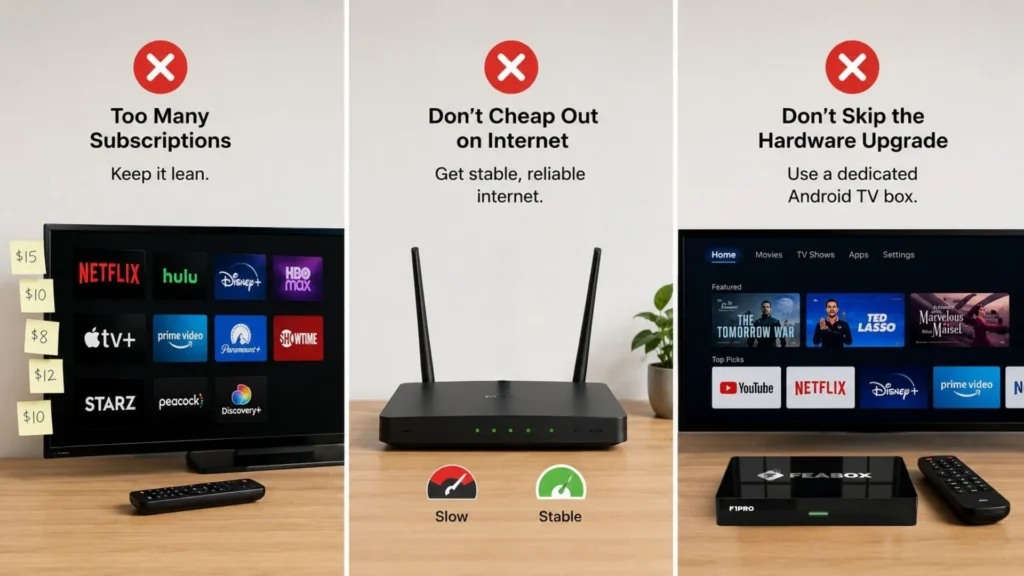
Don’t skip the hardware upgrade. Using your old smart TV’s laggy built-in apps will frustrate you into going back to cable. A dedicated Android TV box is a small investment that makes the entire experience seamless. The team behind the best TV box solutions understand this deeply, which is why they focused on building devices that are fast, intuitive, and built to last.
Summary: Build Your Own Entertainment Hub for Less
Figuring out how to save on cable and internet doesn’t have to be complicated. Start by auditing your current bills and cutting out the waste. Negotiate with your ISP or switch to a better provider. Invest in a reliable Android TV box that gives you access to both free and paid streaming apps. Then, curate a lean, personalized lineup of services that actually match what you watch.
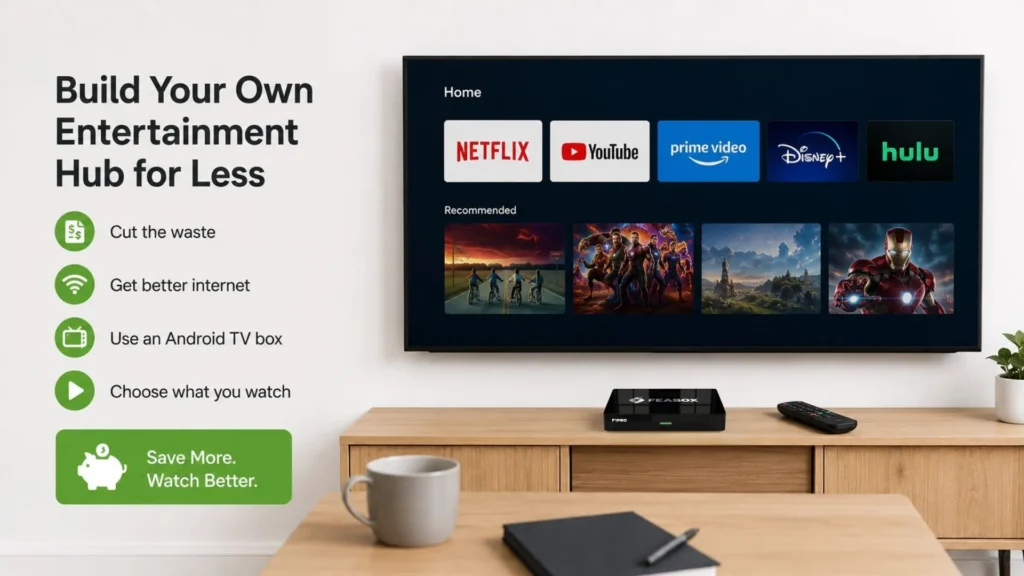
You’ll save money, gain flexibility, and finally break free from the cable company’s grip. The streaming world is wide open, and with the right tools and a little planning, you can build an entertainment setup that’s better, cheaper, and entirely on your terms. That’s the real power of learning how to save on cable and internet in 2026.
Whether you’re looking to get rid of cable tv completely or just trim your monthly expenses, the strategies above will get you there. And if you’re ready to make the switch, consider exploring the FeaBox official website to see how a well-built Android TV box can transform your home entertainment experience.
FAQs: How to Save on Cable and Internet
You need a stable connection, but you likely don’t need the most expensive tier your ISP offers. According to Netflix, 25 Mbps is enough for 4K streaming. For most households, 50 to 100 Mbps is more than sufficient for high-quality streaming across multiple devices.
Yes, absolutely. After the initial investment in streaming hardware, most households save hundreds of dollars per year by eliminating cable box rental fees, broadcast surcharges, and bloated channel packages. The key is not replacing your cable bill with an equally expensive stack of streaming subscriptions.
Yes. Many Android streaming devices allow you to access apps and services that aggregate international news, sports, and entertainment from around the world. You’ll often find more content and better flexibility than you ever had with cable’s limited international packages.
Signing up for too many subscription services. If you’re not careful, you can quickly exceed the cost of your original cable bill. The smartest approach is to start with free apps, add one or two paid services you truly need, and rotate subscriptions as needed.
Absolutely. A high-quality Android TV box provides a centralized, user-friendly interface that consolidates all your content in one place. It’s faster, more reliable, and more future-proof than relying on your smart TV’s built-in apps, making the transition from cable far smoother and more enjoyable.
Ready to Take Control of Your Entertainment Budget?
If you’re tired of overpaying for cable and ready to build a smarter, more flexible streaming setup, now’s the time to act. With the right hardware and a little planning, you can save thousands over the next few years while enjoying better content on your terms. Check out FeaBox’s lineup of Android TV boxes designed for real households who want quality, simplicity, and value.