
You don’t need YouTube TV or a traditional cable subscription to follow your favorite college football teams. If you’re searching for how to watch college football without YouTube TV, there are several options worth exploring, including local broadcast channels, existing TV-provider accounts, and authorized streaming platforms. However, finding the right way to watch each game can take a little planning because different matchups may air on different networks.
This guide explains how to find college football broadcasts, explore free viewing options, and choose a setup that fits your viewing habits. You’ll also learn how an Android TV box like FeaBox F1 Max can help you watch supported sports content on your television.
Check Which Channel Is Broadcasting the Game
Check Which Channel Is Broadcasting the Game
The first step is to find out where your game is airing. College football broadcasting rights are divided among several networks, so two games happening on the same Saturday may require different viewing methods.
Start with your team’s official athletics website or the conference schedule. Look for the TV or broadcast information next to each matchup. You should also check the official NCAA schedule and the broadcaster’s listings because game times and channel assignments can change.
Pay attention to the exact network name. A game listed on ESPN is not necessarily available through ESPN+, and a broadcast on a conference network may require a different subscription. Checking this information before kickoff helps you avoid paying for the wrong service.
Use an HD Antenna to watch local broadcast games
If you want to watch college football without paying for another monthly subscription, an over-the-air HD antenna is worth considering. Local affiliates of ABC, CBS, FOX, and NBC may broadcast selected college football games that you can receive directly through your television.
An antenna does not require a streaming account or monthly TV service. However, reception depends on your distance from local broadcast towers, surrounding buildings, and antenna placement. You can check which stations are available in your area before purchasing one.
Keep in mind that an antenna only receives supported local broadcast signals. It will not give you access to cable sports networks, conference channels, or streaming-exclusive games. For fans who mainly watch nationally televised matchups on local channels, though, it can be a practical starting point.
Understand conference broadcasting rights
One reason college football can be confusing to watch is that different conferences have different broadcasting agreements. Your team’s conference can give you a useful starting point when deciding which channels to check.
For example, SEC games often appear across ESPN-related networks and ABC. Big Ten matchups may be distributed across FOX, CBS, NBC, Big Ten Network, and Peacock. ACC games can also appear on ABC, ESPN, and ACC Network.
These are general patterns, not guarantees for every matchup. A team’s schedule can include games assigned to different networks throughout the season. Always check the broadcast listing for the specific game rather than assuming every conference matchup follows the same arrangement.
Check whether your existing TV or Internet package already includes access
Before buying another subscription, review the services and accounts you already have. Your household may already receive certain sports channels through an existing TV package, internet provider bundle, or family subscription.
Some official network apps also allow viewers to sign in using an eligible TV provider account. This means you may be able to watch through an app without paying for a second standalone subscription, provided your existing package includes the required channel.
Check the account’s supported devices and authentication requirements. If you share a household subscription, make sure you follow the provider’s account and simultaneous-streaming rules.
Look for official replays, highlights, and team coverage
Not everyone needs to watch every game live. If your schedule makes it difficult to catch kickoff, official highlights and replays can help you keep up with your favorite team.
Check the team’s official athletics website, conference website, and broadcaster’s digital channels. They may publish game recaps, extended highlights, interviews, press conferences, and post-game analysis.
Some broadcasters also offer full-game replays, but availability depends on the event and subscription. Be careful with websites advertising every game for free without identifying an official broadcaster. Unlicensed streams can disappear without warning and may expose viewers to unsafe ads or suspicious downloads.
Choose a college football viewing setup that fits your needs
There is no single setup that works for every fan. The right choice depends on how many games you watch, which teams you follow, and whether you prefer live broadcasts or highlights.
- For occasional viewers: Start with local broadcast games available through an antenna and use official highlights for other matchups.
- For fans who follow one team: Check that team’s schedule throughout the season and subscribe only when a game requires a network you cannot already access.
- For fans who watch multiple conferences: Compare the broadcast networks and conference channels you need before choosing a broader TV package.
- For viewers who prefer watching on a television: Make sure your streaming device supports the official apps you plan to use.
If you also follow professional basketball, take a look at our guide to NBA basketball streaming for more ways to watch games without relying on traditional cable.
Watch Supported College Football Content on FeaBox F1 Max
After choosing how you want to watch college football, the next step is making sure your television can access the applications you need.
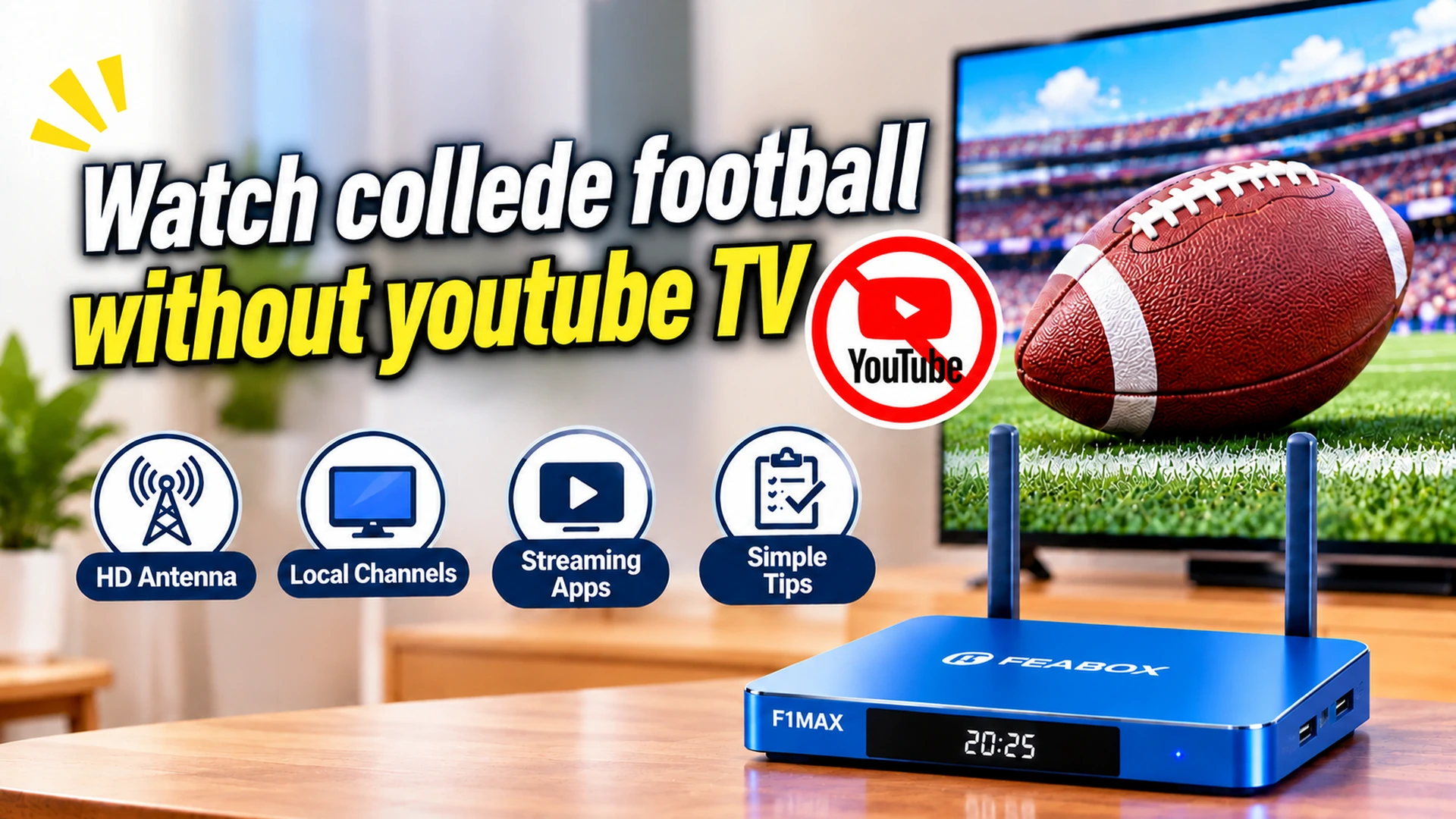
The FeaBox F1 Max is an Android TV box designed for home entertainment. It gives users access to compatible applications through the Google Play Store and FeaBox App Store. You can install supported apps, sign in to eligible accounts, and watch available sports content on your television.
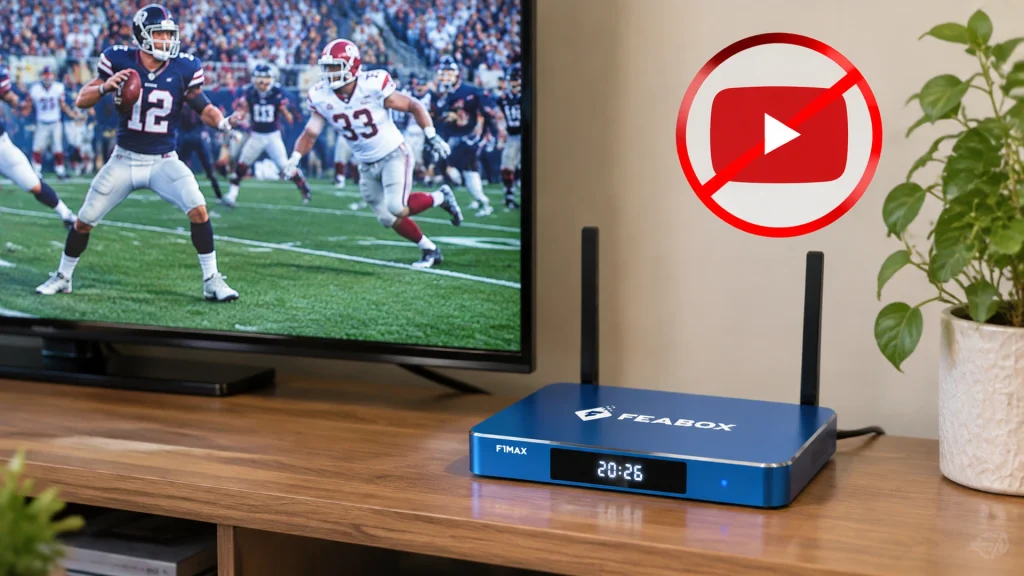
For college football fans, F1 Max provides another way to organize compatible streaming apps on a TV instead of relying only on a phone or computer. Keep in mind that the device itself does not provide automatic access to every college football game. You still need an authorized app, subscription, or TV-provider login when required by the broadcaster.
FeaBox does not require a mandatory monthly service fee. However, third-party apps may have their own subscription costs and regional restrictions. For more details about its features and performance, check out our FeaBox F1 Max review or visit FeaBox, one of the biggest TV box suppliers, to explore its products.
A Simple Checklist Before Game Day
A little preparation can save you from missing kickoff. Before each game, check the following:
- Confirm the matchup, date, and kickoff time.
- Find the official broadcast channel or streaming destination.
- Check whether your current TV package or subscription includes it.
- Confirm that the app works on your preferred device.
- Sign in and test playback before the game starts.
- Recheck the schedule in case the broadcast information changes.
Final Thought
Watching college football without YouTube TV is possible, but it helps to understand how game broadcasts are distributed. Start with your team’s schedule, check the exact network for each matchup, and use an antenna or an existing TV-provider account when those options are available.
You don’t have to pay for every sports service just to follow your favorite team. Build your viewing setup around the games you actually watch, and consider a device like FeaBox F1 Max if you want a convenient way to access compatible streaming apps on your television.
FAQs
Yes. You can use an HD antenna for eligible local broadcasts, access games through an existing TV-provider account, or choose an authorized streaming option that carries the required network.
You can watch selected games for free over the air when a local ABC, CBS, FOX, or NBC affiliate broadcasts the matchup and your antenna can receive its signal. An antenna does not provide access to cable sports networks or streaming-exclusive games.
Check your team’s official athletics website, conference schedule, NCAA listings, or the broadcaster’s schedule. Confirm the channel close to game day because assignments and kickoff times may change.
No. ESPN+ carries selected events, but it is not the same as access to every game shown on ESPN’s traditional television networks or conference channels. Always check the exact broadcast listing.
FeaBox F1 Max supports compatible streaming applications. You can use supported apps to watch games when the broadcaster makes them available through your subscription or TV-provider account.
No mandatory monthly FeaBox service fee is required. However, third-party streaming applications may charge separate subscription fees.