
Choosing the right streaming setup can be confusing, especially when you’re trying to figure out which is best streaming device for TV for IPTV. From Smart TVs and Roku to Fire TV and Android TV Boxes, this guide breaks down the main options and what to consider before choosing one.
What Makes a Streaming Device Good for IPTV?
Before choosing a device, it helps to look beyond the brand name. The best streaming device for IPTV should fit the way you actually watch TV.
For some viewers, that means reliable access to a specific IPTV app. For others, it means being able to switch between IPTV, YouTube, Netflix, and other streaming services without constantly changing devices.
There are a few things worth checking before you buy.
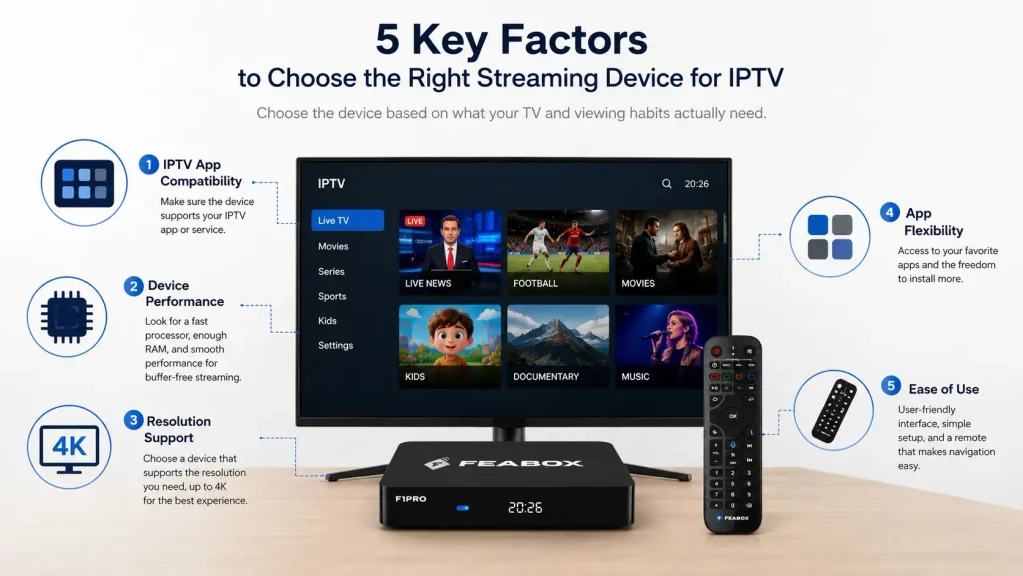
IPTV App Compatibility
First, check whether the streaming device supports the IPTV app or service you plan to use. Not every IPTV service works across every TV platform, so compatibility should come before hardware specs.
It’s also worth checking what other apps the device supports, especially if you plan to use IPTV alongside regular streaming services. For example, Android TV supports thousands of apps through Google Play, although app availability can vary by device and region.
Before buying, make sure the device supports the apps you actually plan to watch.
Performance and Everyday Use
A device can technically support an IPTV app and still provide a frustrating experience if menus are slow or apps take too long to load.
If you regularly switch between several streaming apps, look for enough processing power and memory to handle everyday multitasking. You don’t necessarily need the most expensive device available, but extremely limited hardware can become noticeable over time.
Resolution Support
Your streaming device should also match your TV. If you have a 4K television, a device with 4K support allows you to make better use of the display. If you’re still using a 1080p TV, however, paying extra for specifications you cannot take advantage of may not be worthwhile.
Ease of Use
Don’t overlook the interface. The device may be used by several people in your household, so navigation should be simple enough that everyone can find their apps and content without constantly asking for help.
Do You Need a Streaming Device at All?
Before buying a new device, take a look at what your TV can already do. If your Smart TV supports the IPTV app you need and runs it comfortably, adding another device may not solve a problem you actually have.
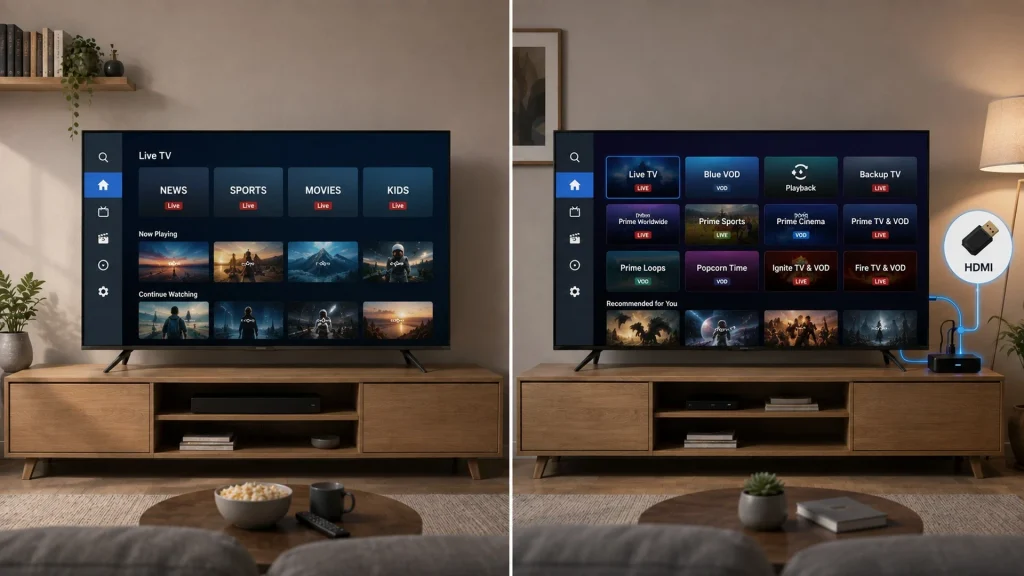
The situation is different when the TV’s built-in software becomes the limitation. Maybe the screen still looks great, but the operating system no longer supports the apps you want. Or perhaps the TV has become noticeably slower after years of use.
If your TV itself is becoming sluggish, you can also read why Smart TVs can become slow before deciding whether replacing the entire television makes sense. That leads to an important question: do you need a new TV, or do you simply need a better way to stream on the TV you already own?
Smart TV vs Streaming Device for IPTV
There are several ways to approach IPTV, and none is automatically the best for every viewer.
| Setup | Best for | Main advantage | Possible drawback |
|---|---|---|---|
| Smart TV | Viewers whose TV already supports their IPTV app | No extra hardware | Limited by built-in software |
| Streaming Stick | Viewers who want a simple, portable setup | Easy to install and use | Less flexibility than a TV box |
| Android TV Box | Viewers who want more flexibility | More apps and setup options | May require more configuration |
If you’re deciding between keeping your Smart TV and adding an external device, understanding Android TV box vs Smart TV can help you choose the right setup for your IPTV needs. This Smart TV vs Android TV Box comparison can help.
The key is not to buy a device simply because it has more features. Start with the limitation you’re actually trying to fix.
Roku, Fire TV, or Android TV Box?
Roku and Fire TV can be good choices if your priority is a familiar, relatively straightforward streaming experience. They make sense for viewers who mainly use mainstream streaming services and don’t need much control over the underlying setup.
An Android TV Box is a different option. It can be useful when you want more flexibility over the apps you install and how you organize your streaming setup. That can matter if IPTV is only one part of your entertainment routine.
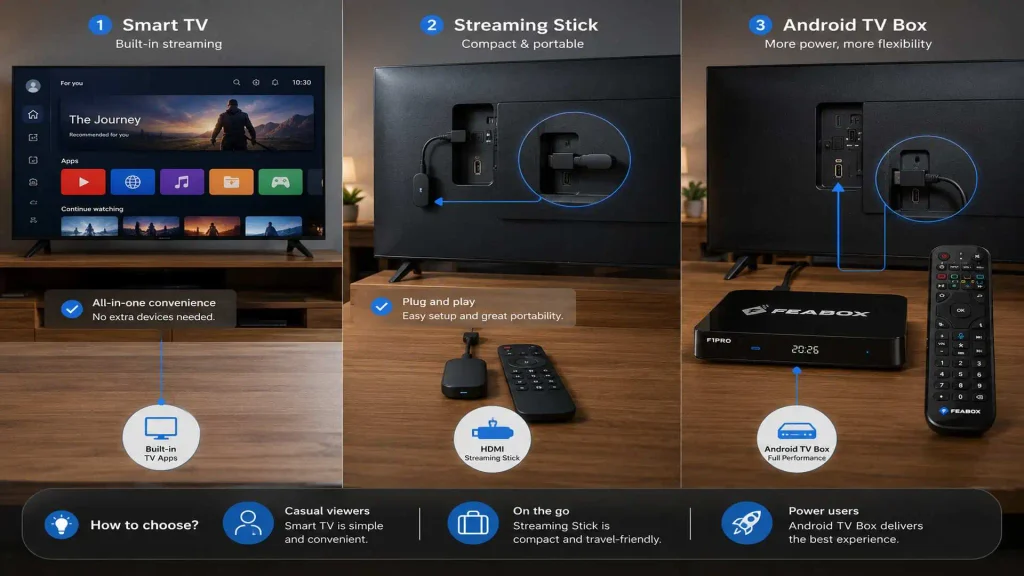
For example, you might watch IPTV in the evening, YouTube during the day, and other streaming services throughout the week. Having those options available through one device can be more convenient than relying on different hardware for different types of content. For a more detailed explanation of the technology, see what an Android TV Box is.
When Does an Android TV Box Make Sense?
An Android TV Box can make particular sense when your television still works well but its built-in software no longer meets your needs. Imagine that your TV has a perfectly good screen. There is no problem with the picture, the speakers, or the physical hardware. The frustration comes from the software: an app isn’t available, the interface feels slow, or the TV doesn’t support the services you want.
Replacing the entire TV might solve the problem, but it isn’t necessarily the only option. An external Android TV Box can provide a different streaming environment while allowing you to keep using the television you already have.
It may be worth considering if you want:
- More flexibility with apps
- IPTV and other streaming services in one setup
- A way to extend the usefulness of an older TV
- An external interface instead of relying on the TV’s built-in software
- The ability to upgrade your streaming setup without replacing the screen
If buffering is your main concern, however, don’t assume a new device will automatically fix it. Your internet connection, IPTV service, Wi-Fi setup, and the app you’re using can all affect streaming performance. See common causes of IPTV buffering before replacing your hardware.
Where Does FeaBox Fit?
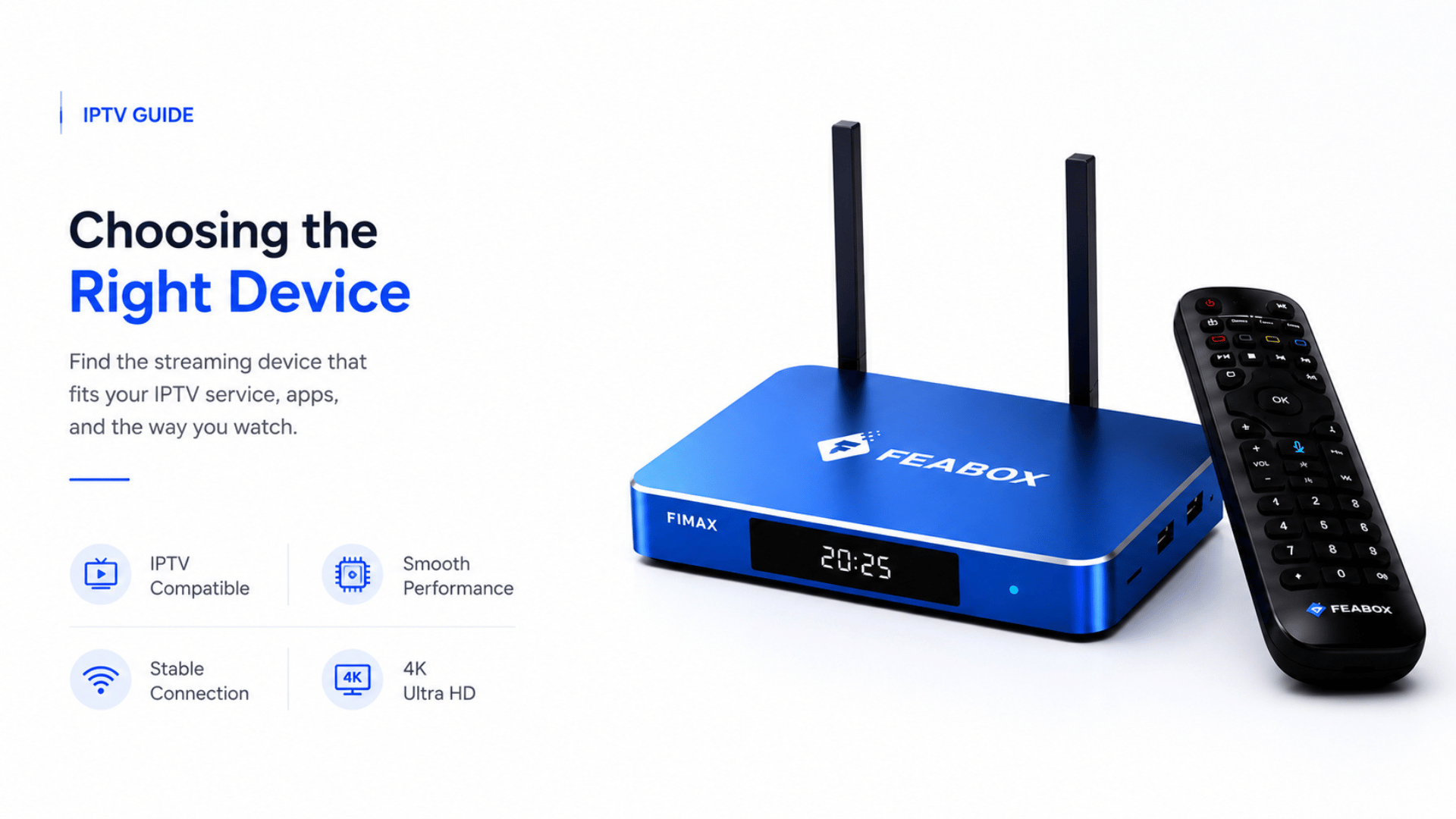
Once you’ve decided that an Android TV Box makes sense for your situation, you can start comparing individual devices. FeaBox is one Android TV Box option for viewers who want to use an external Android-based device for IPTV and other streaming apps. If you’re considering the FeaBox F1 Pro review, it’s worth looking at how the device fits your TV, apps, and everyday streaming needs.
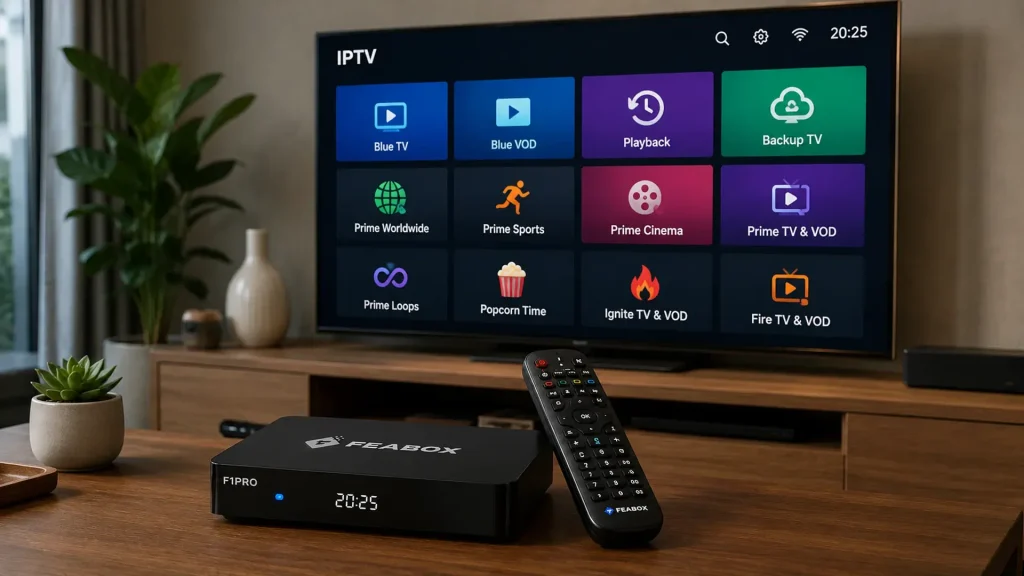
The important question isn’t simply whether the box has impressive specifications. Ask what those specifications mean for your daily use. For example, 4GB of RAM can be useful when you’re regularly moving between multiple apps. 4K support matters if your television can actually display 4K content. Additional storage can also be helpful if you plan to install several apps rather than using the device mainly for IPTV.
You can compare the available models and specifications on the FeaBox official website. That doesn’t mean FeaBox is automatically the right choice for every IPTV viewer. If your Smart TV already supports everything you need, an external device may be unnecessary. If your TV’s software is limiting what you can do, however, an Android TV Box can be a practical upgrade worth considering.
How to Choose the Right IPTV Setup
Instead of asking only which device is the best streaming device for IPTV, start with your own TV and viewing habits. The right choice depends less on having the most powerful device and more on whether it solves the problem you’re actually dealing with.
When comparing your options, a few practical questions can help you narrow down the right setup without paying for features you may not need.
Start by looking at your current TV and figuring out what is actually limiting your viewing experience.
Check Your Current TV
Does your TV already support the IPTV app you want to use? If it does, try the existing setup before spending money on additional hardware. You may find that you don’t need another device at all.
Identify the Actual Problem
Think about what’s frustrating you right now. Is your TV slow? Does it lack a particular app? Do you want more flexibility?
Knowing the problem first makes it easier to decide whether you need a new streaming device, a different setup, or simply a better-performing app.
Consider Your Other Streaming Habits
IPTV may not be the only thing you watch. If you regularly switch between IPTV, YouTube, Netflix, and other streaming services, consider how well the device fits your overall viewing habits.
If IPTV is your only requirement, you may not need a particularly flexible device. But if you use several apps every day, the device’s app ecosystem becomes more important.
Match the Device to Your TV
Don’t pay for specifications your television cannot use. A 4K-capable device makes more sense if you have a 4K TV, while a basic setup may be perfectly adequate for an older 1080p television.
The goal is to match the device to your existing hardware rather than paying extra for features you won’t notice.
Think About Who Will Use It
Finally, consider everyone who uses the TV. A technically capable device isn’t much help if the interface is confusing or difficult for your family to navigate.
For a shared household TV, simple navigation and easy access to frequently used apps can matter just as much as performance.
Which Streaming Device Is Best for IPTV?
There isn’t one universal answer. A Smart TV may be all you need if it already supports your IPTV app and performs well. Roku or Fire TV can make sense if you want a straightforward mainstream streaming platform. Top TV box android may be a better fit if your TV’s built-in software is limiting you or you want more flexibility with apps and your overall setup.
And if you’ve decided that an Android TV Box is the right type of device for you, FeaBox is one option you can compare based on compatibility, performance, resolution support, storage, and the needs of your particular TV. The best choice isn’t necessarily the device with the longest feature list. It’s the one that solves the problem you actually have.
FAQ
The best streaming device for IPTV depends on your TV, the IPTV app or service you use, and how much flexibility you need. A Smart TV may be enough for some viewers, while others may prefer Roku, Fire TV, or an Android TV Box.
Yes. If your Smart TV supports the IPTV app or service you want to use, you may not need an external streaming device.
An Android TV Box can be a good option for IPTV when you want more flexibility with apps or your Smart TV’s built-in software does not meet your needs. You should still check compatibility with the specific IPTV app you plan to use.
Not necessarily. If your existing TV has a working HDMI port, an external streaming device may allow you to upgrade its streaming capabilities without replacing the entire television.
Not necessarily. Buffering can be caused by your internet connection, Wi-Fi network, IPTV service, app, or device. Upgrading the streaming device may help if the device itself is causing performance problems, but it cannot fix every source of buffering.
FeaBox can be considered if you’re looking for an Android TV Box for IPTV and other streaming apps. Whether it is suitable for you depends on the specific model, your TV, the apps you use, and the performance and resolution requirements of your setup.
Final Thought
Choosing the best streaming device for IPTV starts with your own TV and viewing habits. You may not need a new television, the most expensive streaming device, or the most powerful hardware. In many cases, the better choice is simply the device that removes the limitation you’re currently dealing with. Start there, compare your options, and choose based on what you actually need to watch comfortably.