
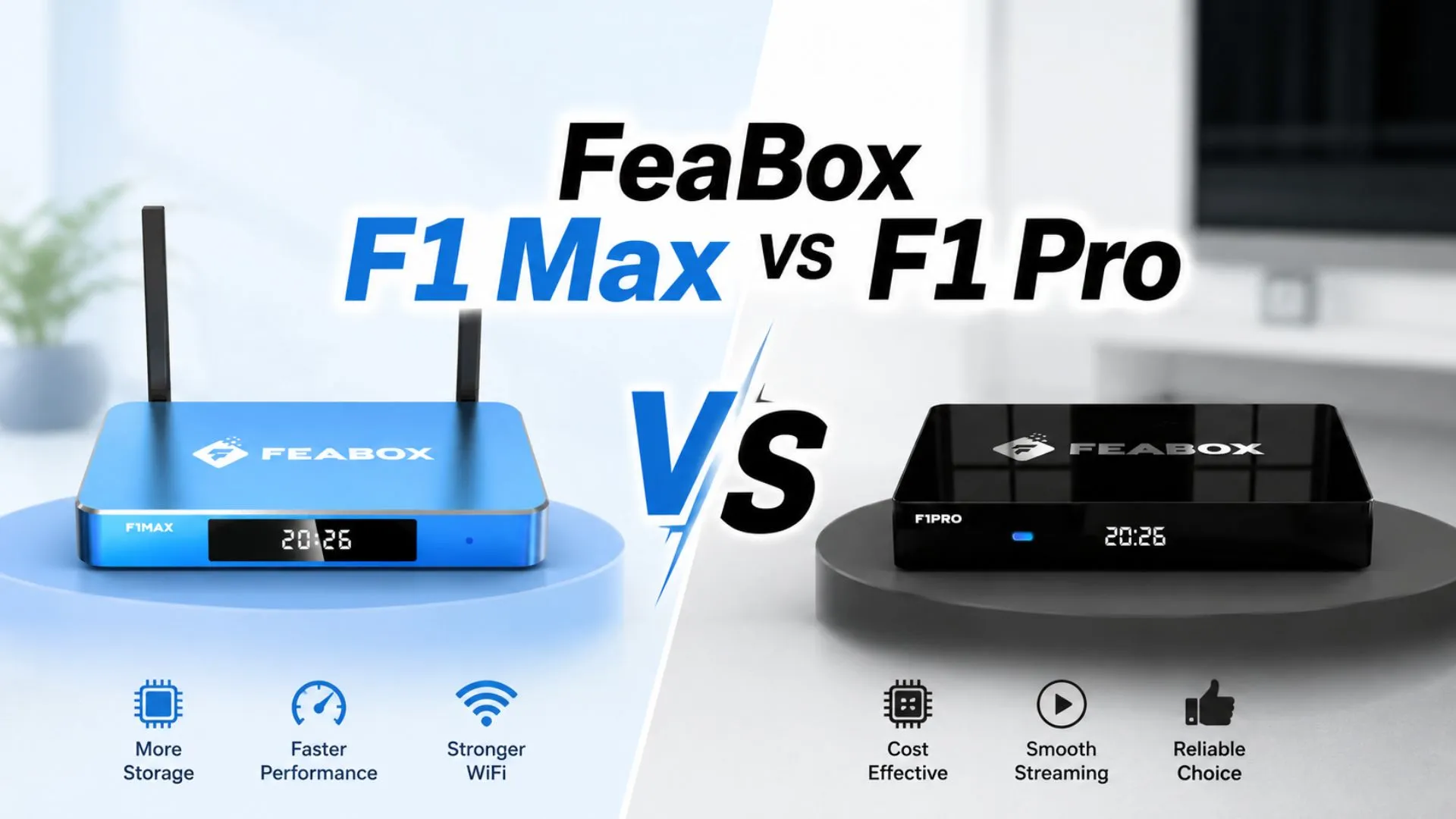

If you’re researching the differences between FeaBox F1 Max vs F1 Pro, this comparison breaks down everything that matters. Both devices belong to the latest FeaBox F1 lineup and share the same solid performance foundation, but each model is built for a slightly different type of user based on storage, design, and price. This guide will help you confidently choose the right box for your home.
What F1 Pro And F1 Max Have In Common
Before diving into the differences, it’s worth understanding what stays consistent across both models. Whether you choose the F1 Pro or the F1 Max, you’ll get:
- Built-in recording, letting you save anything playing on the box directly to the device
- 7-Day Time Shift, so you can rewind live TV up to 7 days back
- Voice Command for hands-free control
- Multi-Screen and Picture-in-Picture modes for watching multiple channels at once
- Parental Control with PIN protection by channel or category
- A simple, easy-to-navigate UI suitable for all ages
- The same in-box accessories: backlit remote, HDMI cable, power cable, and user guide
- Quad-core ARM Cortex-A53 processor
- Android 12 operating system
- 4GB RAM
- H.265 video decoding up to 6K@60fps
- 4K UHD @60fps resolution with HDR10+ for sharp, vivid picture quality
- Wi-Fi 6 dual-band and Gigabit Ethernet (1000Mbps) for smooth 4K streaming without buffering
- Bluetooth 5.2
- Ports: USB 2.0 and USB 3.0 (both USB-A), TF card slot, HDMI, AV output, SPDIF, and IR receiver
- DC 5V/2A power input with a round barrel connector
- Backlit remote for easy use even in low light
Since core performance and features are nearly identical across both models, your decision really comes down to storage capacity, design, and price. To help you decide which one best fits your viewing habits, let’s explore the key differences between the FeaBox F1 Max vs F1 Pro.
FeaBox F1 Max Vs F1 Pro: Key Differences
Here’s a clear breakdown of what sets the two models apart.
FeaBox F1 Pro: Budget-Friendly, Reliable Performance
The FeaBox F1 Pro is the standard model in the F1 lineup, built for anyone who wants the full FeaBox experience without needing extra storage.
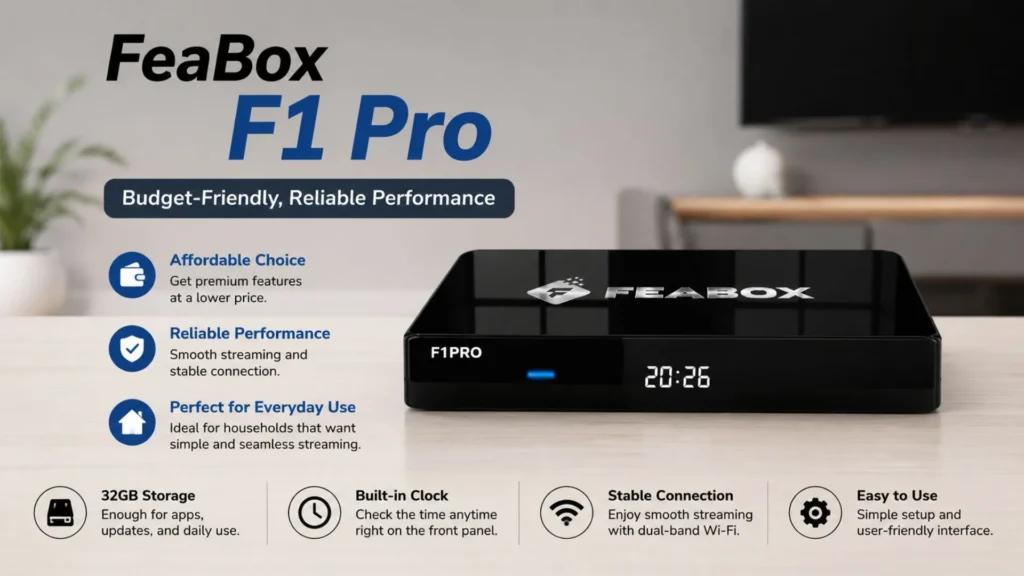
- Design: A clean matte black finish that blends into any TV setup. The front panel has a soft blue LED indicator for an at-a-glance status check. An integrated clock on the front panel allows for quick time checks without needing to power on your television.
- Storage: 32GB, enough for apps, system updates, and everyday use.
- Best for: Everyday households that don’t need heavy recording storage or a large number of installed apps.
If you want a fully-featured streaming box at a more accessible price point, the FeaBox F1 Pro is the practical choice.
FeaBox F1 Max: More Storage, Standout Design
The FeaBox F1 Max is the upgraded model, aimed at users who want more room for recordings and apps.
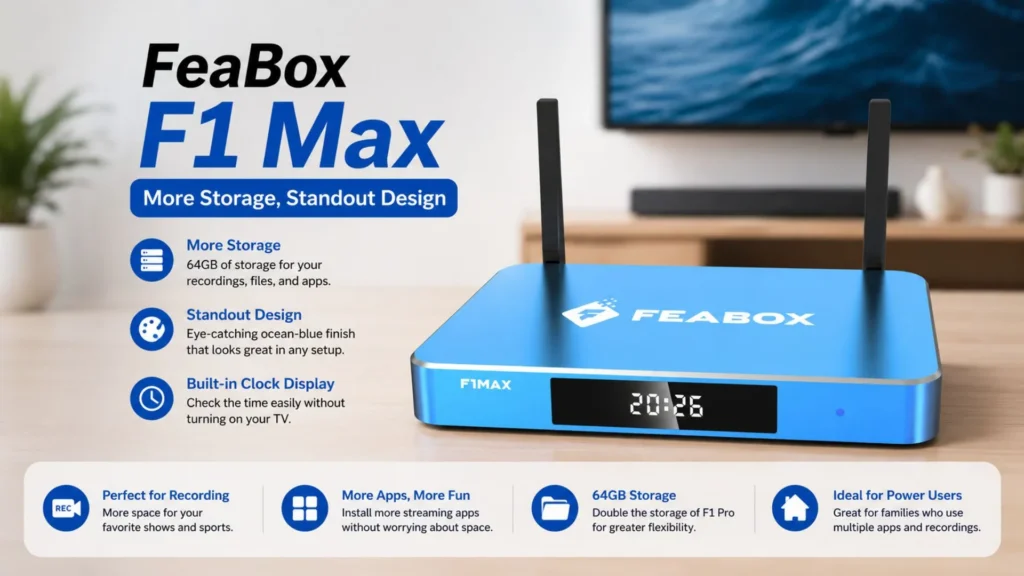
- Design: A striking ocean-blue finish that stands out next to your TV. The front panel includes a built-in clock display, so you can check the time without turning on your TV.
- Storage: 64GB, double that of the F1 Pro — more comfortable headroom for recording, storing files, and installing extra apps.
- Best for: Households that rely heavily on the recording feature, install multiple streaming apps, or simply prefer a more distinctive design.
If storage capacity and a bolder look matter to you, the FeaBox F1 Max is worth the step up.
Storage Capacity: Do You Really Need 64GB?
This is a question many buyers overlook when comparing the FeaBox F1 Pro vs F1 Max, yet it directly affects day-to-day usage. In practice, the F1 Pro’s 32GB isn’t small at all — it comfortably handles the OS, popular streaming apps, and several saved recordings at once.
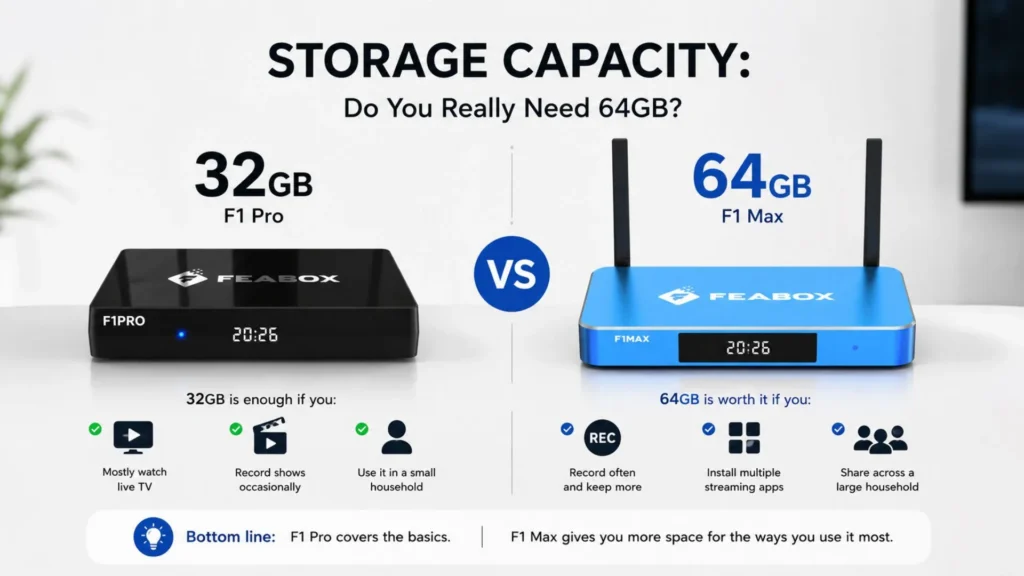
If you find you need even more room for recordings, you can easily expand your storage capacity by inserting a TF card. For most people who mainly watch live content and occasionally save a show or two, 32GB is more than enough for your FeaBox TV box.
FeaBox F1 Pro Vs F1 Max Comparison Table
To help you make an informed decision, the following table provides a clear side-by-side comparison of the key specifications for the FeaBox F1 Pro and F1 Max. While both models share identical processing power and performance features, the primary differences lie in their storage capacity and design aesthetic.
| Category | FeaBox F1 Pro | FeaBox F1 Max |
| Storage | 32GB | 64GB |
| Color / Design | Matte black, front LED indicator | Ocean blue, front clock display |
| RAM | 4GB | 4GB |
| Processor | Quad-core ARM Cortex-A53 | Quad-core ARM Cortex-A53 |
| Resolution | 4K UHD @60fps, HDR10+ | 4K UHD @60fps, HDR10+ |
| Wi-Fi | Wi-Fi 6 dual-band | Wi-Fi 6 dual-band |
| Ethernet | 1000Mbps | 1000Mbps |
| USB Ports | USB 2.0 + USB 3.0 (USB-A) | USB 2.0 + USB 3.0 (USB-A) |
| Power Input | DC 5V/2A (barrel connector) | DC 5V/2A (barrel connector) |
| Remote | Backlit | Backlit |
| Time Shift | 7 days | 7 days |
Reviewing these specifications will help you determine which model fits your specific needs. Keep in mind that while the F1 Max offers higher internal storage, the F1 Pro remains a powerful, budget-friendly alternative that also supports expandable storage via a TF card, allowing you to tailor your device to your recording and media habits.
FeaBox F1 Pro Vs F1 Max: Which One Is Right For You?
Choose the FeaBox F1 Pro if:
- You live alone or in a small household and don’t need much storage
- You mostly watch live content and rarely use the recording feature
- You want to save money without giving up smart features like Voice Command, Time Shift, and Parental Control
- You’re not particularly drawn to the design or the front clock display
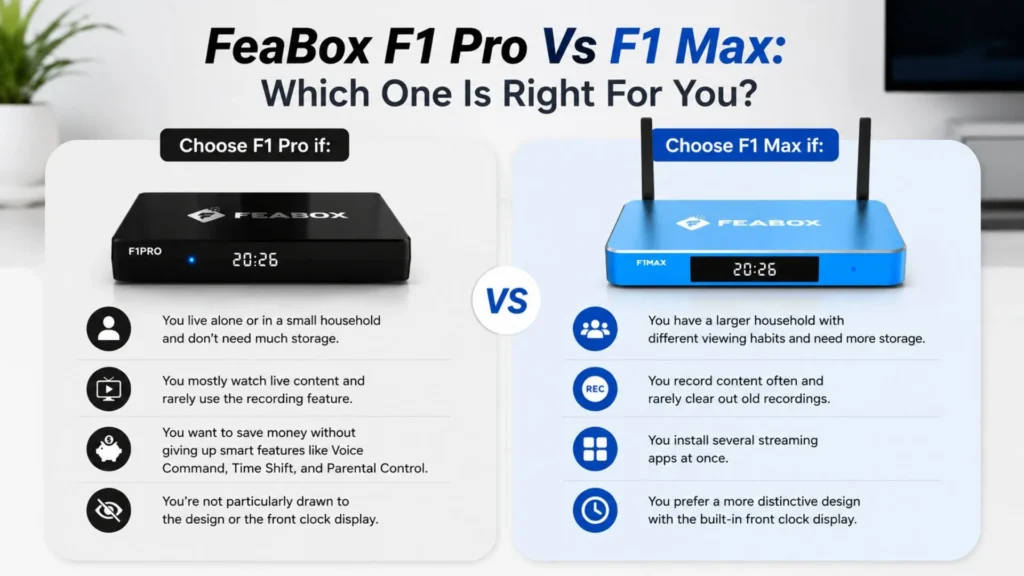
Choose the FeaBox F1 Max if:
- You have a larger household with different viewing habits and need more storage
- You record content often and rarely clear out old recordings
- You use the built-in recording feature regularly and rarely clear out old content
- You install several streaming apps at once
- You install several streaming apps at the same time (more apps mean more cached data)
- You prefer a more distinctive design with the built-in front clock display
Ultimately, both the F1 Pro and F1 Max provide the flexibility and features you need to successfully cut cable tv. Whether you prefer the compact Pro or the storage-rich Max, visit FeaBox to find the perfect device for your home and take the final step to cut cable tv.
Final Verdict: Which Model Should You Choose?
The FeaBox F1 lineup delivers smooth, reliable streaming with 4K HDR, Wi-Fi 6, and a full set of smart features — the F1 Pro and F1 Max perform at the exact same level. The only real difference is storage and design, so choose based on your actual viewing habits rather than defaulting to the higher-tier model “just in case.”
Regardless of the FeaBox F1 model you choose, you receive a robust streaming device designed to deliver a premium, high-quality home viewing experience.




[…] To explore all the features and specifications in detail, please refer to our complete FeaBox F1 series comparison. […]
[…] increases that capacity to 64GB. If you are deciding between the two FeaBox models themselves, our FeaBox F1 Pro vs F1 Max comparison takes a closer look at their specifications and […]