
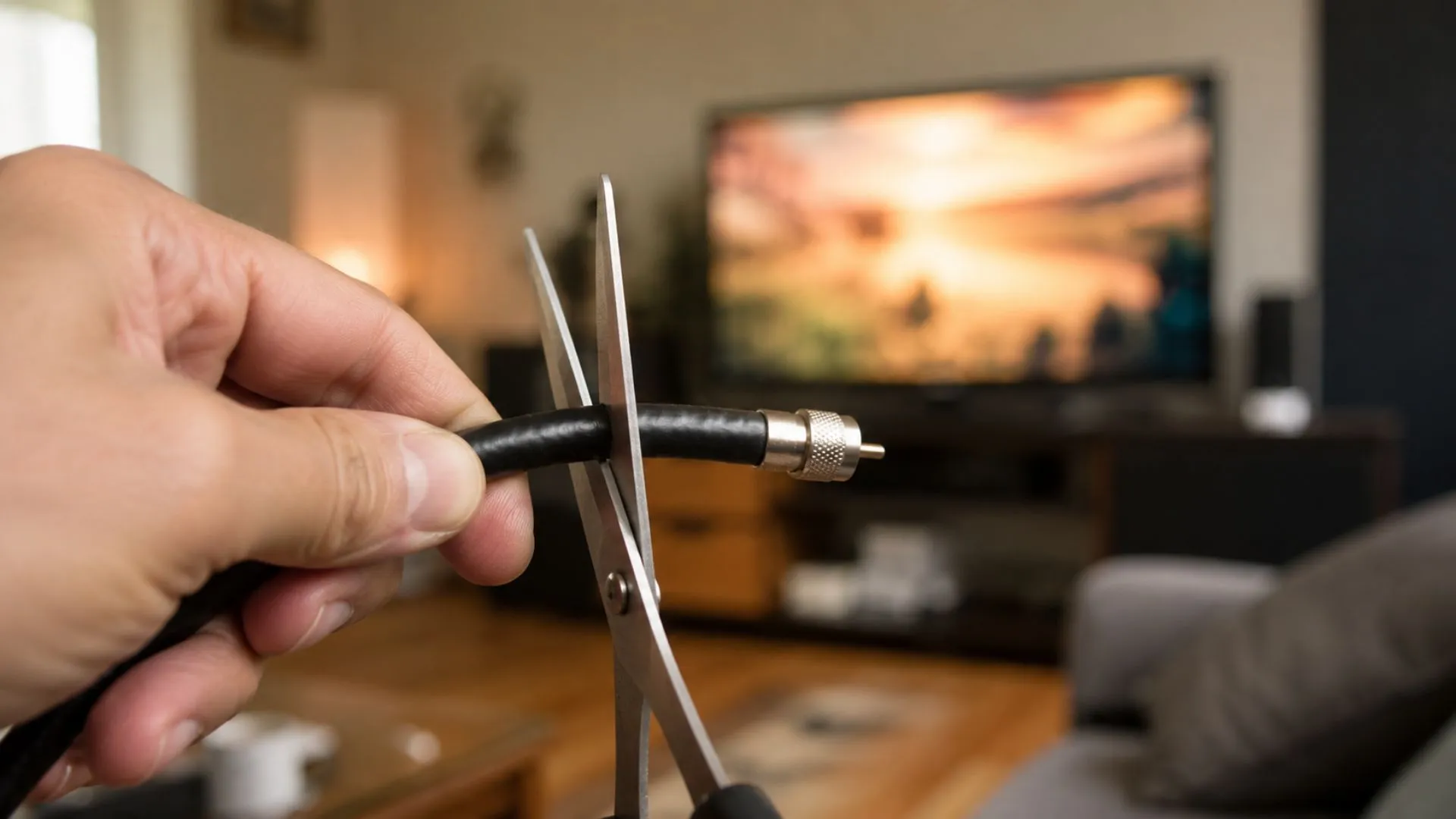

If you’ve been staring at your monthly cable bill with a mix of anger and resignation, you’re not alone. Cable packages have quietly morphed into financial vampires, sucking hundreds of dollars from your bank account while delivering a bloated lineup of channels you never watch. The good news? You can cut the cable without sacrificing the entertainment you love, and doing it right actually gives you more control, better content, and real savings. But here’s the catch: most people swap cable for a chaotic mess of streaming subscriptions that ends up costing more and feeling worse.
Let’s talk about how to escape cable the smart way, dodge the pitfalls that trip up most cord-cutters, and build a streaming setup that actually makes sense for your life and budget.
Is Cutting the Cord Right for You?
Before you call your cable company and gleefully cancel everything, you need to understand whether cord-cutting fits your actual viewing habits. Not everyone needs to cut the cable immediately, and jumping ship without a plan leads to buyer’s remorse and a frantic scramble back to your old provider.
Calculating Your Real Monthly Savings
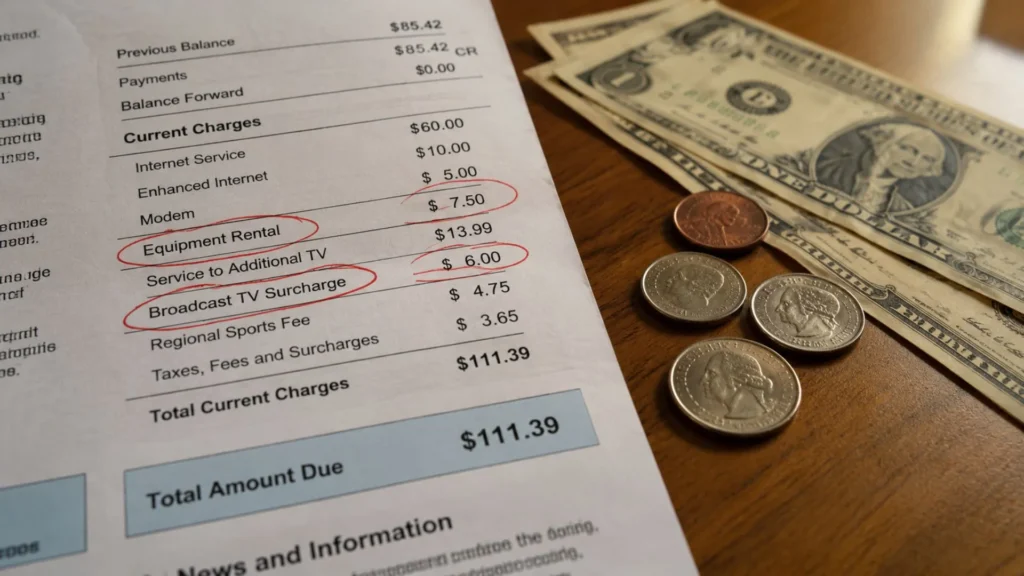
Pull up your last three cable bills and calculate what you’re actually paying after taxes, equipment rental fees, and those sneaky “broadcast TV surcharges” that nobody can explain. If you’re paying $100-$200 per month for cable and internet bundled together, understand that your internet-only plan will likely cost $50-$80 monthly once promotional pricing expires. According to research from Cable TV, the average cable bill in North America now exceeds $217 per month—a figure that keeps climbing year after year.
Now factor in the cost of the streaming services and hardware you’ll actually use. If you’re planning to subscribe to Netflix, Hulu, Disney+, HBO Max, and a live TV service like YouTube TV, you’re suddenly looking at $70-$100 monthly before you’ve saved a dime. The math only works when you’re selective about what you actually need, which is why learning how to save on TV bills requires a realistic assessment of your viewing habits.
The Hidden Reality of Internet-Only Plans
Here’s something cable companies won’t tell you upfront: when you cut the cable, your internet-only plan often gets more expensive. Those bundle discounts disappear, and suddenly your $45 promotional internet rate jumps to $75 or more after the first year. Internet service providers bank on this—they know you need reliable internet to stream, so they squeeze you on pricing once the cable revenue dries up. Factor this reality into your savings calculations so you’re not blindsided six months later.
The Essential Checklist Before You Cancel Cable
Canceling cable without proper preparation is like jumping out of a plane without checking if your parachute works. You need the right infrastructure in place before you make the leap.
Assessing Your Internet Speed Requirements
Streaming demands solid internet speeds, especially if multiple people in your household watch different content simultaneously. According to FCC guidelines, you need at least 25 Mbps for streaming 4K content on one device, but realistically, a household with 2-4 users should aim for 100 Mbps or higher to avoid buffering nightmares. If you’re frequently streaming international content or high-definition sports, don’t cheap out on your internet plan—it’s the foundation of your entire cord-cutting experience.
Hardware Matters: Why Your Streaming Device Defines Your Experience
This is where most people stumble. They think any cheap streaming stick will do the job, then end up frustrated when their device lags, overheats, or can’t handle the apps they want to use. Your streaming hardware is not the place to cut corners when you cut the cable. Built-in smart TV apps are notoriously clunky, slow to update, and often incompatible with newer streaming services.
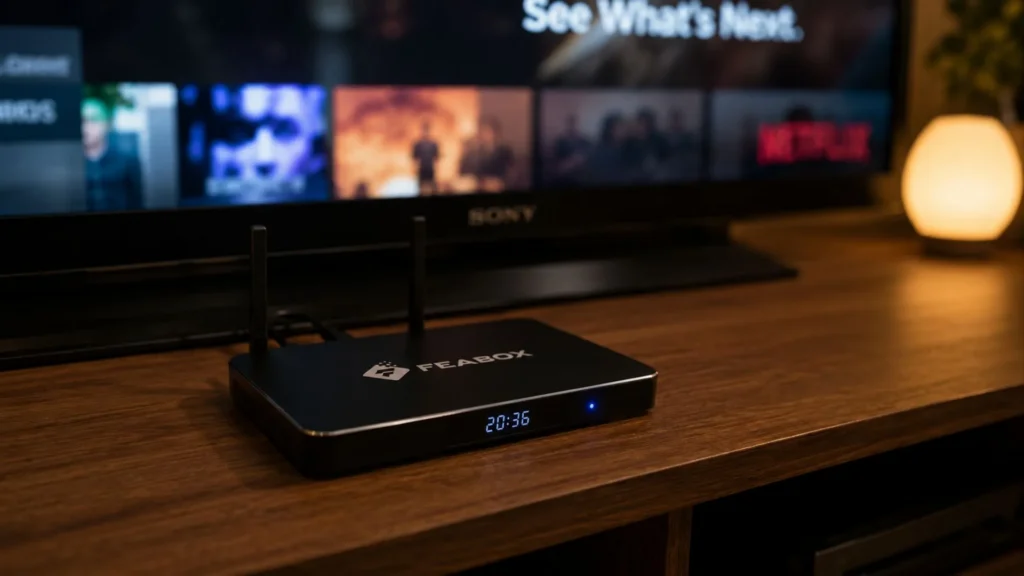
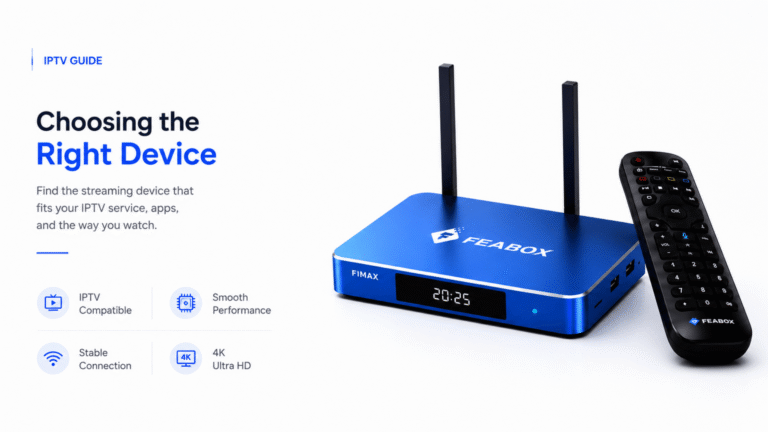
You need a dedicated streaming device with enough processing power to handle multiple apps, smooth navigation, and reliable performance. The FeaBox streaming box was designed specifically for this challenge, built by a team with years of experience creating reliable streaming hardware, it consolidates your entire viewing experience into one powerful Android-based device that connects to any TV via HDMI. No more app-hopping across buggy smart TV interfaces or dealing with sticks that choke when streaming international channels.
Making a List of Must-Have Channels
Before you commit to cutting the cable, write down the 10-15 channels or shows you actually watch regularly. Be honest—not what you think you should watch, but what you genuinely tune into week after week. This list determines which streaming services or content sources you’ll need. If your must-haves include local news, international programming, or niche sports, mainstream services often fall short, leaving you scrambling for alternatives.
Choosing Your Content Strategy
Once you’ve decided to cut the cable, you face the trickiest part: figuring out how to actually get the content you want without rebuilding a cable-sized bill through subscriptions.
The Case for On-Demand Streaming Services
Services like Netflix, Disney+, and HBO Max dominate headlines because they offer massive libraries of on-demand content for relatively affordable monthly fees. For binge-watchers who primarily watch popular shows and movies, these services make sense. But here’s the problem: they rarely cover live sports, local news, or international programming effectively. You start adding more services to fill the gaps, and suddenly you’re managing five different apps, five different passwords, and a monthly bill that rivals what you paid for cable.
How to Access International Channels and Live TV
If you’re part of the growing population that wants access to international channels whether that’s news from your home country, sports leagues that US services ignore, or international films and series. Mainstream platforms leave you stranded. YouTube TV and Hulu Live offer some live content, but their international selection is minimal at best, and their prices have climbed steadily over the past few years.
This is where exploring best cord cutting options becomes essential. You need a solution that gives you access to both popular streaming apps and the specialized content sources that actually match your viewing preferences. The beauty of Android-based streaming devices is that they support a wide ecosystem of free and paid apps, letting you mix and match content sources based on what you actually want to watch rather than accepting a one-size-fits-all cable package.
Consolidating Your Viewing with an Android-Based Media Center
The smartest cord-cutters don’t just replace cable with a pile of subscriptions. They build a centralized media hub that simplifies everything. Android TV boxes act as your command center, giving you access to countless streaming apps through a single interface. Instead of jumping between your TV’s clunky built-in apps, a Roku stick, a Firestick, and your cable box remote, you control everything from one device with one remote.
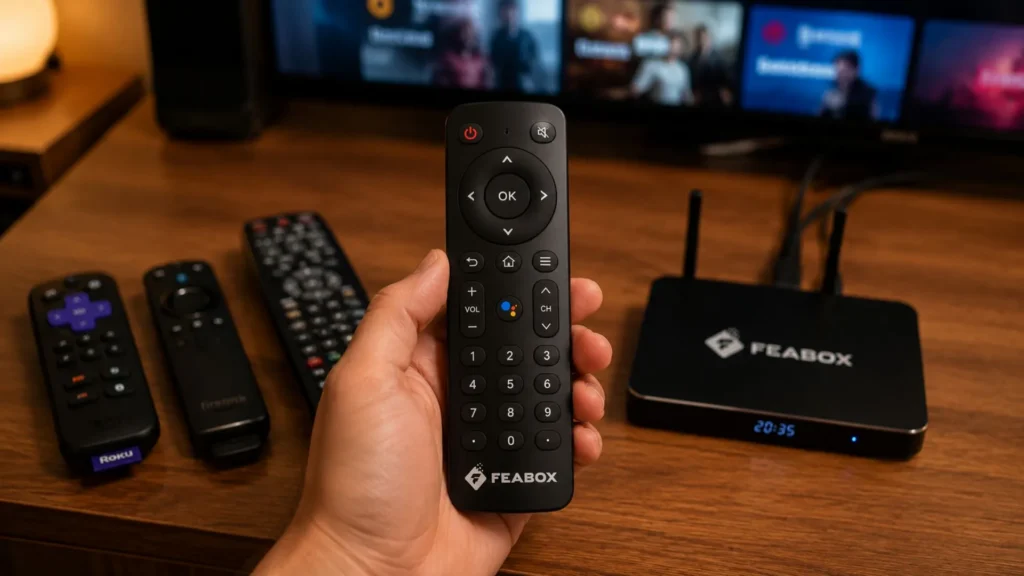
FeaBox takes this approach seriously. Although FeaBox just launched in 2026, it’s backed by a team with years of hands-on experience building trusted streaming TV box brands, so customers can rest assured about quality, reliability, and long-term support. The FeaBox F1 Pro streaming box consolidates your entire viewing experience, whether you’re watching Netflix, accessing international channels, or exploring niche content into one powerful, easy-to-use device that works for everyone in your household, regardless of age or tech savviness.
Common Pitfalls to Avoid
Most people who cut the cable end up regretting it not because cord-cutting is a bad idea, but because they fall into predictable traps that make the experience worse than cable ever was.
The Subscription Trap: How to Avoid Paying More Than You Did for Cable
This is the number one mistake: people cancel cable, then immediately sign up for six different streaming services because they’re afraid of missing out. Before you know it, you’re paying $120 per month across Netflix, Hulu, Disney+, HBO Max, Paramount+, and YouTube TV—more than your original cable bill, with none of the convenience. According to Deloitte research, the average US household now subscribes to four paid streaming services, and subscription fatigue is driving people to cancel and rotate services monthly.
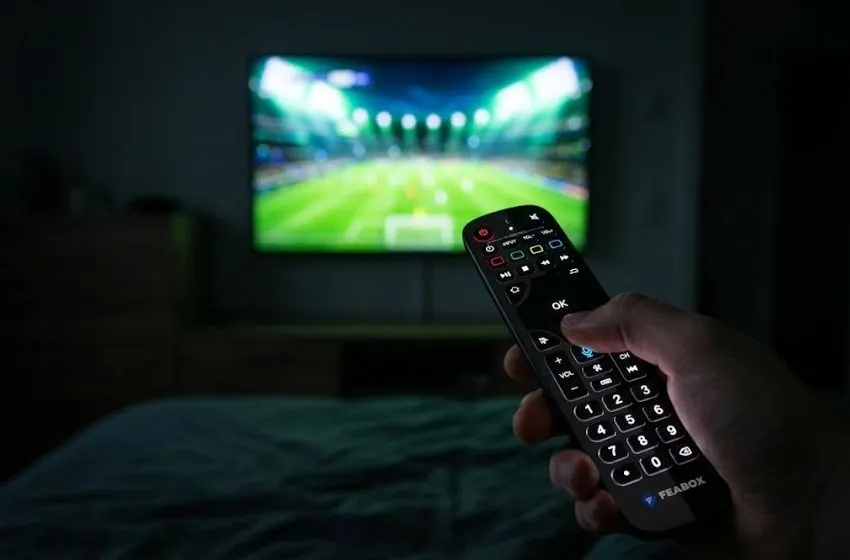
The solution? Be ruthless about what you actually need. Subscribe to one or two services at a time, watch what you want, then cancel and rotate to a different service. Or better yet, build your setup around a device that gives you access to both free and paid content sources without locking you into expensive monthly subscriptions you don’t fully utilize.
Avoiding Buffering and Quality Issues
Nothing kills the cord-cutting dream faster than constant buffering and poor video quality. This usually comes down to two things: inadequate internet speed or underpowered streaming hardware. If your device can’t handle smooth 4K streaming or struggles when multiple people are online, your viewing experience becomes frustrating. Invest in a streaming box with enough processing power and memory to handle high-quality streams without choking. Cheap sticks often overheat or lag when pushed too hard, especially with international content that demands more bandwidth.
Managing Multiple Accounts and Passwords
Here’s an annoying reality nobody talks about: when you cut the cable, you suddenly need to manage logins for a dozen different apps and services. You’re constantly resetting passwords, dealing with two-factor authentication on your TV, and trying to remember which email you used for which service. It’s exhausting. The best way around this is to centralize as much as possible. Use a device that simplifies navigation and reduces the number of separate apps you need to juggle daily.
The Future of Home Entertainment: Simplicity and Value
The streaming landscape is shifting away from the “cord-cutting saves money” narrative toward something more honest: cord-cutting gives you control. You’re no longer locked into bloated cable packages with channels you never watch and contracts that punish you for leaving. Instead, you build an entertainment system tailored to your actual preferences.
Why Modern Users Prefer All-in-One Streaming Solutions
People are tired of complexity. They don’t want to manage seven different apps, remember multiple passwords, and waste time hunting for content scattered across platforms. That’s why all-in-one streaming solutions are gaining traction. They offer simplicity, reliability, and access to diverse content without the subscription fatigue that’s plagued cord-cutters for years. Users on forums like Reddit’s r/cordcutters consistently express frustration with rising costs and fragmented content, advocating for devices that consolidate everything into one seamless experience.
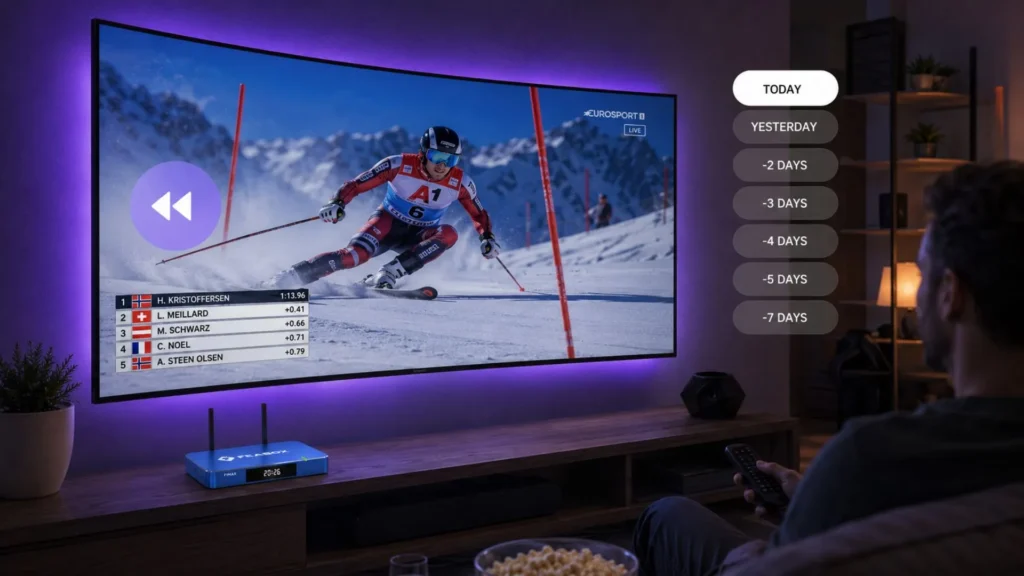
This is exactly what FeaBox delivers. When you cut the cable with FeaBox, you’re not trading one headache for another. You’re upgrading to a flexible, powerful system that adapts to your needs. Whether you’re streaming the latest Netflix series, watching international news, or exploring content sources that mainstream services ignore, FeaBox handles it all through one intuitive interface. Features like Time Shift let you pause and rewind live content, Parental Controls keep your kids safe, and Voice Command makes navigation effortless for everyone in the household.
Getting Started with FeaBox
Making the switch is simpler than you think. FeaBox devices connect to any TV with an HDMI port and only need a Wi-Fi connection to function, no complicated setup, no technical expertise required. You’re up and running in minutes, with access to a vast ecosystem of free and paid streaming apps that let you customize your viewing experience however you want. And because FeaBox was built by industry veterans who understand what users actually need, you get hardware reliability, strong value for money, and support from a team that’s been doing this for years.
Frequently Asked Questions
Real savings depend on how disciplined you are about subscriptions and what your internet-only plan costs. On average, people who cut the cable save $50-$100 per month if they avoid the subscription trap and choose content sources strategically. However, if you sign up for multiple premium streaming services, your savings shrink significantly, sometimes to zero.
No, you don’t need a smart TV. In fact, many smart TVs have clunky, outdated interfaces that frustrate users. A dedicated streaming device like FeaBox works with any TV that has an HDMI port, giving you better performance, faster updates, and a smoother experience than most built-in smart TV apps.
For streaming 4K content on a single device, you need at least 25 Mbps. However, if multiple people in your household stream simultaneously, aim for 150 Mbps or higher to avoid buffering and quality drops. Don’t cheap out on your internet plan when you cut the cable. It’s the backbone of your entire setup.
Yes, but it requires the right setup. Some streaming services offer local channels, and many Android TV boxes give you access to apps that include live news and sports content. The key is choosing a device that supports a wide range of content sources so you’re not locked into limited options.
Dedicated streaming boxes offer faster performance, regular software updates, and compatibility with a wider range of apps compared to built-in TV apps, which often become slow and outdated over time. Devices like the FeaBox F1 Max Android TV box are purpose-built for streaming, with powerful processors and ample memory to handle high-quality content smoothly, even when multiple apps are running.
Take Control of Your Entertainment Today
If you’re ready to cut the cable and build a streaming setup that actually makes sense, now’s the time to act. Stop overpaying for channels you don’t watch and subscriptions you don’t fully use. With the right hardware and a smart content strategy, you’ll save money, simplify your life, and enjoy better entertainment on your terms. Explore FeaBox devices today and discover how easy it is to leave cable behind for good.
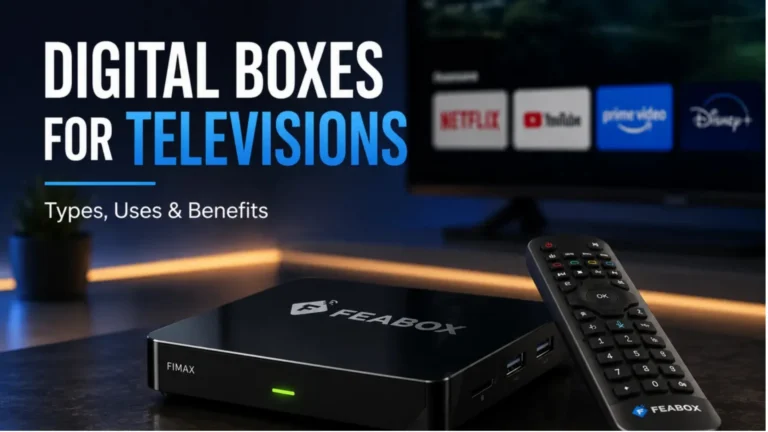

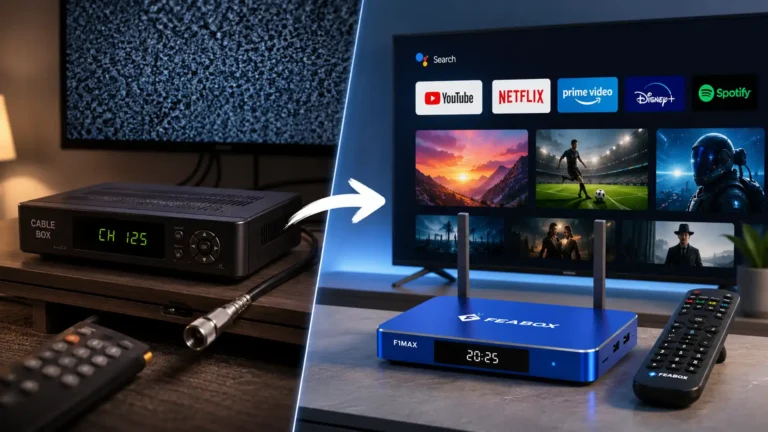
[…] a natural fit for users who want their streaming device to stay out of sight. For those exploring a cut the cord TV setup, that compact form can be appealing when keeping the entertainment area simple is a […]