
Cable bills are out of control. If you’re paying over a hundred bucks a month for channels you never watch, you’re not alone. More than 60% of Americans now describe their cable bill as too expensive, according to Pew Research. The good news? You’ve got more cord cutting options than ever before, and the right setup can save you serious cash while giving you access to way more content than cable ever could.
The thing is, most people think cutting the cord just means signing up for a bunch of streaming apps. That’s only half the story. What you really need is a solid plan and the right hardware to tie everything together without turning your TV time into a frustrating tech puzzle.
Why Cut the Cord Now
Timing matters, and right now is honestly the perfect moment to ditch cable. The streaming landscape has matured, internet speeds are faster than ever, and the hardware available today makes the whole experience smoother than it was even two years ago.
Breaking Down the Hidden Costs of Cable
When you look at your cable bill, you’re not just paying for channels. You’re paying equipment rental fees, broadcast fees, regional sports fees, taxes, and a bunch of other charges that mysteriously appear every month. A typical cable package that advertises $79.99 easily balloons to $120 or more once all those extras get tacked on.
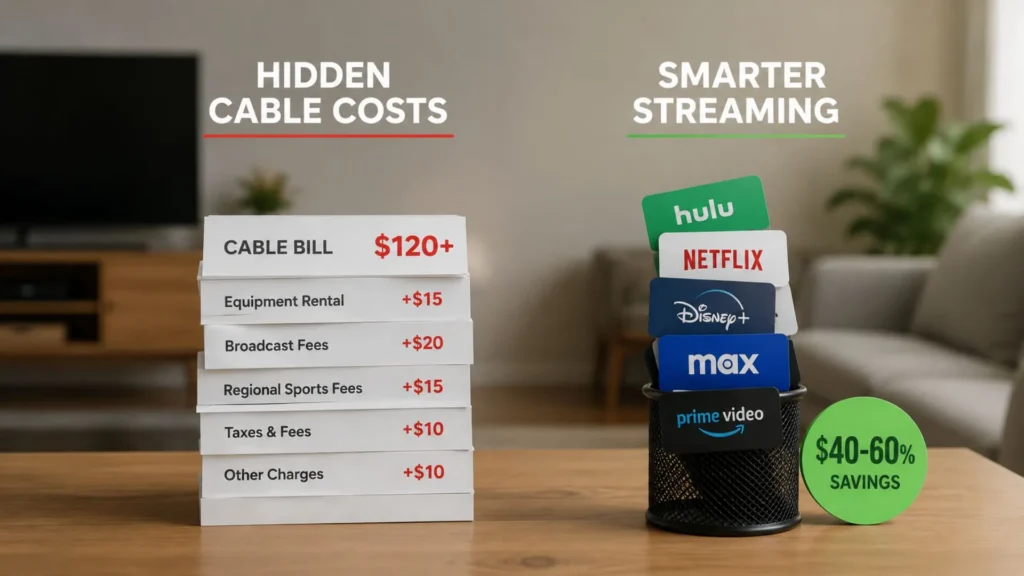
Then there’s the fact that you’re paying for hundreds of channels you’ll never watch. Research shows the average household regularly watches fewer than 20 channels, yet cable forces you to buy bundles with 200+. That’s money down the drain every single month.
When you explore tips to save on cable and internet costs, the savings become crystal clear. Most people who switch to streaming cut their monthly entertainment budget by at least 40-60%, sometimes more depending on how strategic they are with their app choices.
The Subscription Fatigue Problem
Here’s the catch though: streaming can get expensive too if you’re not careful. Netflix, Hulu, Disney+, HBO Max, Peacock, Paramount+, Apple TV+… it adds up fast. The average American now subscribes to four streaming services, and collectively that’s creeping back toward cable pricing.
That’s why the best cord cutting options aren’t just about which apps to get, but about building a unified system that lets you manage everything in one place. You want to avoid the trap of paying for five services when you only actively use two or three each month.
Choosing Your Cord Cutting Setup
This is where most people get stuck. Should you use your smart TV’s built-in apps? Get a streaming stick? Invest in a dedicated Android TV box? Each option has trade-offs, and your choice will directly impact your daily viewing experience.
Smart TVs vs. Dedicated Android Streaming Boxes
Smart TVs seem convenient because they come with apps pre-loaded. But here’s the problem: they get slow. Most TV manufacturers aren’t in the software business, so after a year or two, those built-in apps start lagging, crashing, or simply stop getting updated. You’re stuck with outdated interfaces and limited app support.
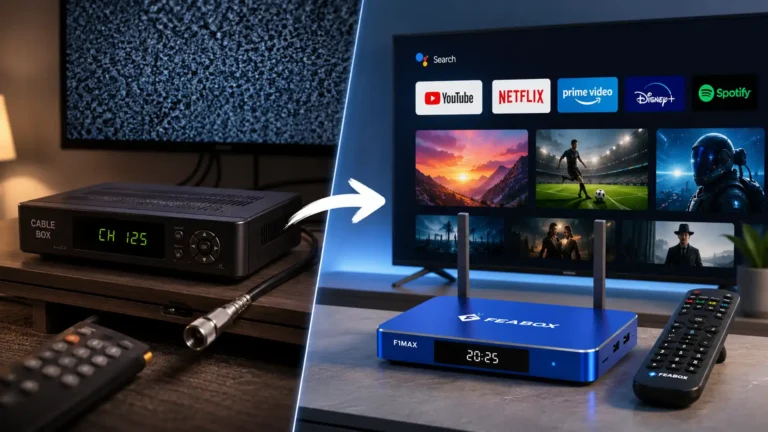
A dedicated Android streaming box, on the other hand, is built specifically to handle streaming. The hardware is optimized for it, the software updates regularly, and you’re not locked into whatever apps your TV manufacturer decided to include. You get full access to the Google Play Store and can customize your setup however you want.
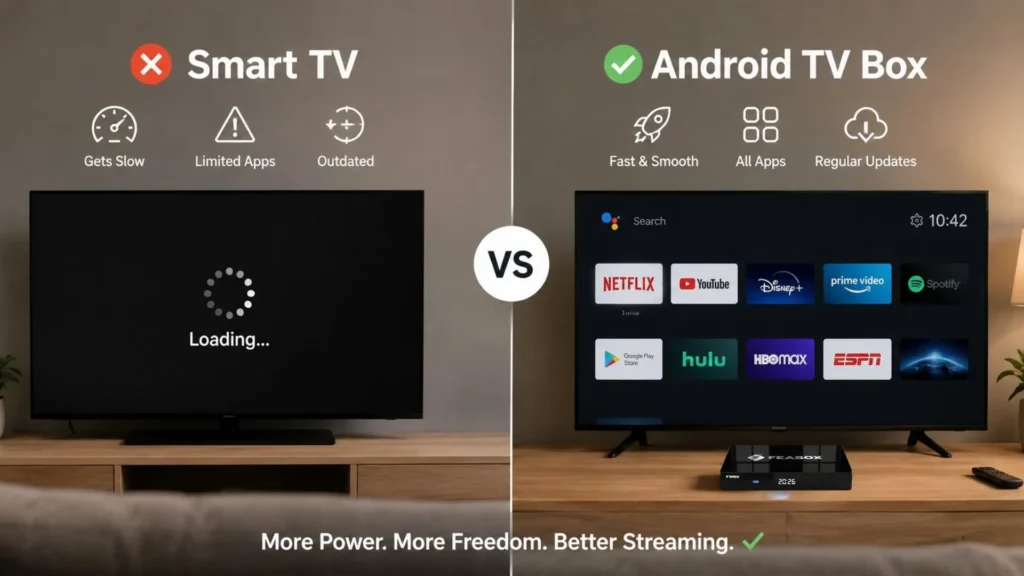
This matters especially if you’re looking for international content. Many smart TVs have regional restrictions that make it hard to access certain apps or channels. An Android box gives you way more flexibility to install the apps you actually need, whether that’s something mainstream or a niche app for content from your home country.
Why Hardware Reliability Matters for International Content
If you’re watching content from multiple countries or using apps that stream in different formats, you need hardware that can handle it without buffering or freezing. Cheap streaming sticks might work fine for Netflix, but throw in live international channels or high-bitrate streams and they start stuttering.
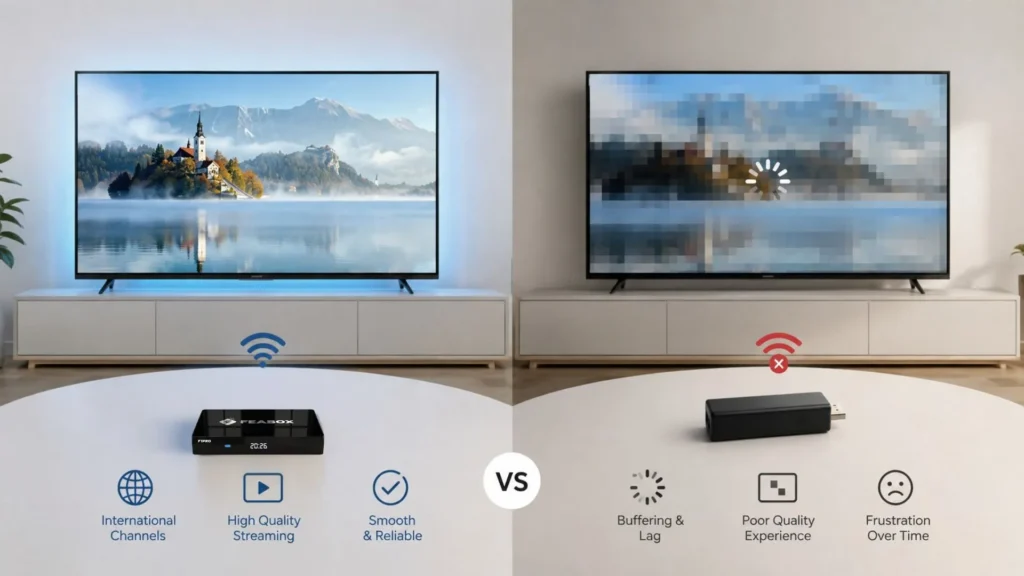
This is one of those areas where cutting corners upfront costs you later in frustration. Reddit threads are full of people complaining about laggy devices that worked great for six months and then became unusable. When evaluating cord cutting options, think long-term.
Essential Features to Look for in a Streaming Box
Not all Android boxes are created equal. Here’s what actually matters:
- Processing power: You want something with a decent processor that won’t lag when switching between apps or loading content.
- User-friendly interface: If your parents or kids can’t figure it out, it’s not worth it.
- App support: Make sure it runs the apps you plan to use, especially if you need international or niche streaming services.
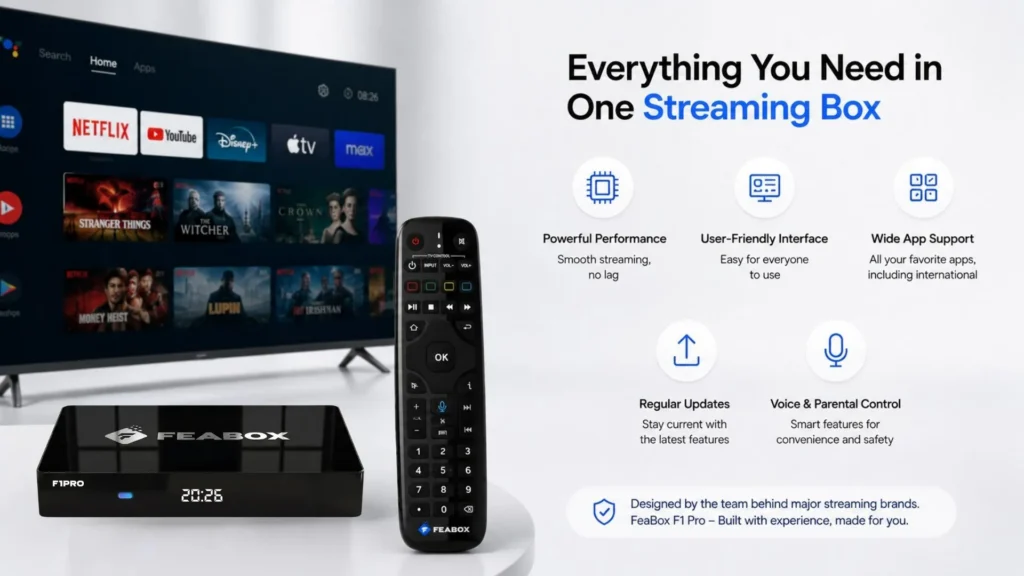
- Regular updates: Software support matters. You want a device that’ll stay current, not one that gets abandoned by the manufacturer.
- Voice control and parental features: These might seem like extras, but they make daily use way easier.
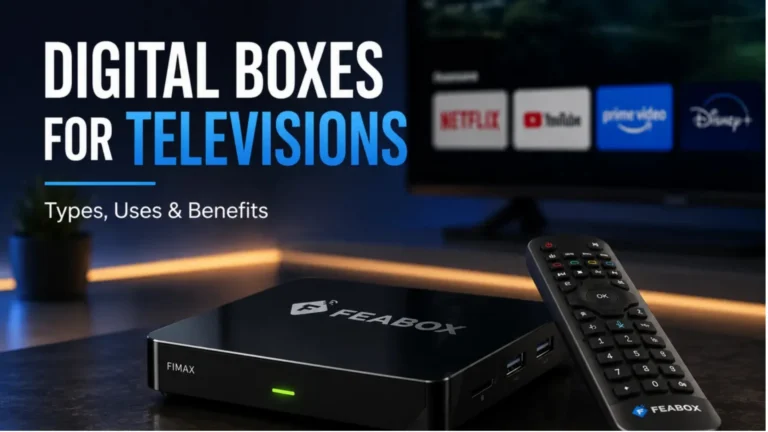
Devices like the FeaBox F1 Pro hit all these marks. Even though FeaBox just launched in 2026, the team behind it has years of experience building and scaling major streaming brands, so you’re getting a product designed by people who actually understand what users need day-to-day.
The Best Ways to Access Content
Once you’ve got your hardware sorted, the next step is figuring out where your content will actually come from. The beauty of modern cord cutting options is that you’re not locked into a single provider. You mix and match to create the perfect setup for your household.
Over the Air TV and Local Channels
A lot of people forget that you can still get free local channels with a simple antenna. ABC, NBC, CBS, FOX, PBS… they all broadcast over the air in HD, completely free. An antenna costs maybe $30 and gives you live local news, sports, and network shows without any monthly fee.
Some streaming boxes and apps also integrate local channels, so you can access them without needing to switch inputs on your TV. This is huge for convenience, especially during news events or live sports.
The Role of Android TV Boxes in Organizing Your Apps
The real power of an Android TV box is that it becomes your central hub. Instead of juggling multiple remotes or switching between different devices, everything runs through one interface. Your free apps, your paid subscriptions, your local channels if you connect an antenna… it all lives in one place.
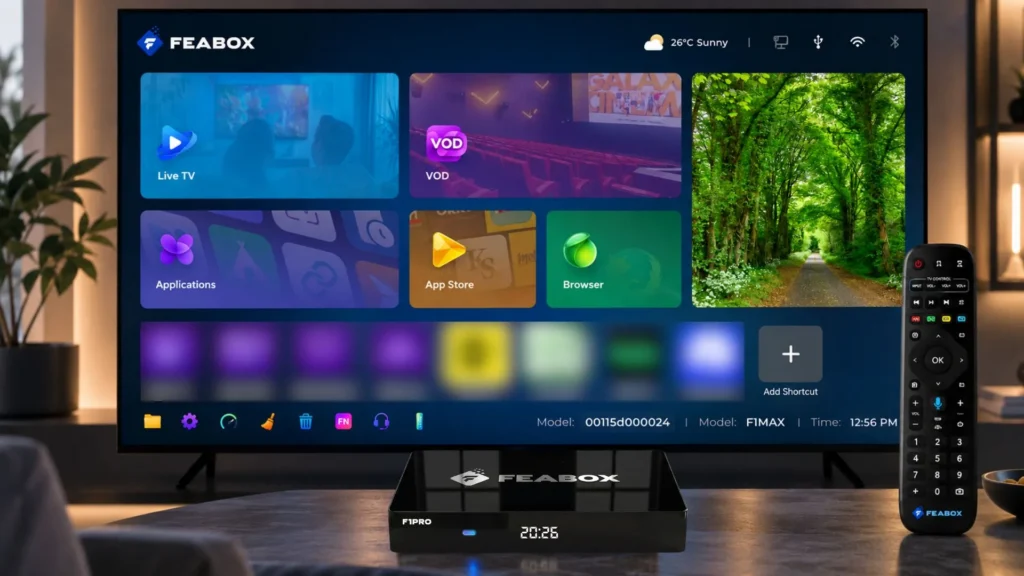
This is where FeaBox shines. The interface is intuitive, the setup takes minutes, and once you install your apps, you’re good to go. You can switch from a paid streaming service to a free app to live channels without ever feeling like you’re fighting with technology.
When people ask about the best way to cut cable, the answer isn’t just about apps. It’s about creating a seamless experience where you’re not constantly reminded that you’re piecing together different services.
Managing International Channels and Global Streaming
If you or your family watch content from other countries, this is where Android boxes really pull ahead. You can install apps for international channels, access region-specific streaming services, and customize everything to fit your needs.
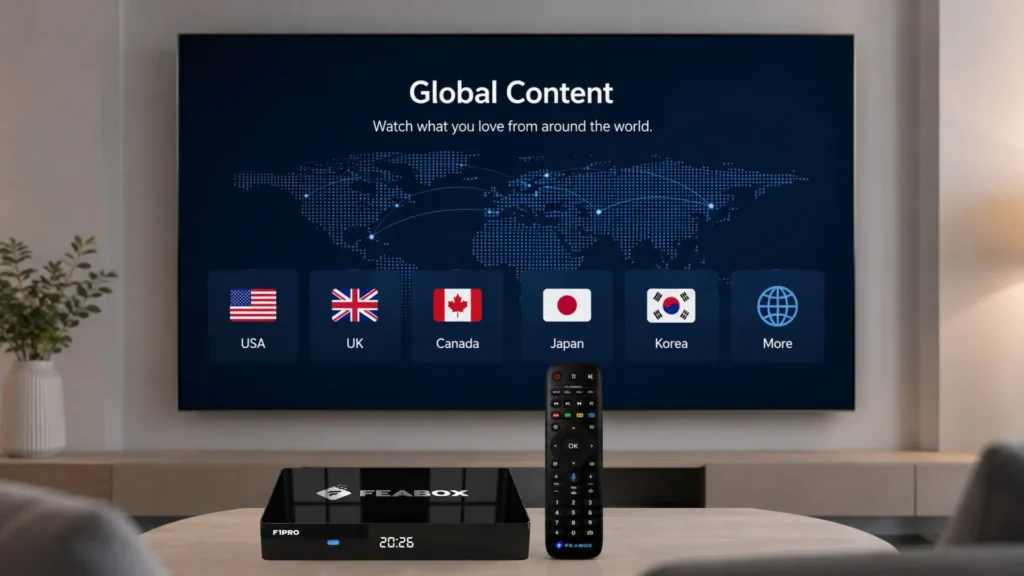
Cable providers charge premium prices for international packages, if they even offer the channels you want. With an Android box, you choose exactly which apps and services to use, often paying way less or finding free options that cable never offered.
Step by Step: How to Transition from Cable
Making the switch doesn’t have to be complicated. Break it down into simple steps and you’ll be up and running in no time.
Assessing Your Current Viewing Habits
Before you cancel anything, spend a week tracking what you actually watch. Which channels do you use regularly? What shows or sports can’t you live without? This helps you figure out which streaming apps you’ll actually need.
Most people discover they only watch a handful of channels regularly. Once you know what matters, you can find streaming equivalents that cost a fraction of your cable bill.
Setting Up Your Unified Streaming Hub
Grab your Android TV box, plug it into your TV via HDMI, connect it to your wifi, and you’re basically done with the hardware side. The FeaBox streaming box makes this process super straightforward, with clear setup instructions that anyone can follow.
Next, download the apps you need. Start with the free ones and test them out. Then add any paid subscriptions one at a time. Don’t feel like you need to sign up for everything on day one. Many people find they only need two or three paid apps to cover everything they used to watch on cable.
Optimizing Your Internet for Better Streaming
Streaming eats bandwidth, especially if multiple people are watching at the same time. Most households need at least 50 Mbps for smooth streaming on a couple of devices, but 100-150 Mbps is better if you’ve got a busy household or want to stream in 4K.
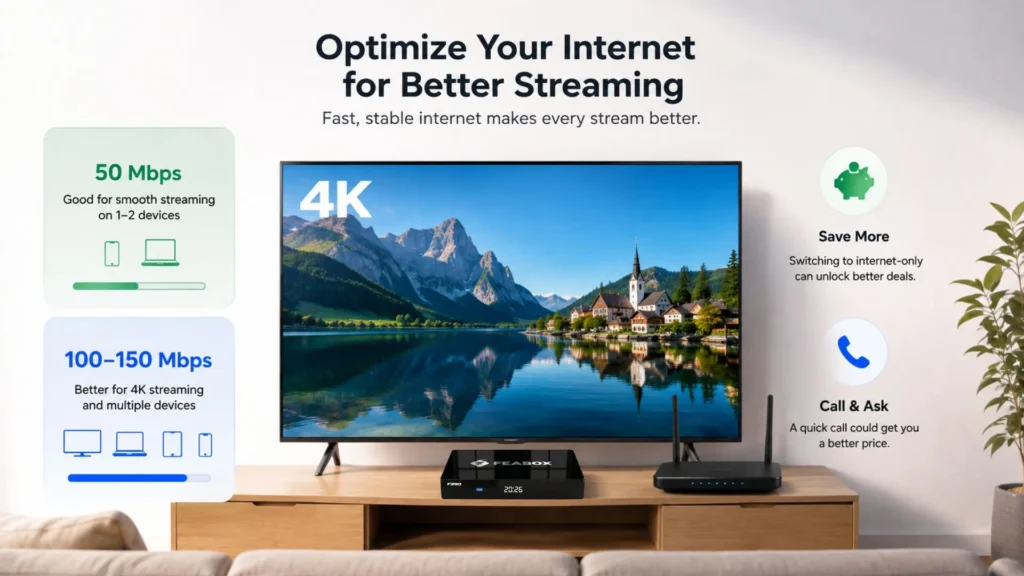
If you’re cutting cable, you might be able to negotiate a better internet-only deal with your provider. Definitely call and ask. Mentioning that you’re considering other providers often magically unlocks discounts they didn’t mention before.
Avoiding Common Pitfalls
The biggest mistakes people make when exploring cord cutting options are usually avoidable with a little planning.
The Trap of Too Many Subscriptions
It’s easy to sign up for a bunch of services and forget about them. Before you know it, you’re paying $80/month for streaming apps you barely use. Set a reminder every three months to review your subscriptions and cancel anything you’re not actively watching.
Rotate services if you need to. Watch everything you want on one platform, cancel it, and move to another. You don’t have to stay subscribed year-round to everything.
Ensuring Your Hardware Stays Updated
Manufacturers often abandon cheap streaming hardware, leaving you with outdated software and security vulnerabilities. When you invest in a quality Android box from a team with experience, like FeaBox, you’re getting something that’ll receive updates and stay functional for years.
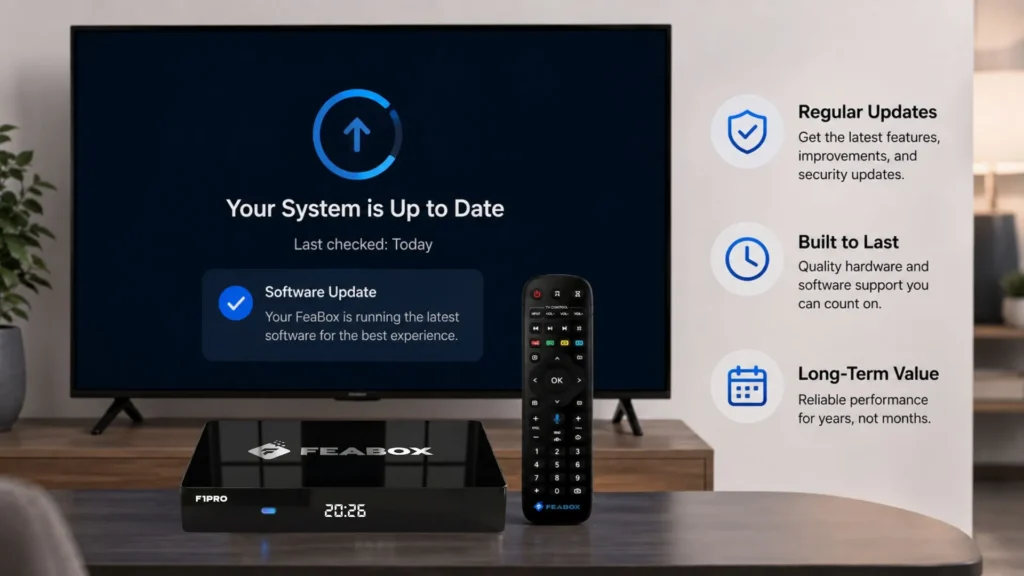
This isn’t just about features; it’s about reliability. You don’t want to replace your streaming box every 18 months because it stopped working well.
Conclusion: Taking Control of Your Entertainment
The cord cutting options available in 2026 give you more control, flexibility, and value than cable ever could. You break free from overpriced bundles, you stop paying for channels you’ll never watch, and you can customize your setup to match exactly what your household needs.
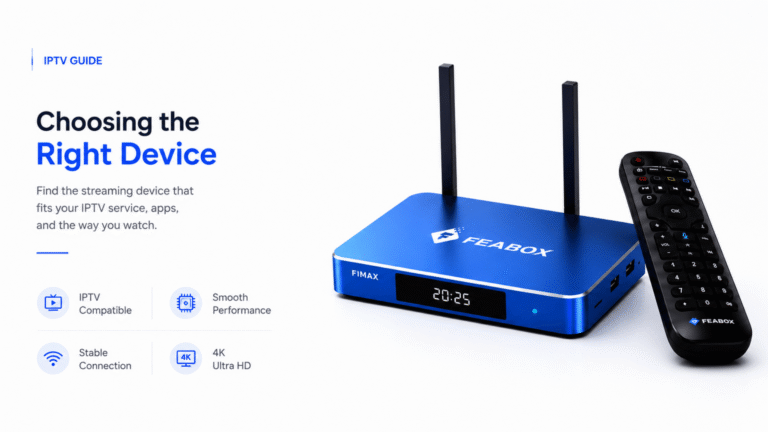
The key is starting with solid hardware. A reliable Android TV box like the FeaBox F1 Pro or F1 Max acts as the foundation for everything else. It organizes your apps, handles international content effortlessly, and gives you a user experience that’s actually enjoyable instead of frustrating.
If you’re tired of cable bills and ready to take control of your entertainment, now’s the time. Check out the options at the FeaBox official website and see how easy it is to build a streaming setup that works for you.
Frequently Asked Questions
It absolutely can be, but it depends on how you manage your subscriptions. If you sign up for six streaming services, you might end up spending as much as cable. The trick is to use a consolidated streaming box to organize your apps and only pay for what you actually watch. Most people save 40-60% compared to cable when they’re strategic about it.
You need three things: a reliable high-speed internet connection (at least 25 Mbps, ideally 50+), a device to stream on (like a smart TV or dedicated Android TV box), and a selection of streaming apps that match your viewing habits. An Android TV box gives you the most flexibility and the best long-term experience.
Yes, definitely. Many local channels are available for free with an over-the-air antenna, and lots of streaming apps also offer local news and sports. Some live streaming services include local channels as part of their packages, and they integrate smoothly into Android streaming boxes.
The initial setup takes a little time to organize, but once your Android box is set up with your preferred apps, most users find it much easier and more intuitive than traditional cable guides. You’re in control of what you see, and there’s no clunky cable box interface to deal with.
Look for a device that offers consistent performance, a user-friendly interface, and support for the apps you use most, especially those that offer international content. Devices backed by experienced teams, like FeaBox, tend to offer better long-term reliability and support than generic brands.
Android TV boxes are your best bet for international content because they give you full access to the Google Play Store and let you install apps from anywhere in the world. Unlike smart TVs with regional restrictions, a good Android box lets you customize your setup to include exactly the international channels and streaming services you need.
Absolutely. That’s the whole point of using a dedicated streaming box. You install all your apps in one place and switch between them seamlessly. It’s way more convenient than juggling multiple devices or trying to use your smart TV’s limited built-in apps.
It depends on your smart TV’s age and performance. Newer smart TVs can handle basic streaming, but they tend to slow down over time and don’t get updated as regularly as dedicated streaming hardware. If you want the best performance, most flexibility, and access to international content, an Android TV box is a solid upgrade.
For standard HD streaming on one or two devices, 50 Mbps is usually enough. If you want 4K, have multiple people streaming at once, or use bandwidth-heavy apps, aim for 100-150 Mbps. Check with your internet provider to make sure you’ve got enough speed for your household.
Yes, tons. There are free apps that offer movies, shows, live channels, and even sports. An Android TV box gives you access to all of them through the Google Play Store, so you can mix free and paid options however you like.
Ready to explore your cord cutting options and start saving? Visit the FeaBox store today and discover how easy it is to ditch cable without sacrificing the content you love. Whether you choose the F1 Pro or the F1 Max, you’re getting a device built by a team that knows streaming inside and out. Make the switch and take control of your entertainment.