

Trying to figure out how to watch CBS for free on smart TV without signing up for another subscription or getting trapped into a pricey cable plan? You’re not alone. CBS airs some of the most popular shows and major sporting events in the country, but the “free” part is trickier than you’d expect. The good news: there’s one method in this guide that gives you 100% free, no-subscription access to live CBS broadcasts, including local news and sports, no workarounds needed. This guide walks you through that option along with the other free and low-cost ways to get the most CBS content without paying a monthly bill.
Understanding the Catch: What Is Actually Free on CBS?
Let’s clear up the confusion. When you hear “watch CBS for free,” the reality depends on whether you’re talking about live TV, on-demand episodes, or news clips. According to CBS’s official structure, the classic broadcast network everyone knows from Sunday sports and primetime dramas is different from the streaming offerings you’ll find on your smart TV app store.
The official CBS app does let you stream recent episodes of current shows for free. That sounds great until you realize “recent” usually means the last four or five episodes. Want to binge an entire season of your favorite drama? Not happening without a TV provider login or a paid Paramount+ subscription. The free tier is more of a catch-up tool than a full streaming library, and the platform encourages users to upgrade for the full experience.
Method 1: Using the Official CBS App for Recent Episodes
If your main goal is staying current with shows like FBI, The Equalizer, or Young Sheldon reruns, downloading the CBS app directly to your smart TV is the easiest starting point. You don’t need a credit card, and the CBS app works on most major smart TV platforms like Samsung, LG, Roku, and Fire TV, and it’s also available on Android streaming boxes like the FeaBox F1 Pro and FeaBox F1 Max.
Once installed, you can browse a rotating selection of recent episodes from prime-time hits. The interface is straightforward, ads are frequent but tolerable, and you won’t hit a paywall as long as you stick to the free tier. The catch is that live programming, including your local CBS affiliate’s news and live sports broadcasts, requires logging in with a cable or streaming TV provider. Without that, you can only watch on-demand clips and the most recent handful of episodes.
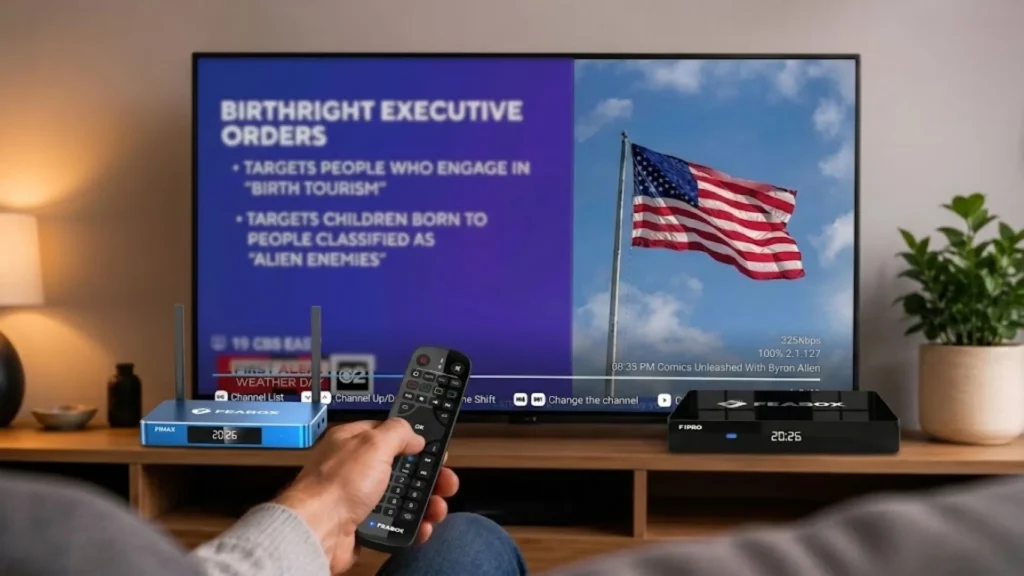
This is helpful if you missed last week’s episode and want to catch up before the next one airs. It’s not a full replacement for live TV, and it certainly won’t help you stream the year’s biggest football game or the college basketball postseason. Still, for casual viewers who don’t mind being a few days behind, it’s a solid free option.
Method 2: Catching Free Local News via CBS News 24/7 and Pluto TV
Here’s where things get more interesting. If you’re mainly looking for news and don’t care as much about scripted shows, CBS News 24/7 is a completely free live stream available through the CBS News app. It offers round-the-clock national and international news coverage without requiring any login or subscription. You can download it on most smart TVs, and it’s a great option if you want to how to watch news without cable or stay updated on breaking stories.
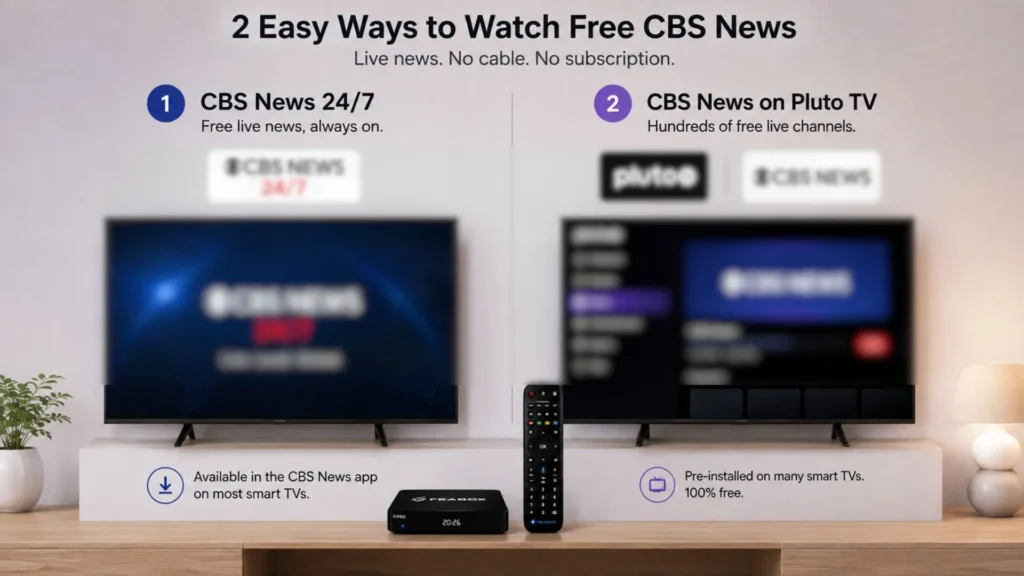
Paramount, the parent company of CBS, owns Pluto TV, which also offers a CBS News channel among its hundreds of free ad-supported streams. Pluto TV doesn’t require a subscription either, and many smart TV brands include it by default. The downside? You can’t choose what airs when, it’s linear TV with a schedule, but the trade-off for zero cost is worth it for a lot of cord-cutters who just want something reliable on in the background.
Alternative Ways to Get CBS Live on a Smart TV Without Cable
Watching live CBS broadcasts, including your local station, gets a bit more complicated. The official apps and free streaming platforms only take you so far. You’ll need to either use hardware or explore trial periods on paid services.
Option A: Using a Digital Antenna for Broadcast Signals
This is the most reliable way to watch CBS for free on smart TV if you’re within range of a broadcast tower. CBS is a major network that airs over the air, meaning you can pick it up with a simple indoor or outdoor antenna. Modern antennas are cheap, often under thirty dollars, and they deliver full HD picture quality without any monthly fees.
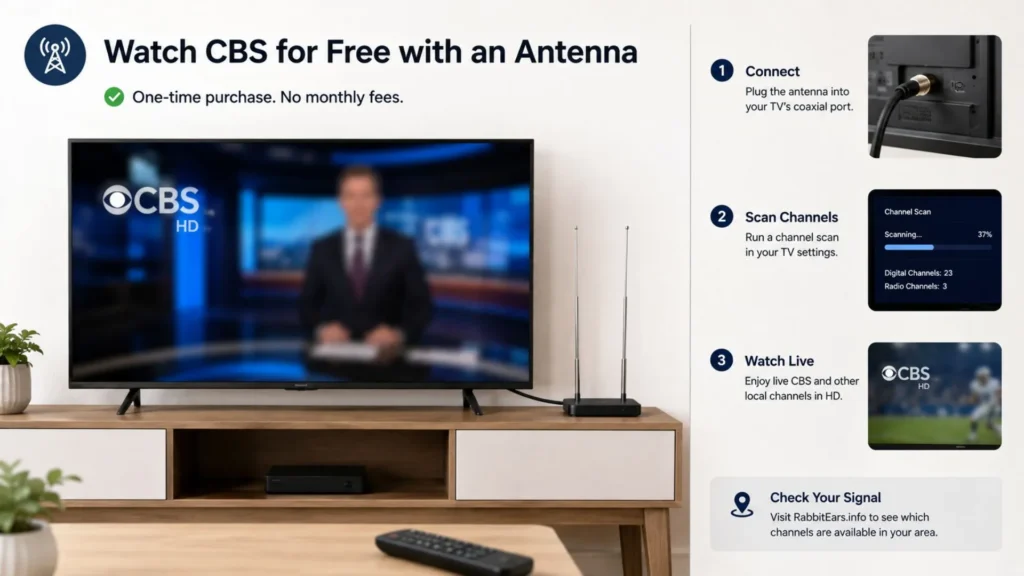
The setup is straightforward. Plug the antenna into your TV’s coaxial port, run a channel scan, and you should see your local CBS affiliate appear in the results. From there, you can watch live programming, including news, sports, and prime-time shows, with no internet connection required. It’s a one-time purchase that pays for itself immediately compared to cable bills or streaming packages.
The downside is placement and signal strength. If you live far from a tower or in a basement apartment with thick walls, you might struggle to get a stable signal. Tools like RabbitEars.info can help you check which stations are available in your area before you buy.
Option B: Exploring Free Trials and Low-Cost Skinny Bundles
If you need live CBS but don’t want to mess with antennas, services like YouTube TV, Hulu + Live TV, and Fubo offer free trials that include your local CBS station. These trials usually last a week, and they’re a quick way to catch a big game or watch a season premiere without committing to a monthly bill. Just make sure to cancel before the trial ends, or the service will charge you.
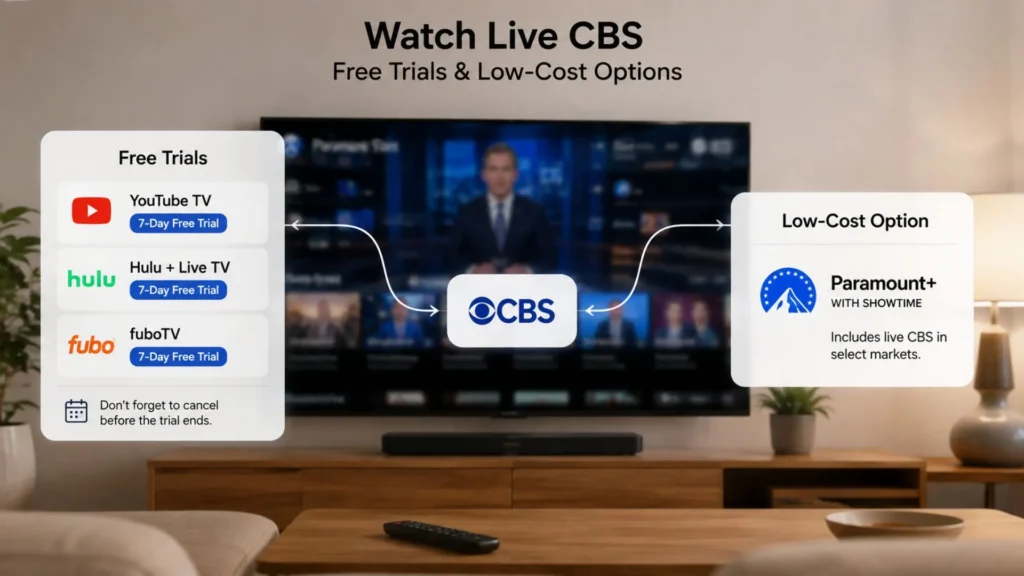
Once you’ve used all the free trials, you’ll have to choose between paid options and cheaper bundles. Paramount+ with Showtime includes live CBS streaming in select markets, but that’s still a subscription. Some users consider it part of the broader conversation around alternatives to xfinity internet, especially if they’re trying to cut multiple services at once and consolidate into one or two platforms they actually use.
Why Open Ecosystems Make Free Streaming Easier
The beauty of an open Android platform is flexibility. You’re not locked into a manufacturer’s pre-approved app list. Want to install the CBS app, Pluto TV, local news apps, and niche international streaming services all in one place? Done. Want to add free apps that aggregate content from multiple sources? You can do that too.
FeaBox launched in 2026, but it’s built by a team with years of hands-on experience developing and scaling major streaming TV box brands. That background means they understand what cord-cutters actually need, rock-solid performance, intuitive navigation, and the freedom to customize your setup without restrictions. You’re not buying from a brand-new startup that might disappear next year, you’re getting a product backed by people who’ve been in the trenches.
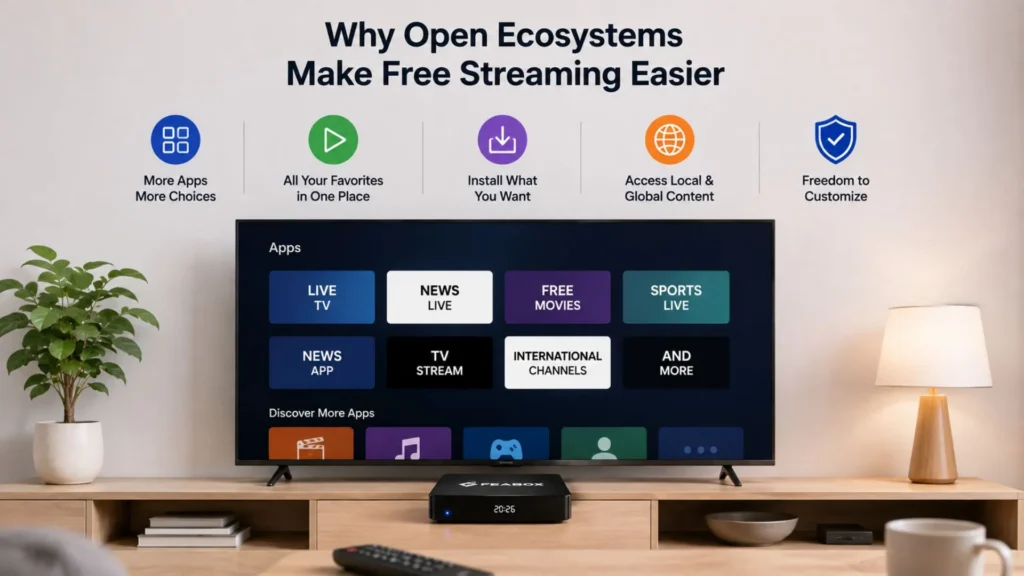
Android boxes also let you run apps that aren’t always available on every smart TV platform. Some local news stations publish their own free streaming apps that aren’t always featured on every smart TV’s default store, and having access to the full Play Store means you won’t miss out. This is especially helpful when you’re trying to figure out how to watch CBS for free on smart TV without relying solely on official network apps.
How to Combine Free Apps for Maximum Entertainment
Here’s where the strategy gets fun for cord-cutters looking to optimize their smart TV. Instead of paying for one giant bundle filled with channels you never watch, you can seamlessly piece together different dedicated apps to cover all your viewing bases. This targeted approach ensures you get exactly the content you want without the unnecessary monthly bloat.
The FeaBox F1 Pro makes managing this custom multi-app setup effortless. It supports voice commands for quick cross-app searching, along with built-in features like Time Shift and Parental Controls to manage family viewing. You are getting a polished, high-performance entertainment system rather than just a basic app player.
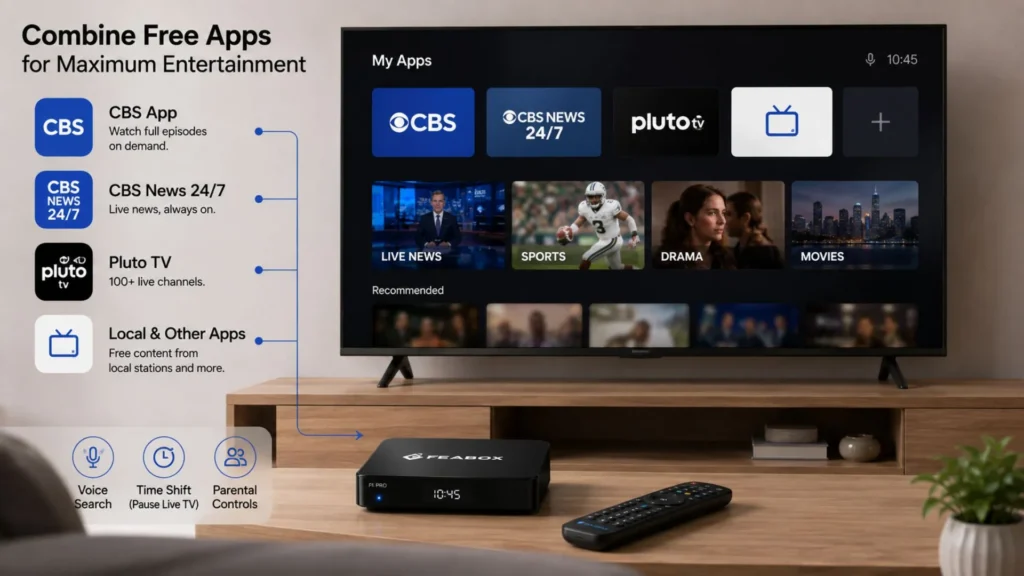
A dedicated streaming box also dramatically improves your daily viewing performance. It offloads processing power from aging Smart TV operating systems, keeping your interface snappy and preventing unexpected app crashes. Because FeaBox devices run on an open ecosystem, they receive consistent updates and immediately support new applications as they launch.
Why FeaBox Makes Sense for Cord-Cutters Who Want More Control
At this point, you’ve probably realized that figuring out how to watch cbs for free on smart tv requires more than just downloading one app. It’s about building a system that works for your habits, whether that’s catching up on shows a few days late, streaming live news, or pulling in over-the-air broadcasts with an antenna.
FeaBox fits into that system as the hub that ties everything together. It’s not trying to replace your antenna or force you into a subscription, it’s giving you the tools to use free and paid apps on your terms. The fact that it’s backed by a team with deep industry experience means you’re getting a reliable product from day one, not a half-baked box that’ll break after six months.
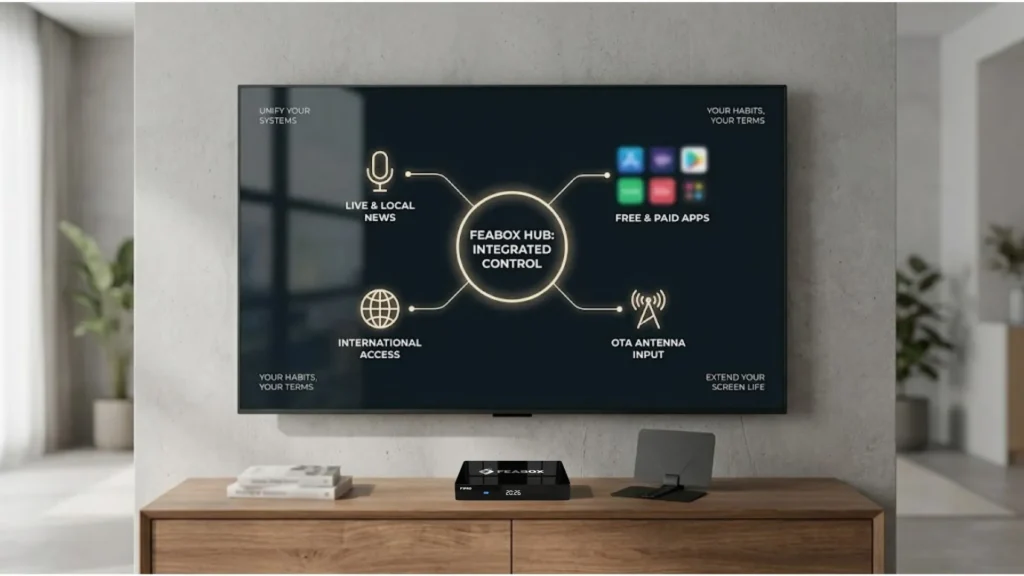
The value is especially clear when you compare it to buying a new smart TV every few years just to get better software. A streaming box like FeaBox costs a fraction of a new TV, performs better than most built-in systems, and keeps your current screen relevant for years longer. Plus, if you’re someone who streams international content or wants access to apps that aren’t available in every region, the open Android platform is a game-changer.
Final Thoughts on Watching CBS Without Cable
Getting CBS content without paying for cable or a streaming bundle is completely possible, but it takes a mix of strategies. Use the CBS app for on-demand episodes, add CBS News 24/7 for live news, and consider an antenna if live broadcasts are important to you. For the most flexible and future-proof setup, an Android streaming box like FeaBox brings everything together in one easy-to-navigate interface.
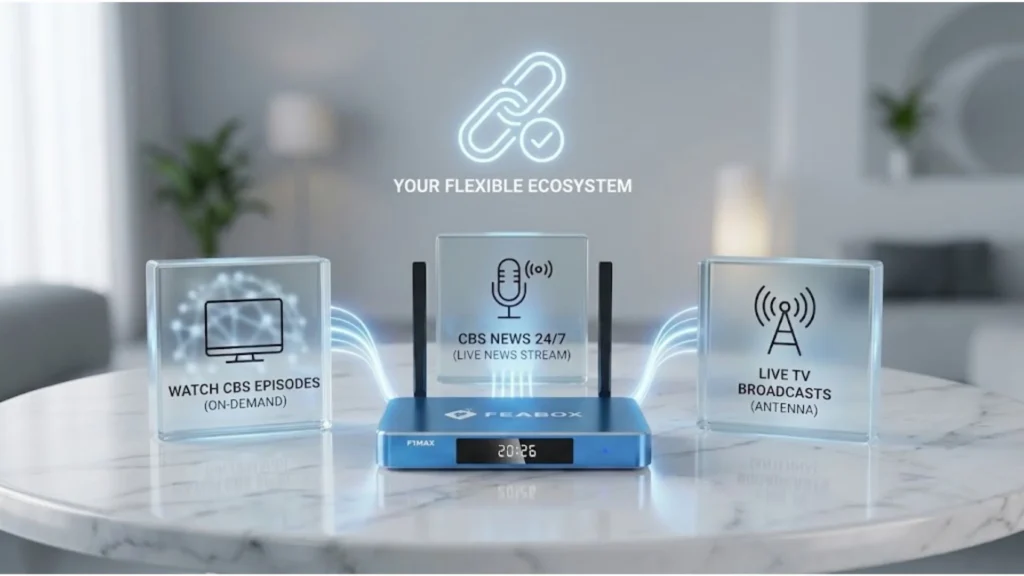
The cord-cutting landscape keeps evolving, and the tools available today are miles better than they were just a few years ago. Whether you’re trying to save money, simplify your entertainment setup, or just get away from bloated cable packages, there’s a path forward that doesn’t involve sacrificing the content you care about.
Ready to build a smarter, more flexible streaming setup? Check out the latest FeaBox models and see how easy it is to cut the cord without missing out on your favorite CBS shows and live events.
Frequently Asked Questions
Yes, you can stream specific live content without an antenna. Apps like CBS News 24/7 or Pluto TV offer free, round the clock national news streams. For the most streamlined setup, using a centralized hub like FeaBox allows you to organize and access these free applications instantly on your television.
Yes, generally you do. For standard streaming methods, accessing full seasons or live broadcasts requires a paid subscription or cable login. However, if you use FeaBox on your Smart TV, you do not need to register or maintain any subscription to streamline and access your favorite content.
To watch live over-the-air broadcasts like local news and major sporting events for free, pairing your streaming box with a digital antenna is the best approach. FeaBox makes this setup incredibly simple by giving you a high-performance interface to switch between your digital streaming apps and local broadcast tools. For sports highlights and analysis, you can also download apps like CBS Sports HQ directly to your device.

[…] channels. If you’re wondering how to keep watching CBS after canceling Comcast, our guide on how to watch cbs for free on smart tv walks you through the best free and affordable viewing […]